

What are connected accounts?
Connected accounts let you sign in to Treasury using an account you already have — Google or Apple — instead of (or alongside) a passkey. It’s fast, secure, and means one less thing to manage. You’ll find them under Settings → Account → Sign-in Methods, listed next to any passkeys you’ve added.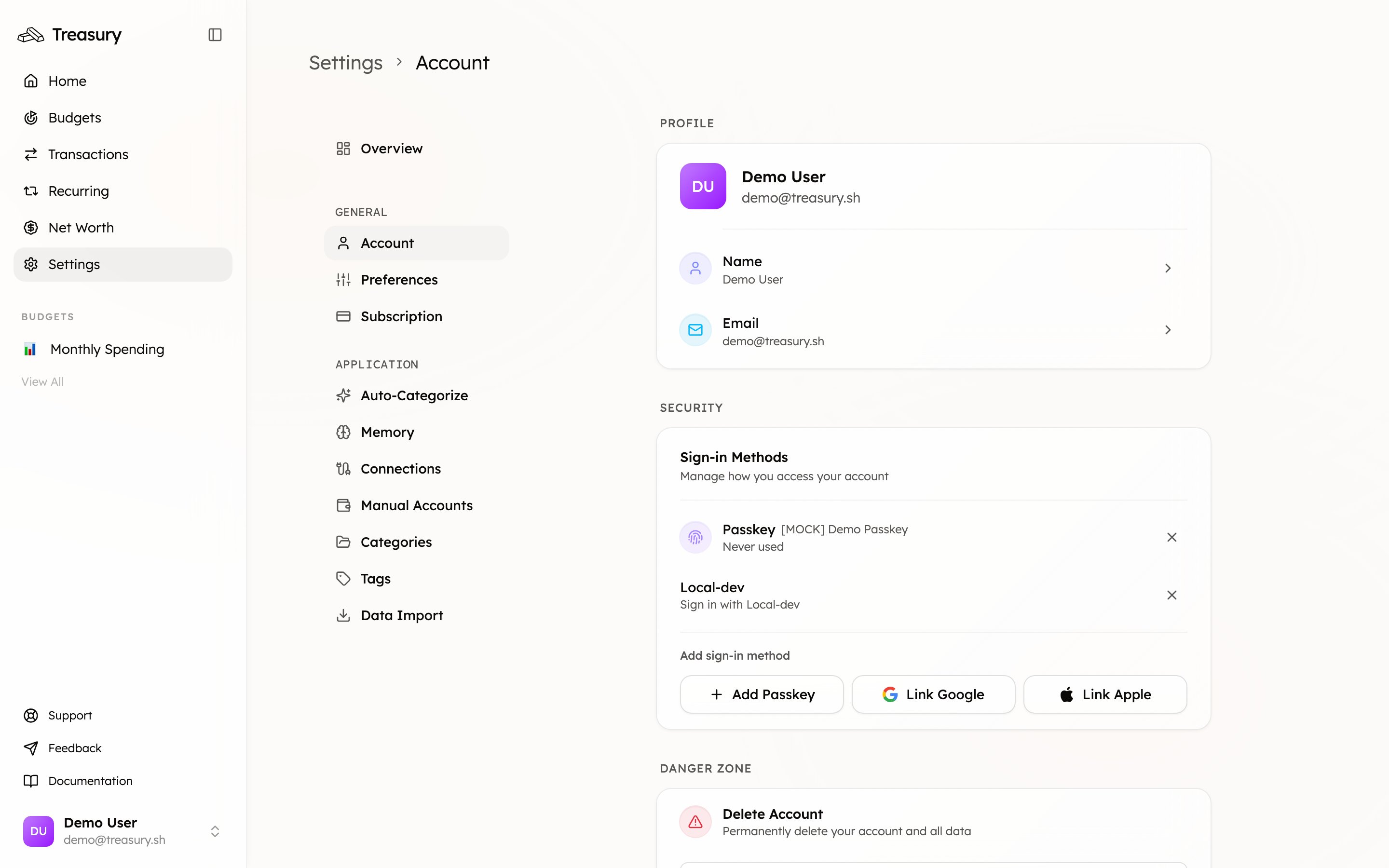
Connect a provider
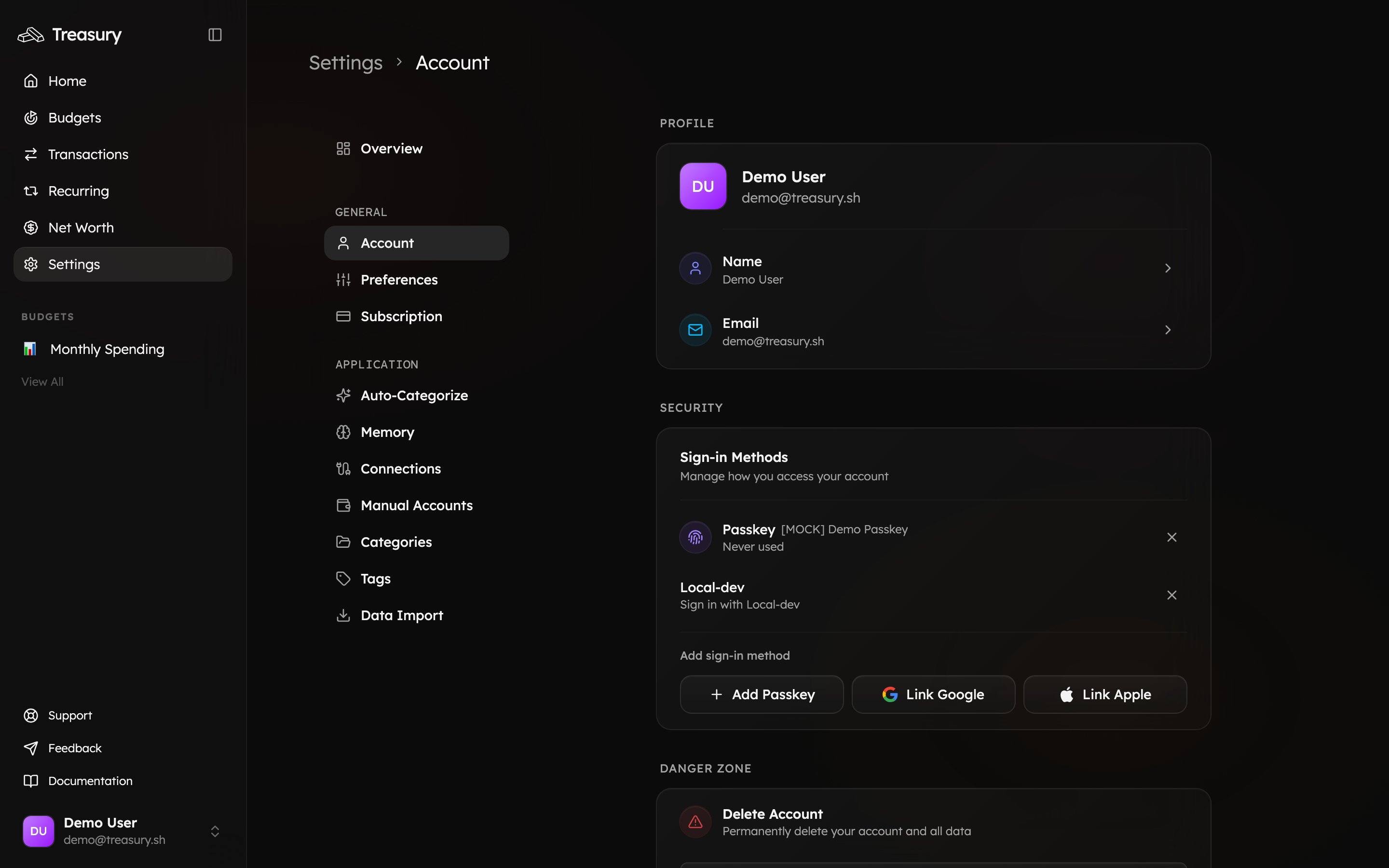
- Go to Settings → Account and find Sign-in Methods.
- Click Link Google or Link Apple.
- Follow the provider’s prompts to authorize the connection.
Remove a provider
Click the × next to a connected account to disconnect it. You’ll no longer be able to sign in with that provider.Connecting Google or Apple here is only used to sign in to Treasury. It’s separate from Connections, which link your bank and card accounts for transaction syncing.
Related
Authentication
The full picture of how you sign in.
Account Security
Why keeping multiple methods matters.