

Delete your account
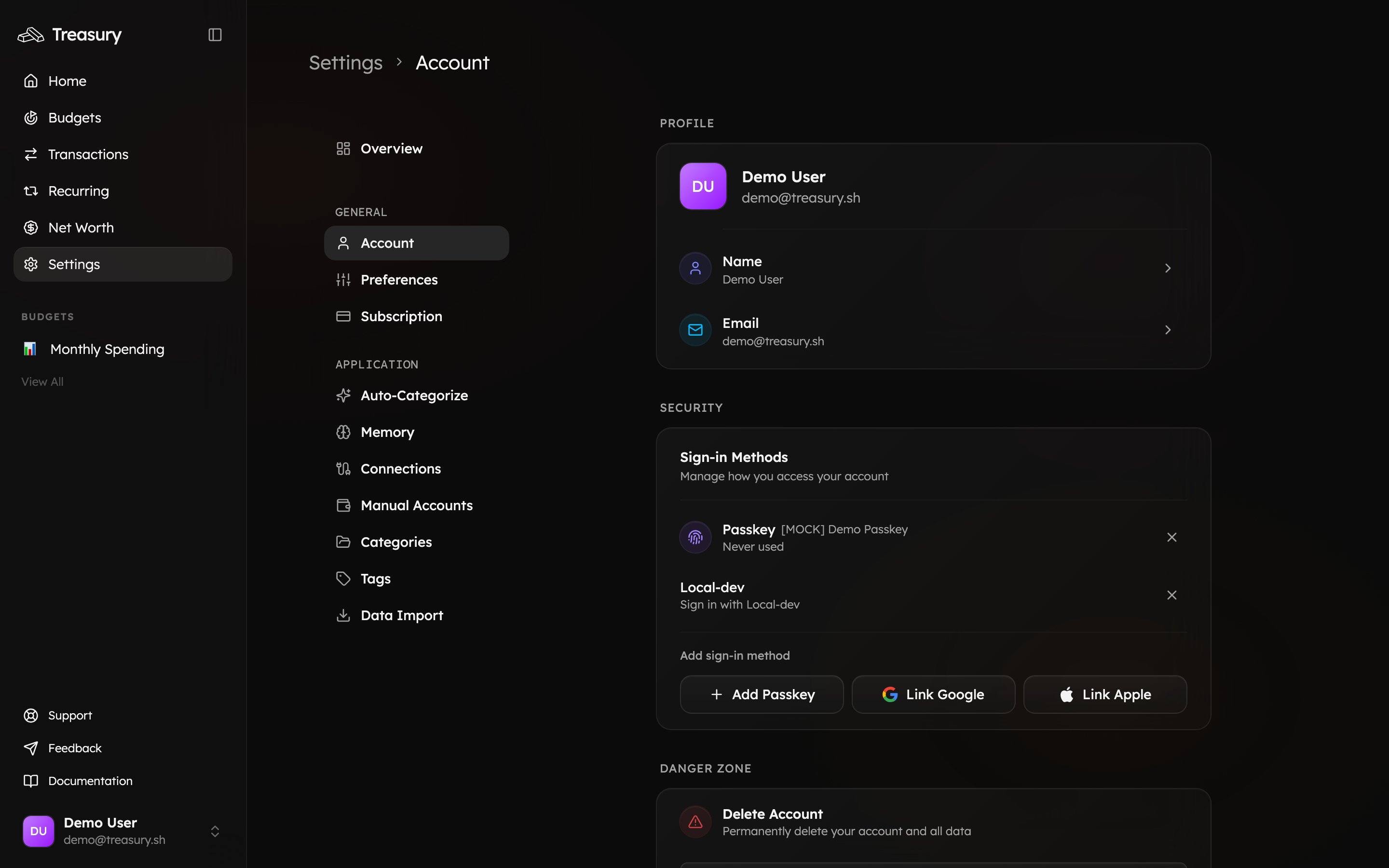
If you decide Treasury isn’t for you, you can permanently delete your account at any time. Go to Settings → Account and scroll to the Danger Zone at the bottom of the page.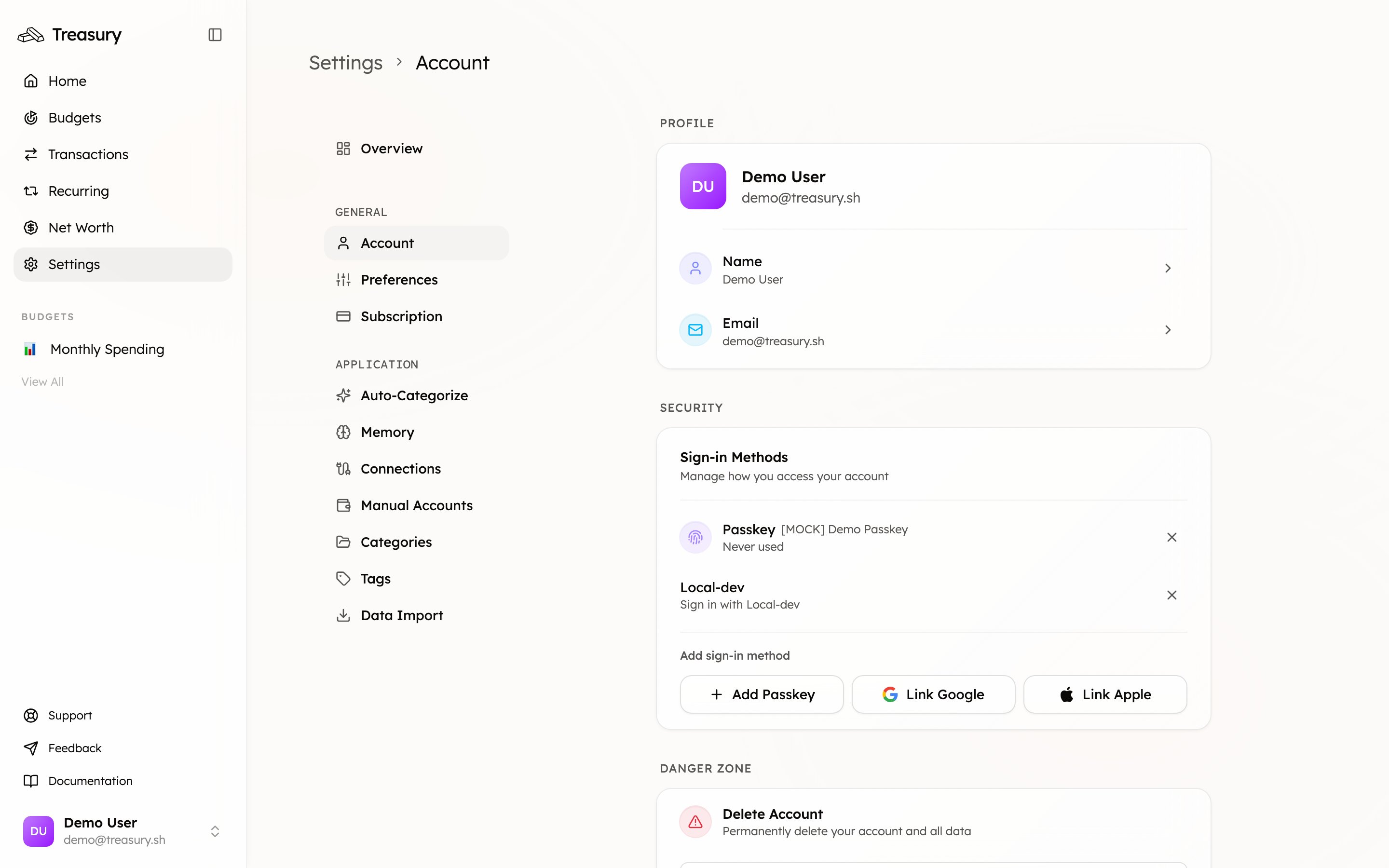
What gets deleted
Deleting your account permanently removes all of your data from Treasury, including:- Your profile and sign-in methods
- All connected and manual accounts
- Every transaction, category, tag, and budget
- Your recurring transactions and net-worth history
- Your AI conversations and memory
Deleting your Treasury account removes Treasury’s copy of your data. It does not affect your actual bank accounts — it only disconnects them from Treasury.
Related
Billing
Prefer to just cancel? Manage your subscription instead.
Connections
Disconnecting a single bank vs. deleting everything.