

1. Let Treasury find your recurring payments
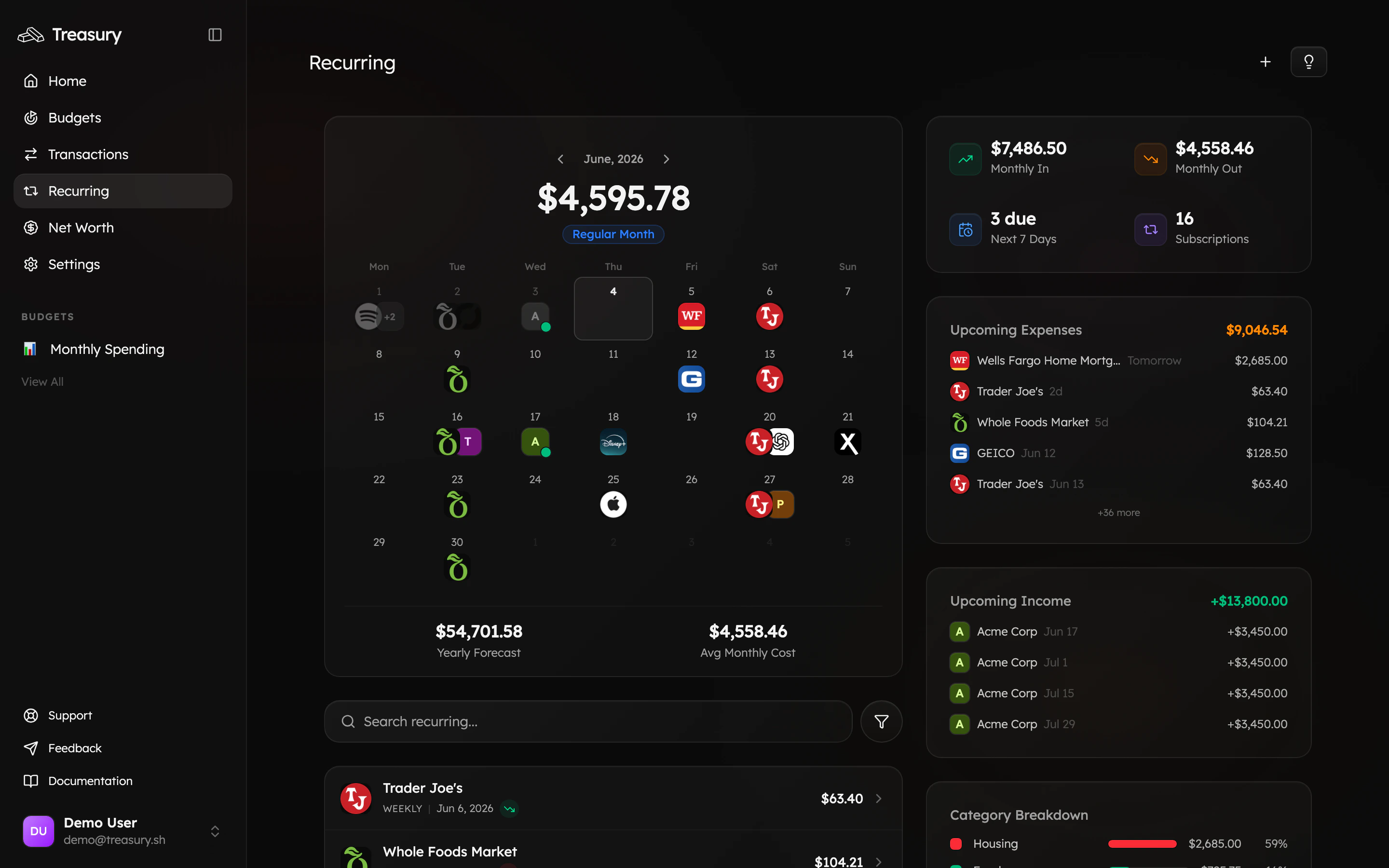
Connect your accounts in Connections and Treasury detects the patterns — rent, utilities, subscriptions, insurance, payroll — on its own. See them all on the Recurring page: a calendar of what’s coming, your monthly in and out, and what’s due next.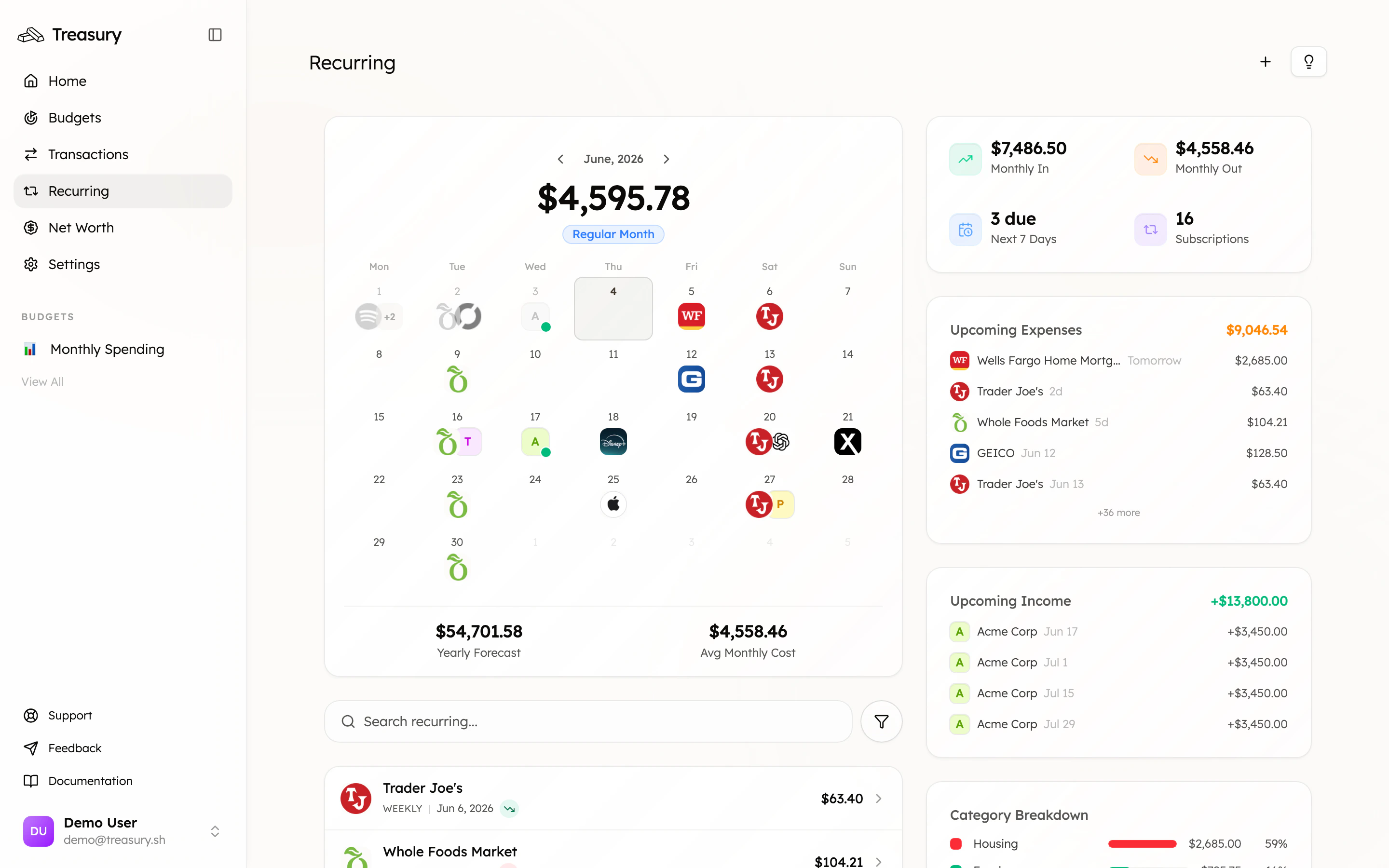
2. Confirm what’s real
New detections land in the review inbox. Confirm the genuine ones so they count toward your forecast, and dismiss anything that was a one-off mistaken for a subscription. A quick pass keeps your “upcoming” list accurate.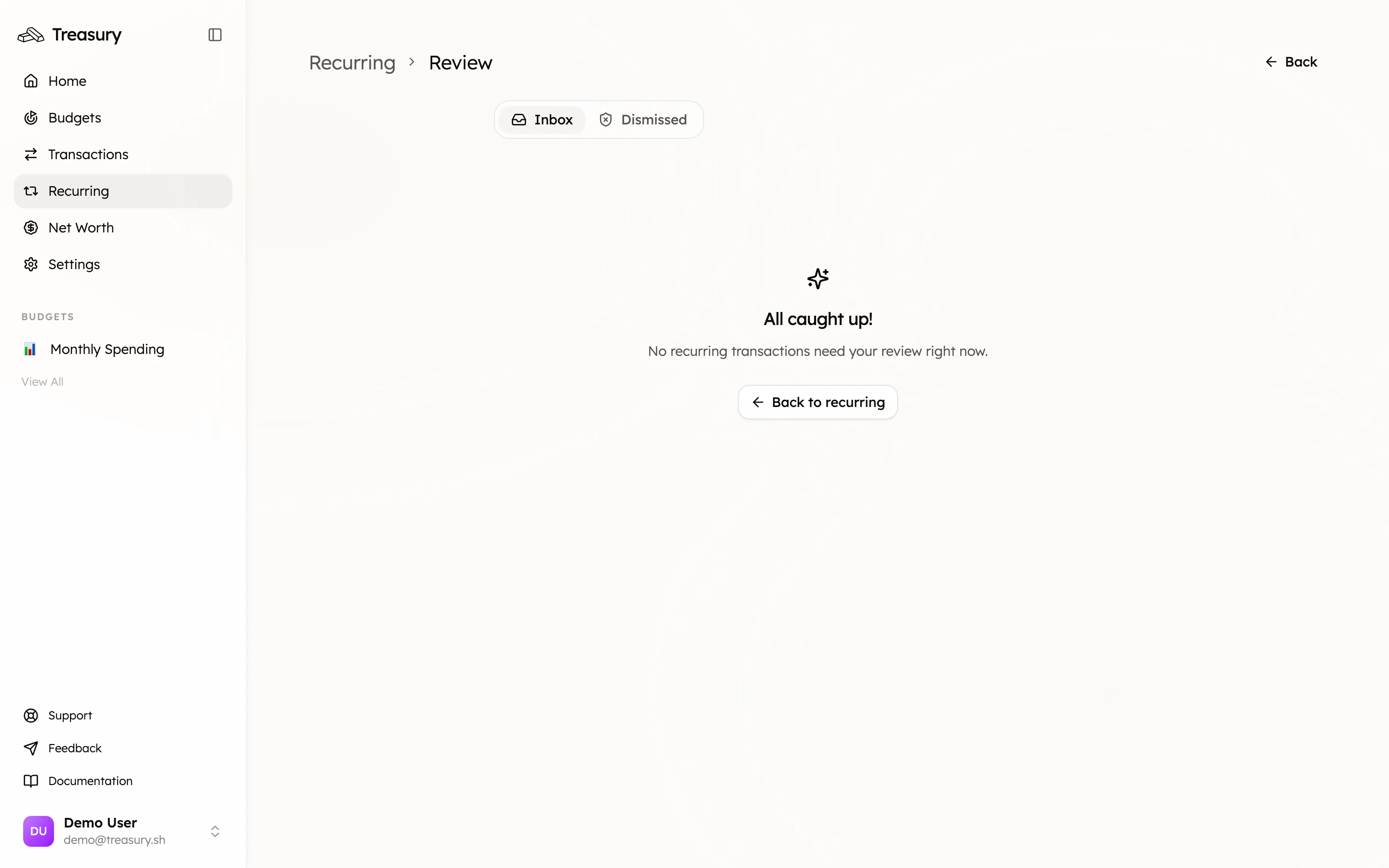
3. Read the month ahead
The Upcoming Expenses and Upcoming Income panels show exactly what’s hitting your accounts and when. Glance at it at the start of each week and you’ll always know what’s coming.4. Handle changes
- Paused for a while? (a seasonal membership) Pause or block it so it stays tracked without distorting your forecast.
- Amount changed? Edit the recurring transaction so the prediction stays accurate.
- Stopped for good? Once the charge stops appearing, Treasury drops it automatically.
What good looks like
A recurring calendar you trust, a weekly glance at what’s due, and zero surprise charges. Bills become something you see coming, not something that happens to you.Take it further
Recurring Transactions
Manage, edit, pause, and block recurring items.
Find & cancel subscriptions
Trim the recurring charges you don’t need.
Budgets
Budget around your fixed costs.
Ask Treasury AI
“What bills are due this week?”