

Concepts
Treasury helps you understand and organize your finances by connecting your accounts, tracking transactions, and visualizing where your money goes. This page introduces the key building blocks of Treasury and how they work together.Connections
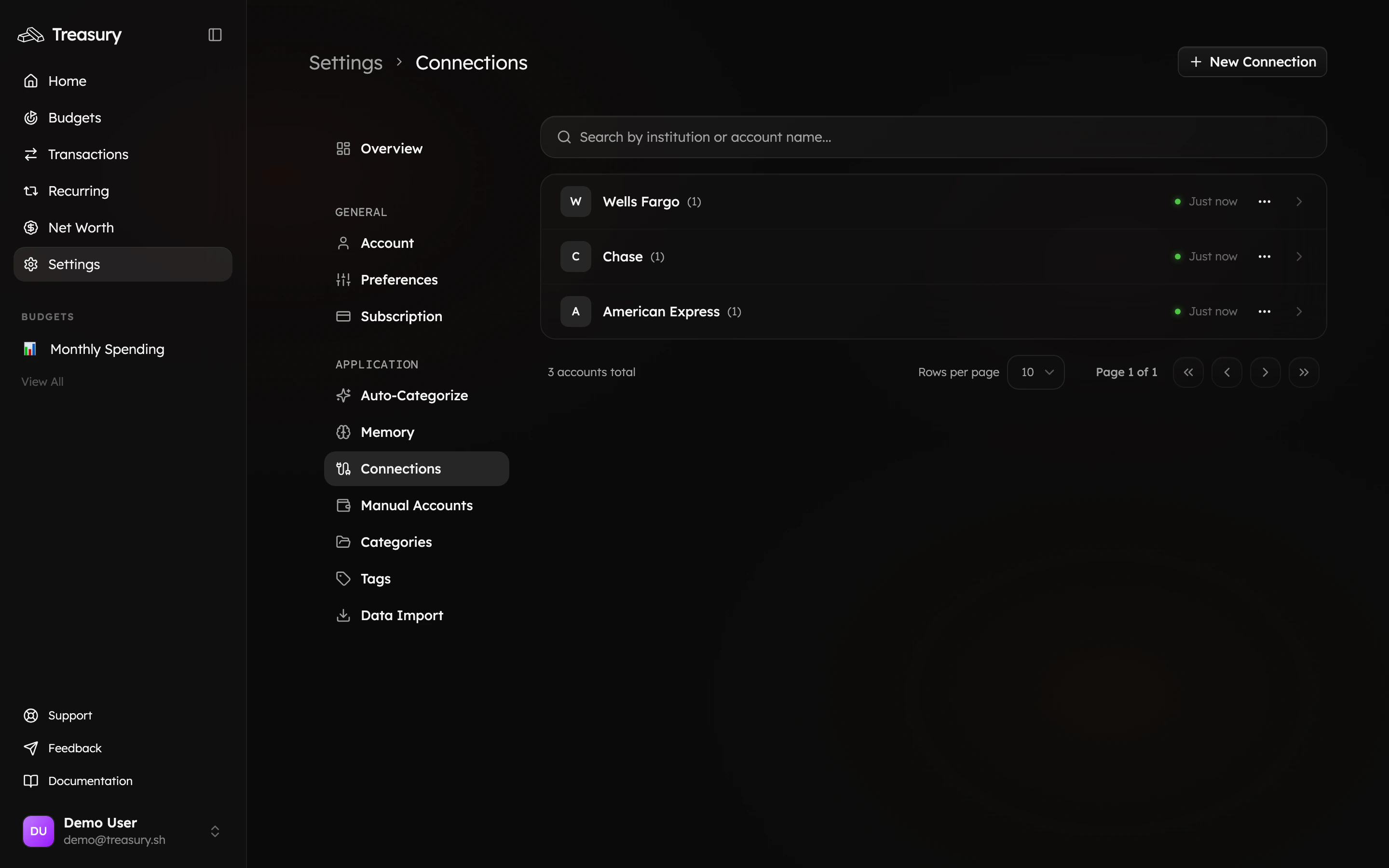
Connections link Treasury to your financial institutions through Plaid or other secure integrations. Once connected, Treasury automatically syncs your transactions — keeping your budgets, reports, and balances up to date in real time. You can also add Manual Accounts for assets or accounts that can’t be linked directly, such as cash, investment properties, or offline balances. Learn more in Connections and Manual Accounts.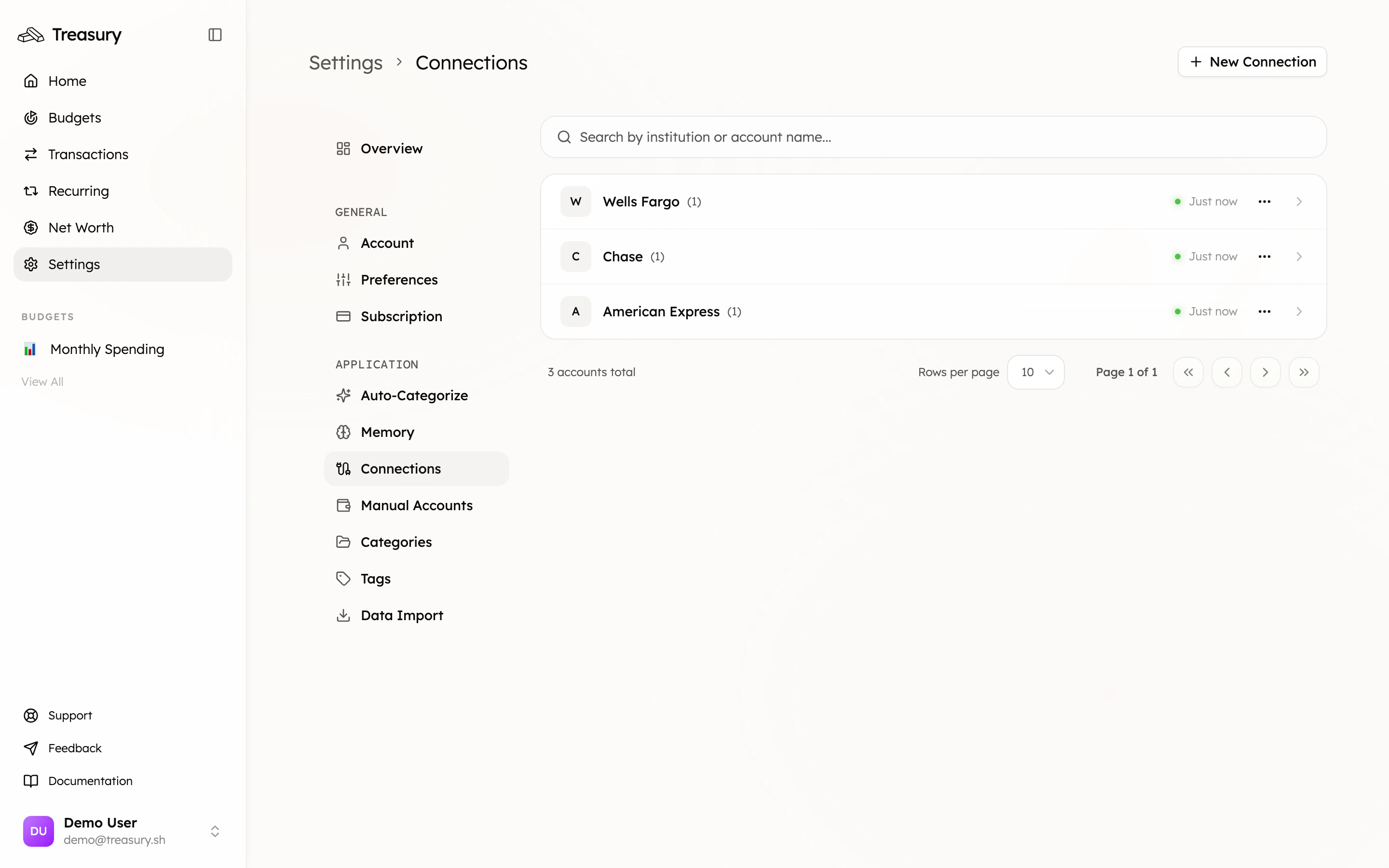
Categories
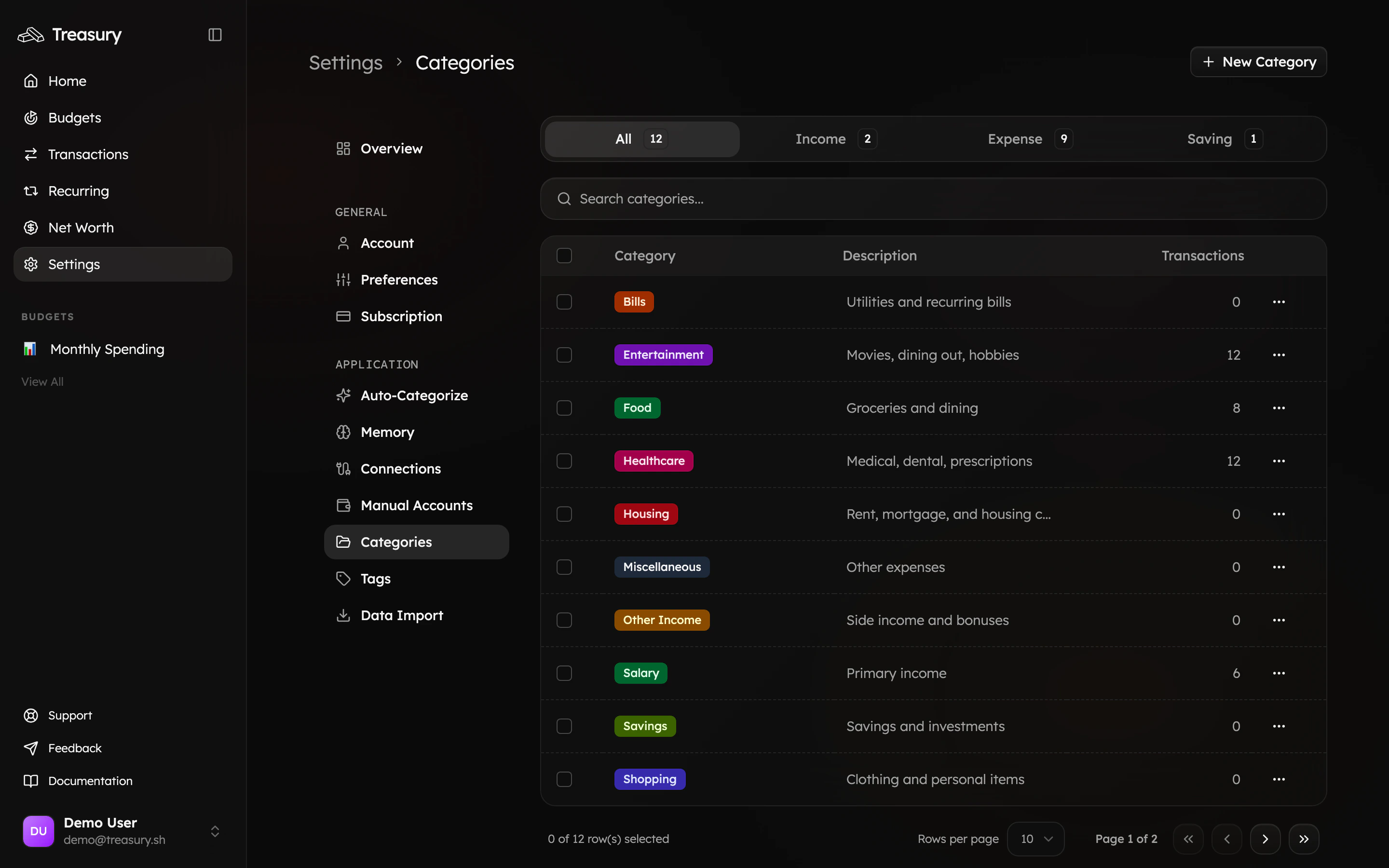
Categories are high-level groupings that organize your transactions for better reporting and budgeting. Examples include Food, Rent, Healthcare, or Salary. They’re the foundation of your budgets and spending summaries — helping you see where your money is going. Learn how to create and manage them in Categories.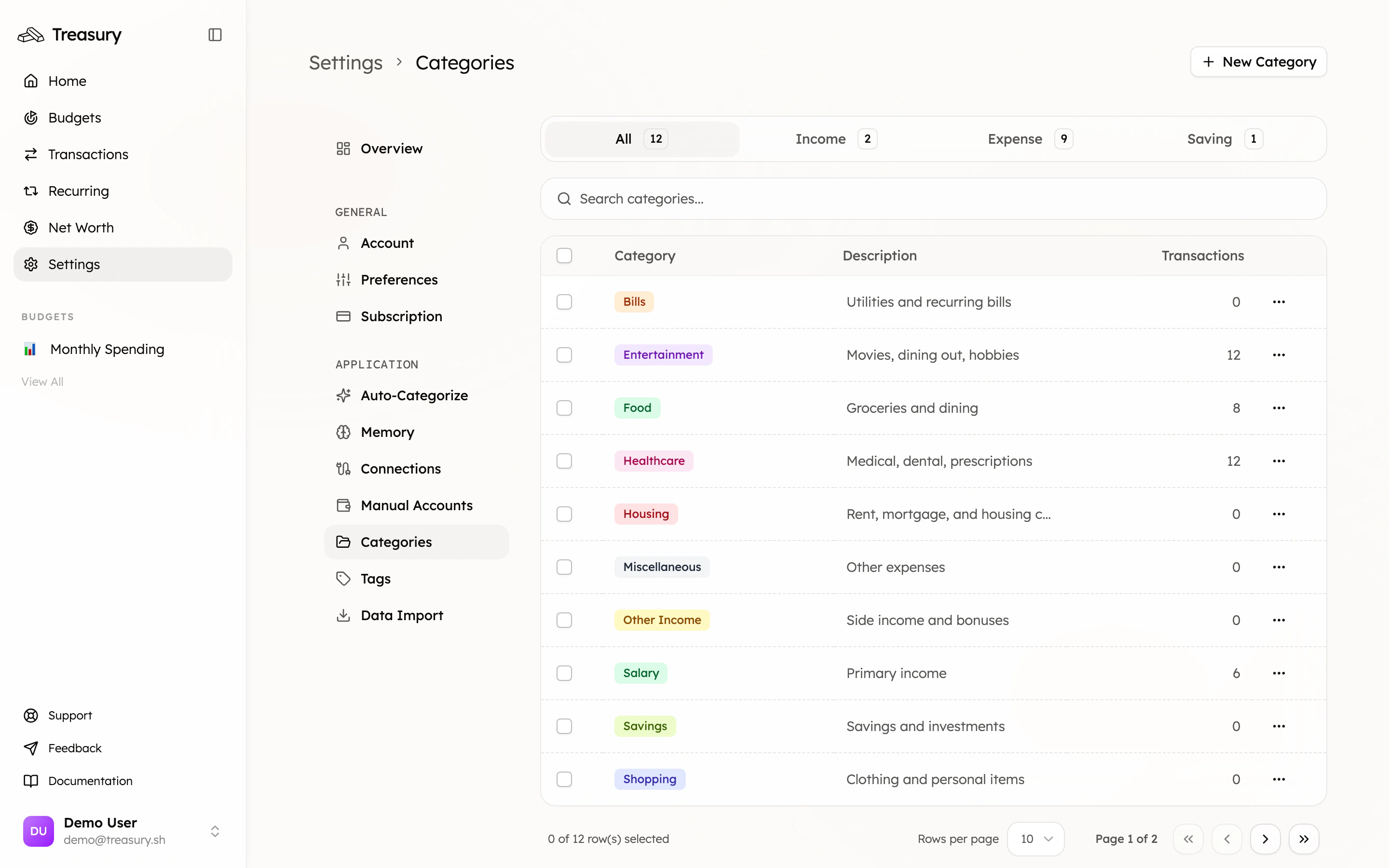
Tags
Tags are flexible labels that help you track spending across multiple categories or projects. Unlike categories (which represent types of spending), tags represent themes or contexts. For example:- Category: Food
- Tag: Trip to Japan
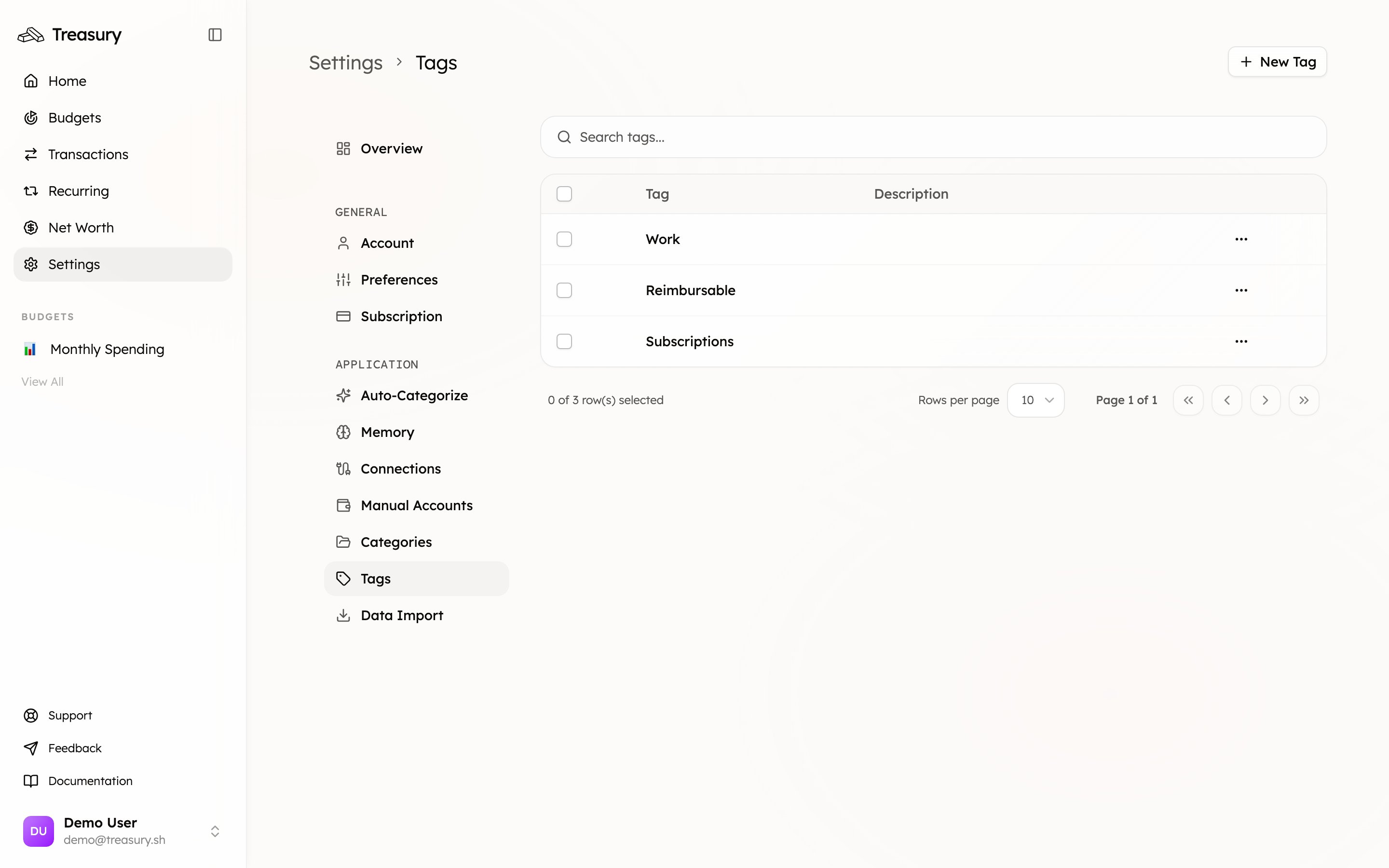
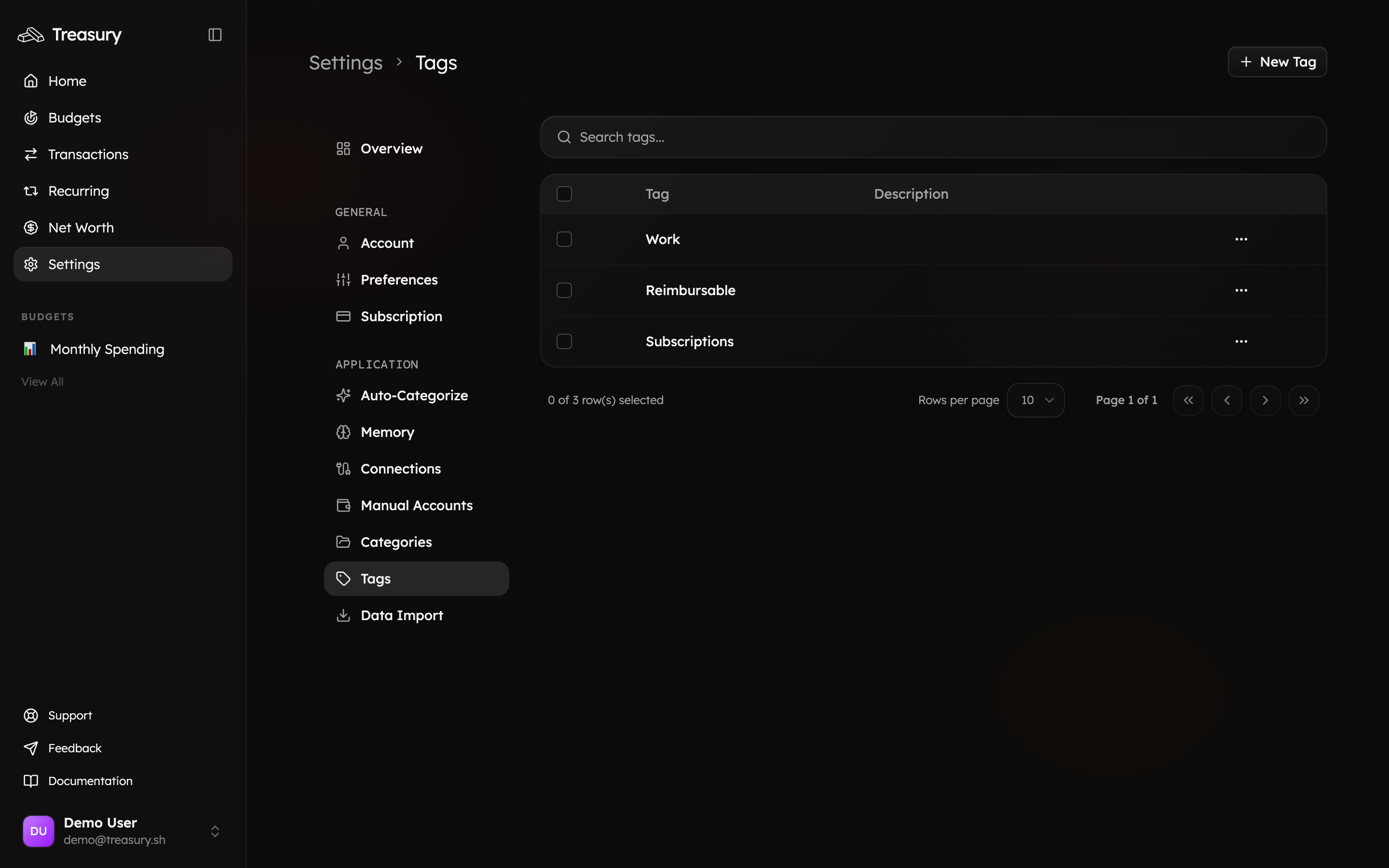
Tags vs. Categories — What’s the Difference?
Both tags and categories help organize your finances — but they serve different purposes:Budgets
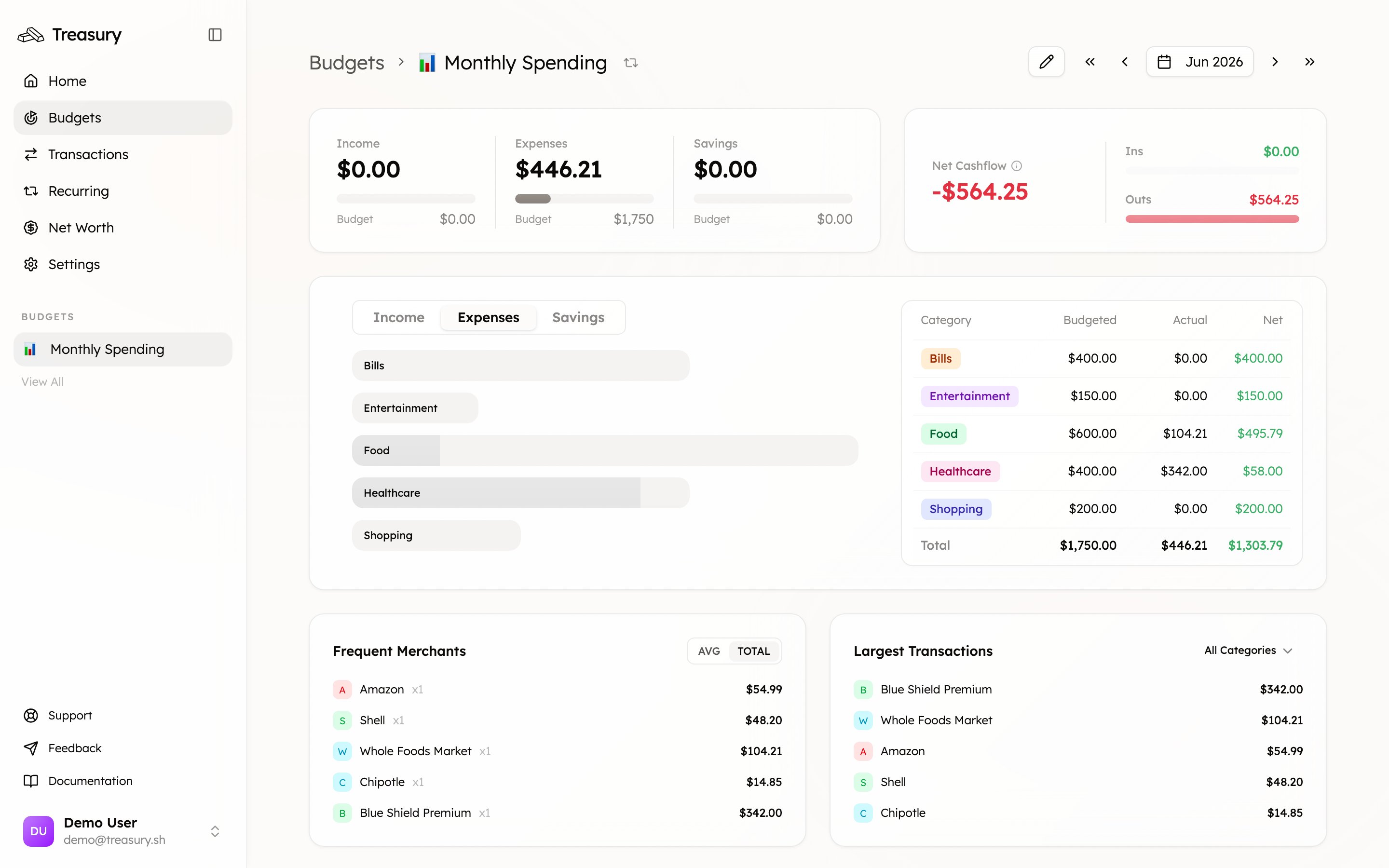
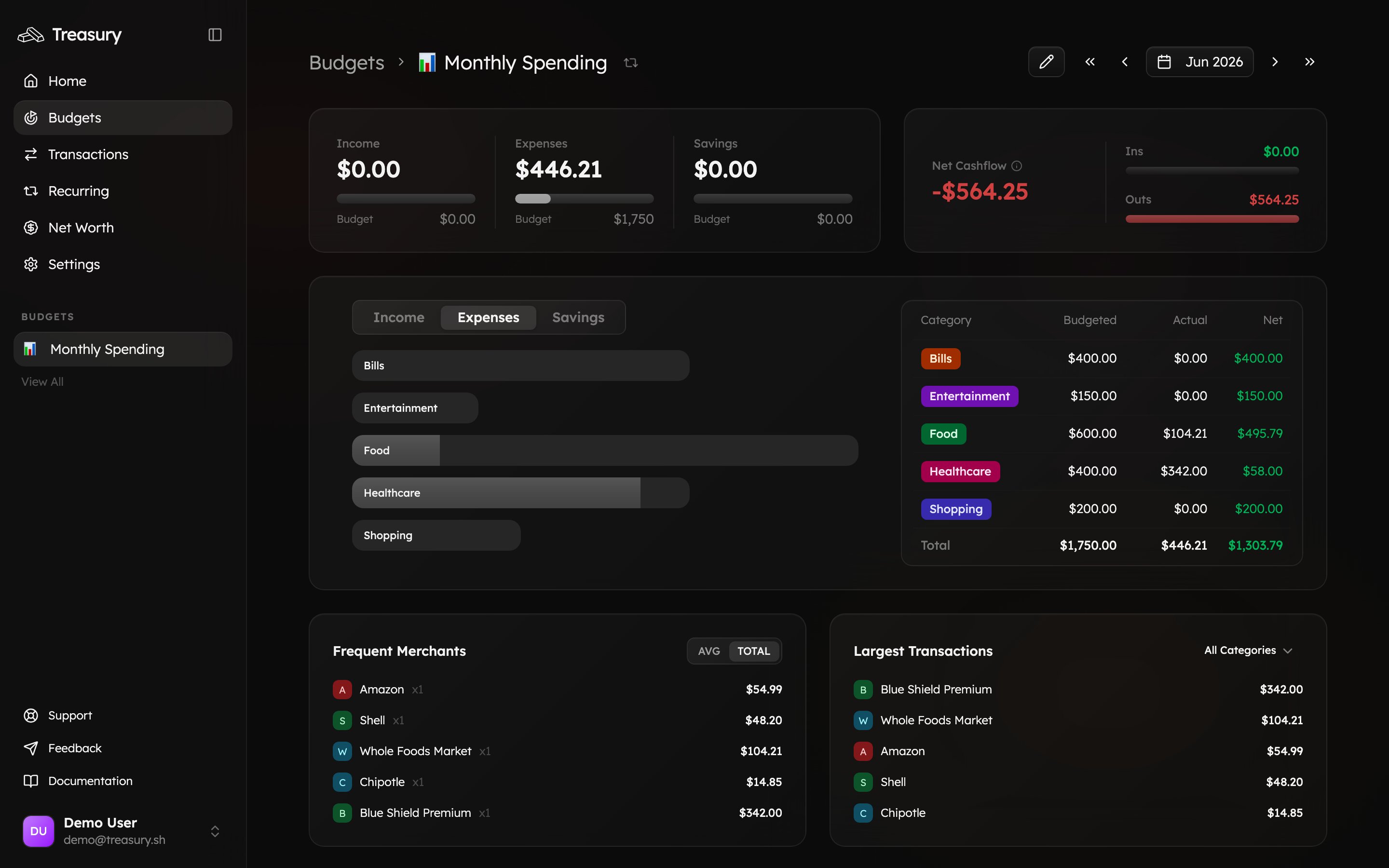
Budgets help you plan and visualize your spending or saving over time. Treasury supports two types of budgets:- Ongoing Budgets — for regular spending that resets on a schedule (e.g., monthly groceries).
- Target Budgets — for one-time savings or spending goals (e.g., “New Laptop Fund” or “Vacation 2025”).
Transactions
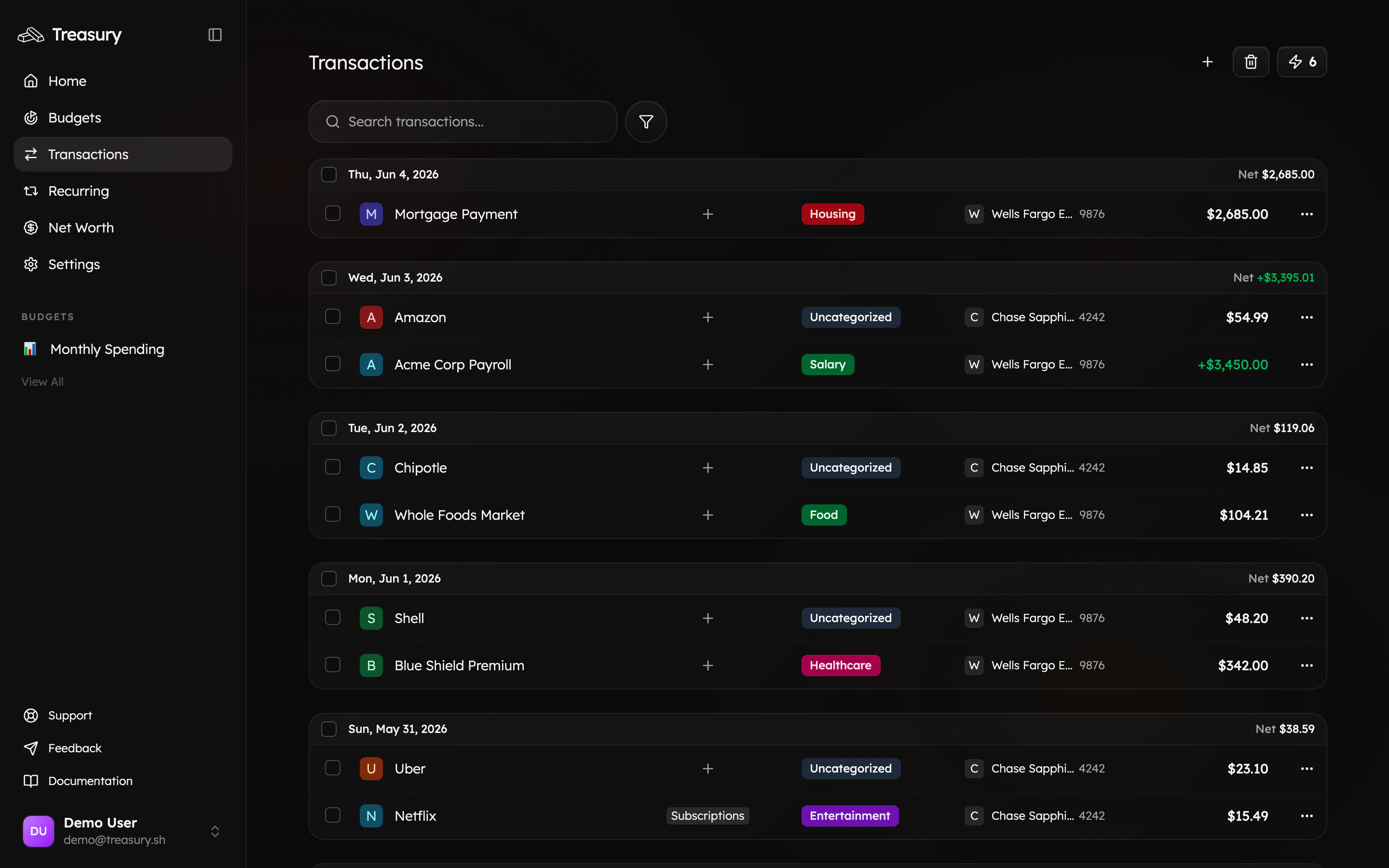
Transactions are individual records of money moving in or out of an account — like a paycheck deposit or a rent payment. They power your budgets, reports, and recurring insights across Treasury. See how to manage them in Transactions.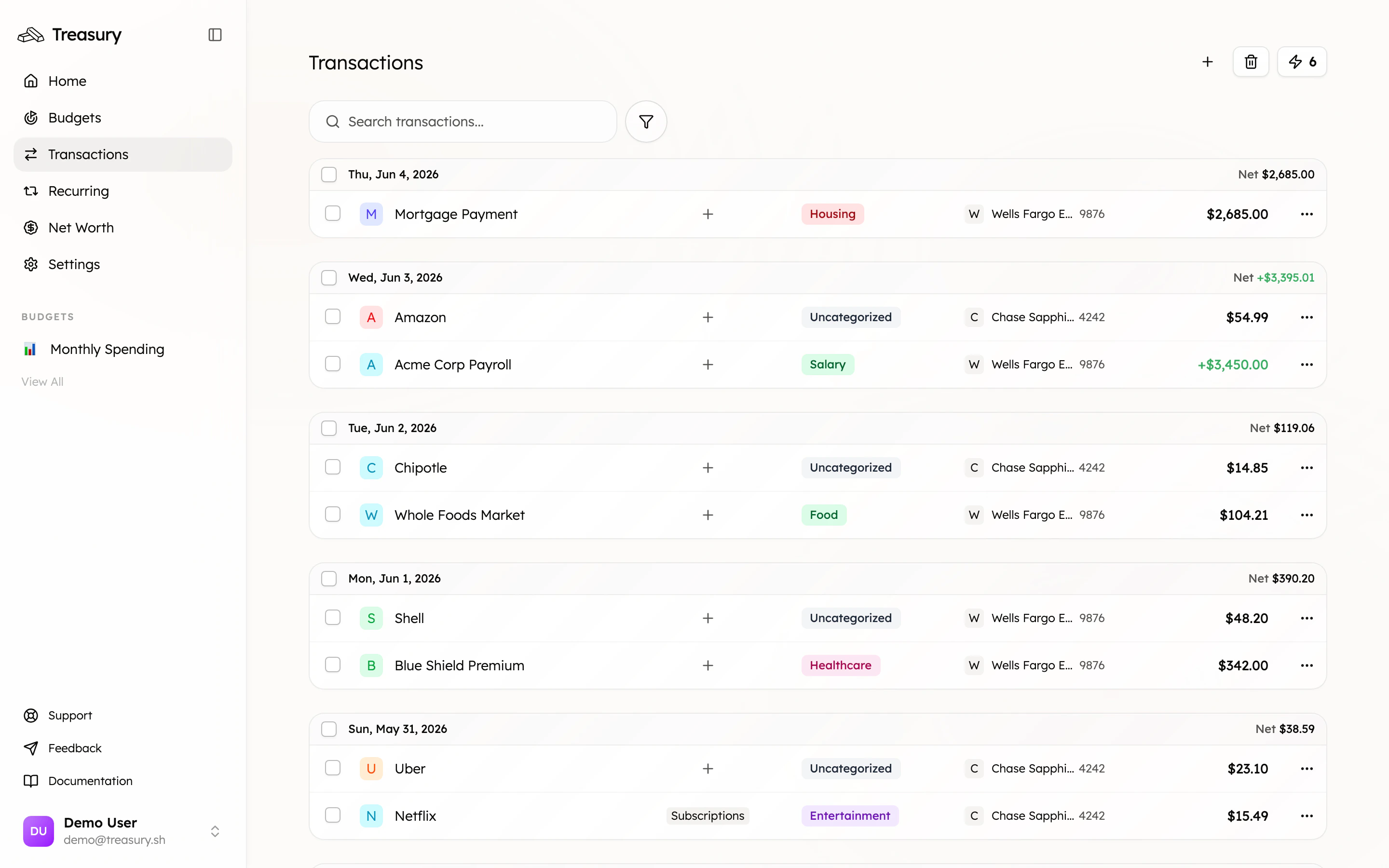
Recurring Transactions
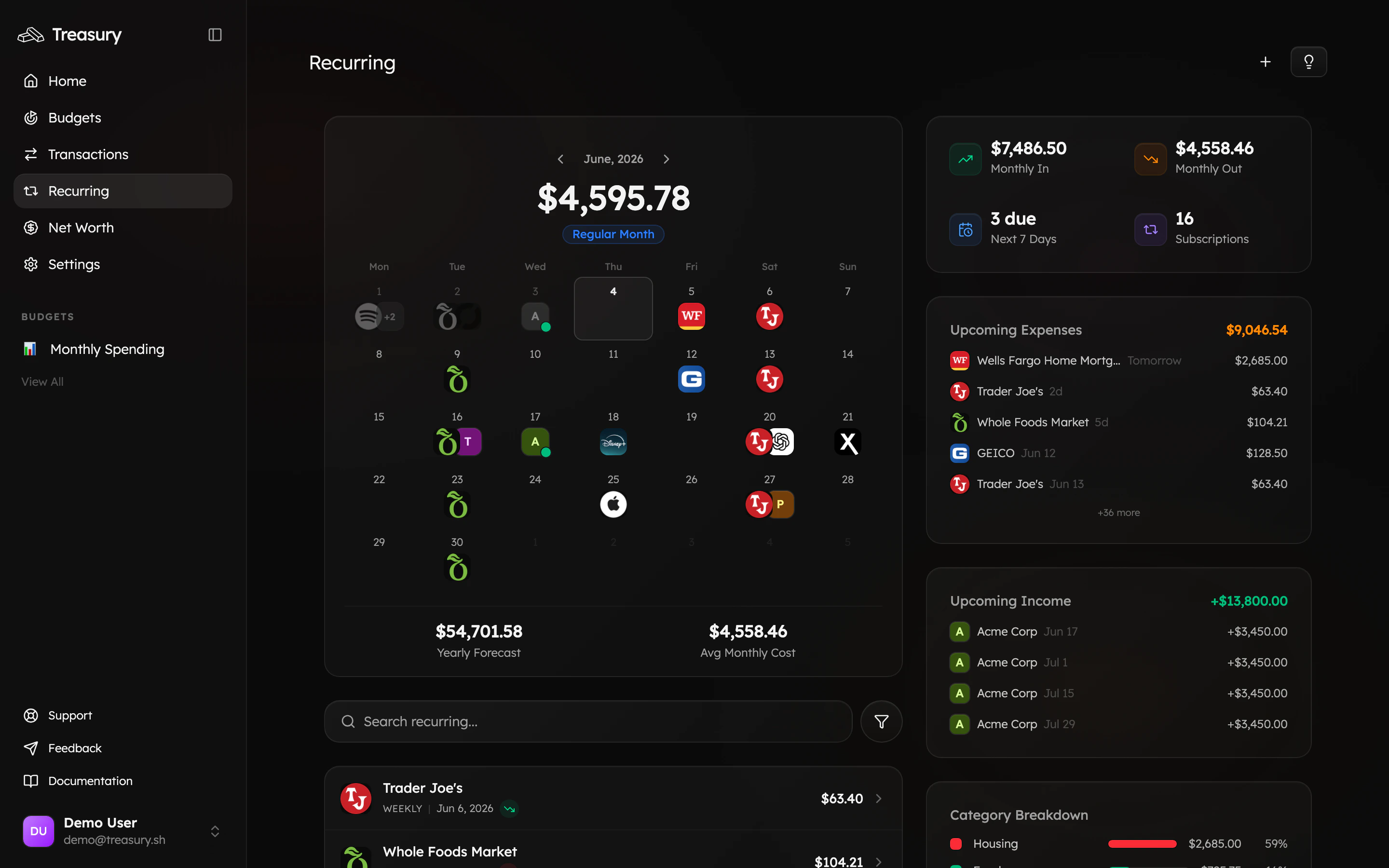
Recurring transactions are payments that repeat on a schedule — subscriptions, memberships, rent, or payroll. Treasury detects these automatically from your activity and forecasts what’s coming up, so bills never surprise you. Learn more in Recurring Transactions.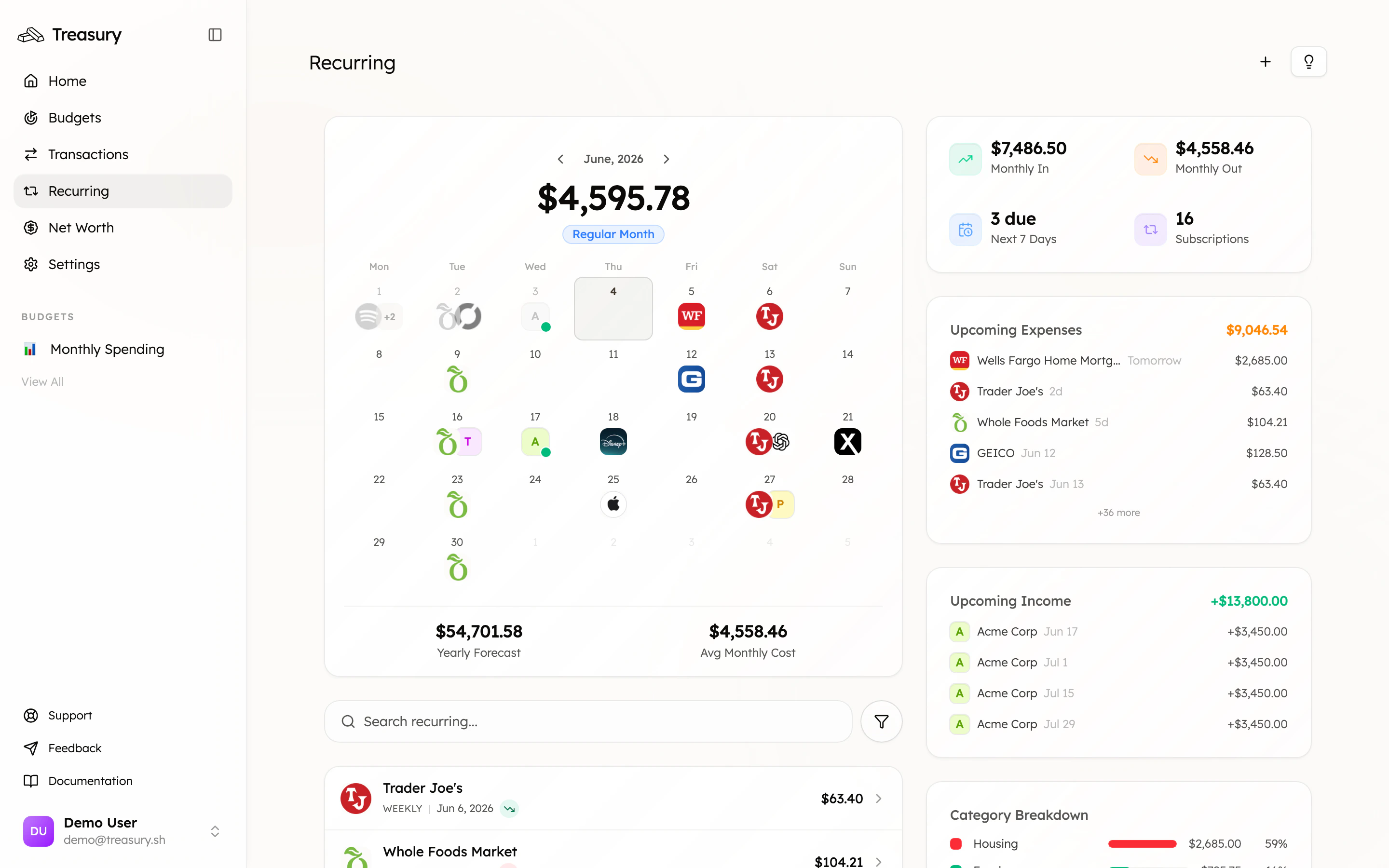
Net Worth
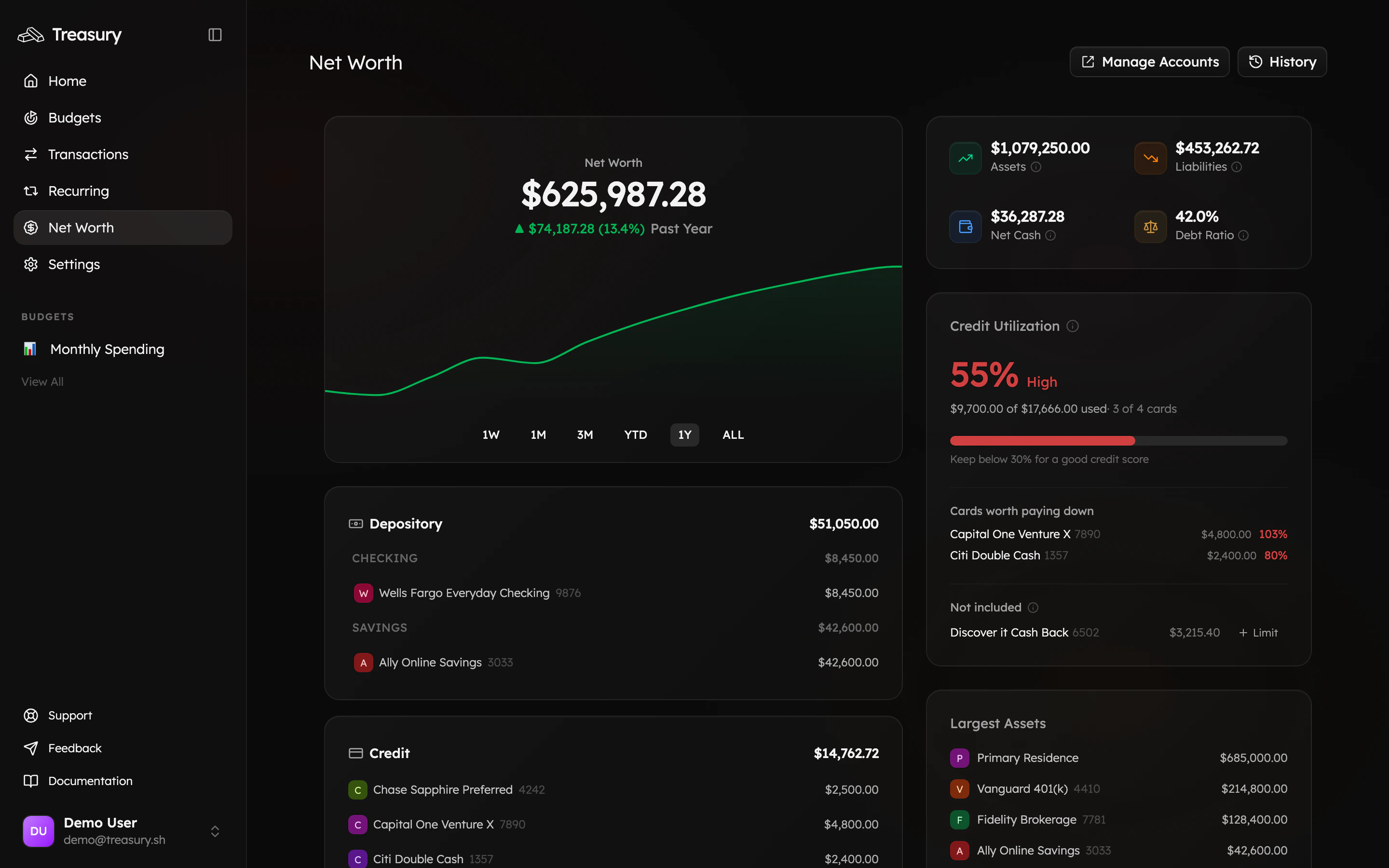
Net worth is everything you own (assets) minus everything you owe (liabilities), rolled up from all your accounts — connected and manual. It’s the single best measure of your financial progress over time. See it in action in Net Worth.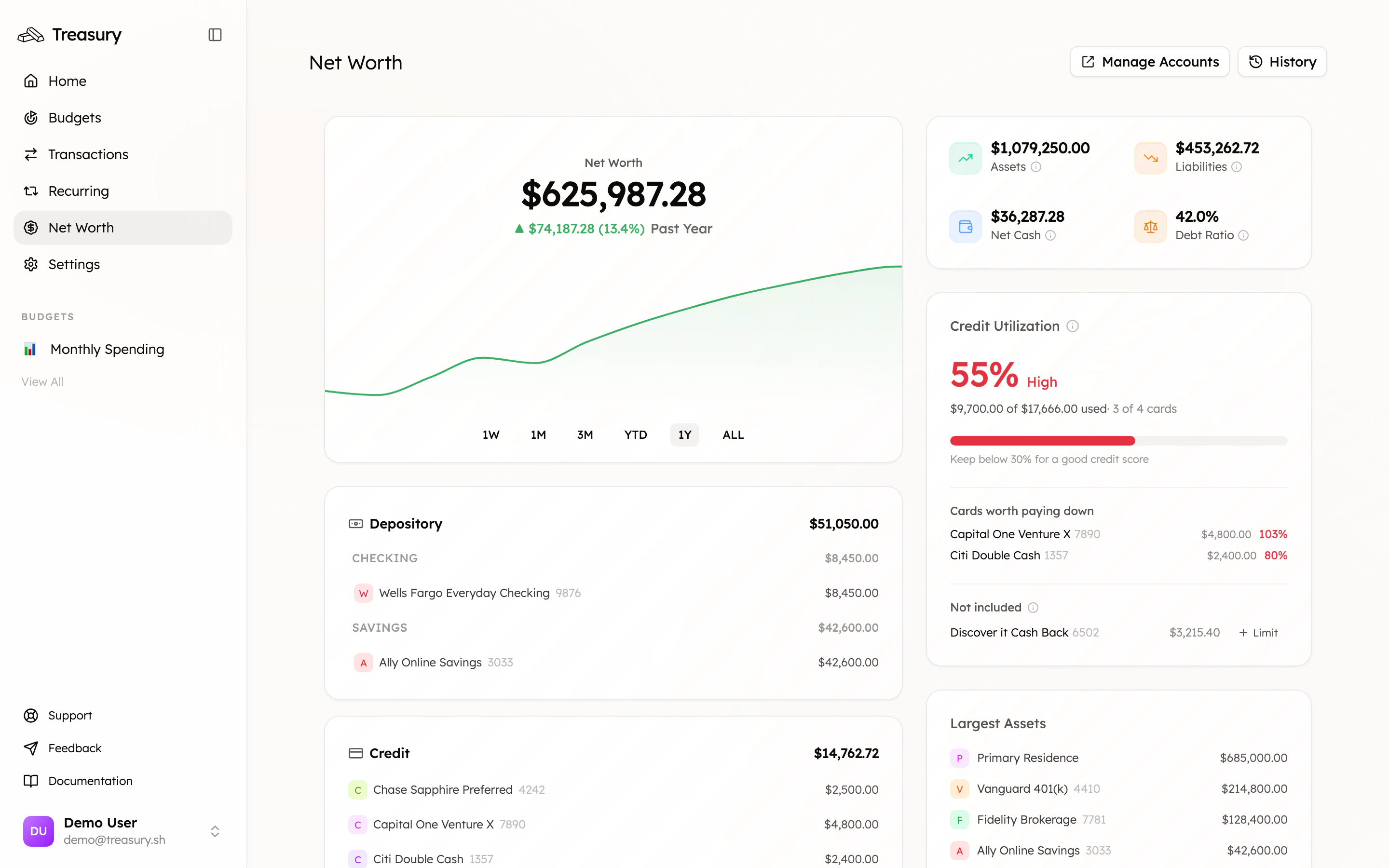
Treasury AI
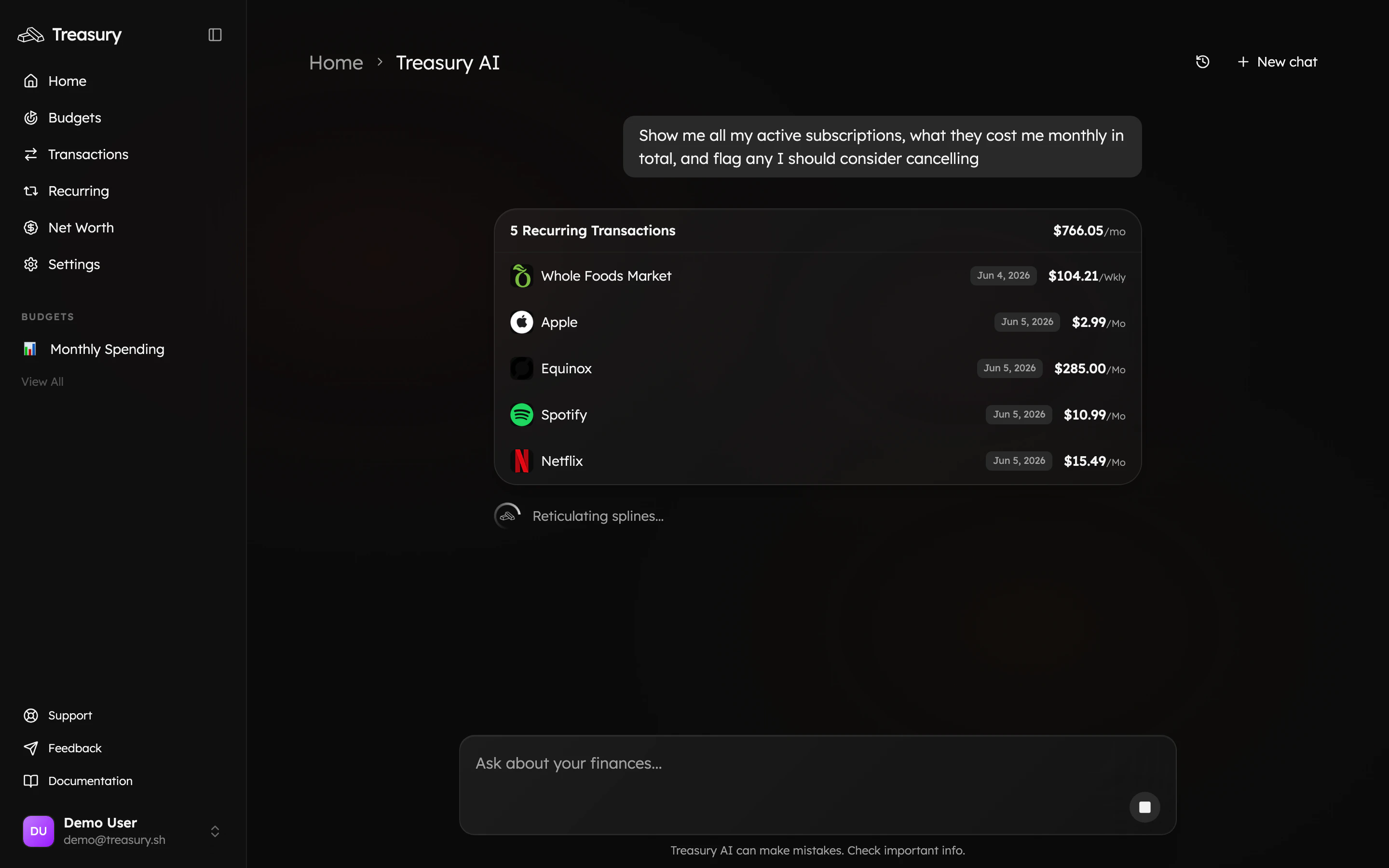
Treasury AI is your built-in money coach. Ask questions about your finances in plain English and get answers grounded in your real data — complete with interactive cards you can act on. Learn more in AI Advisor.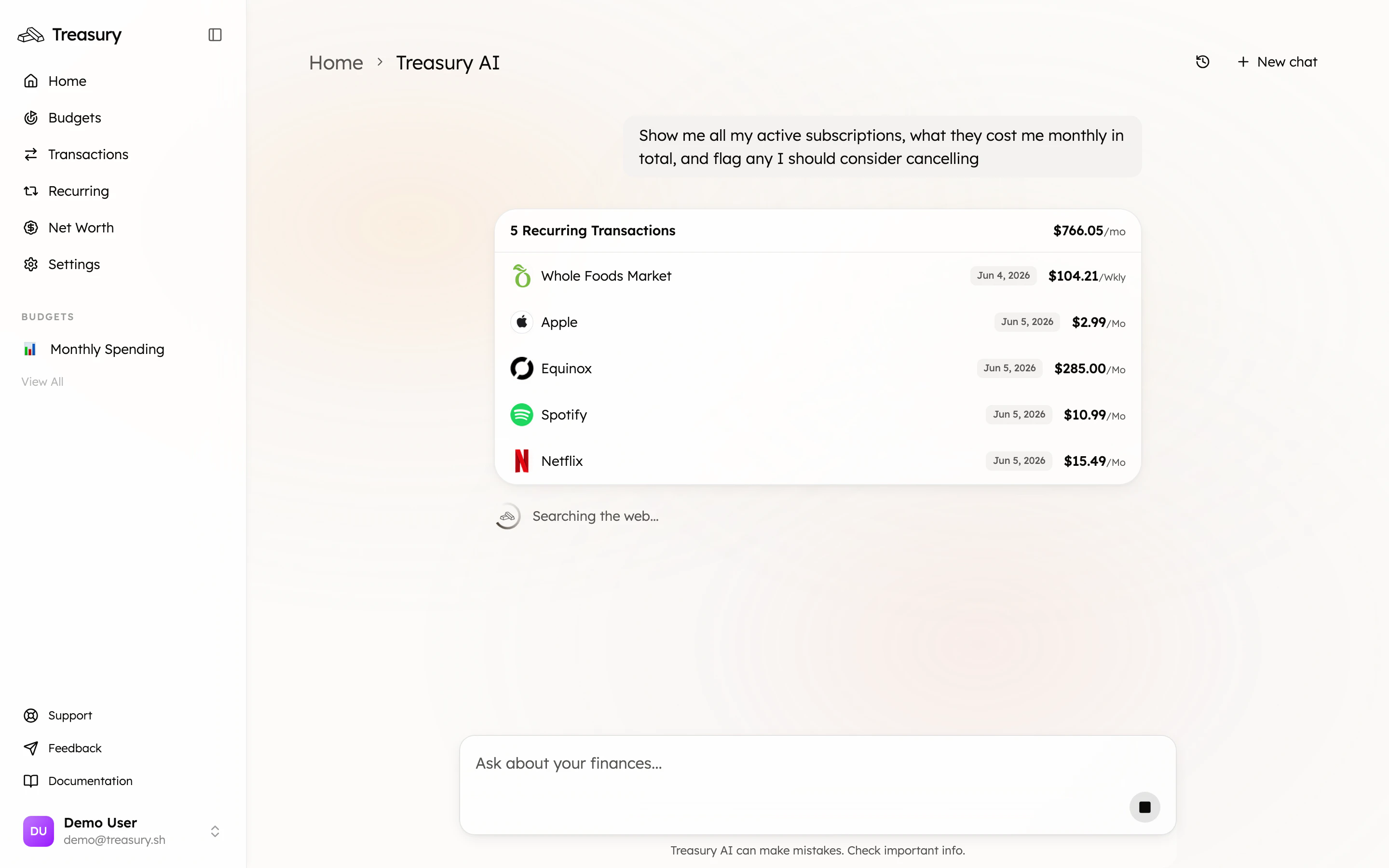
Where to next
Quickstart
Set up your account step by step.
AI Advisor
Put these concepts to work by just asking.