

Overview
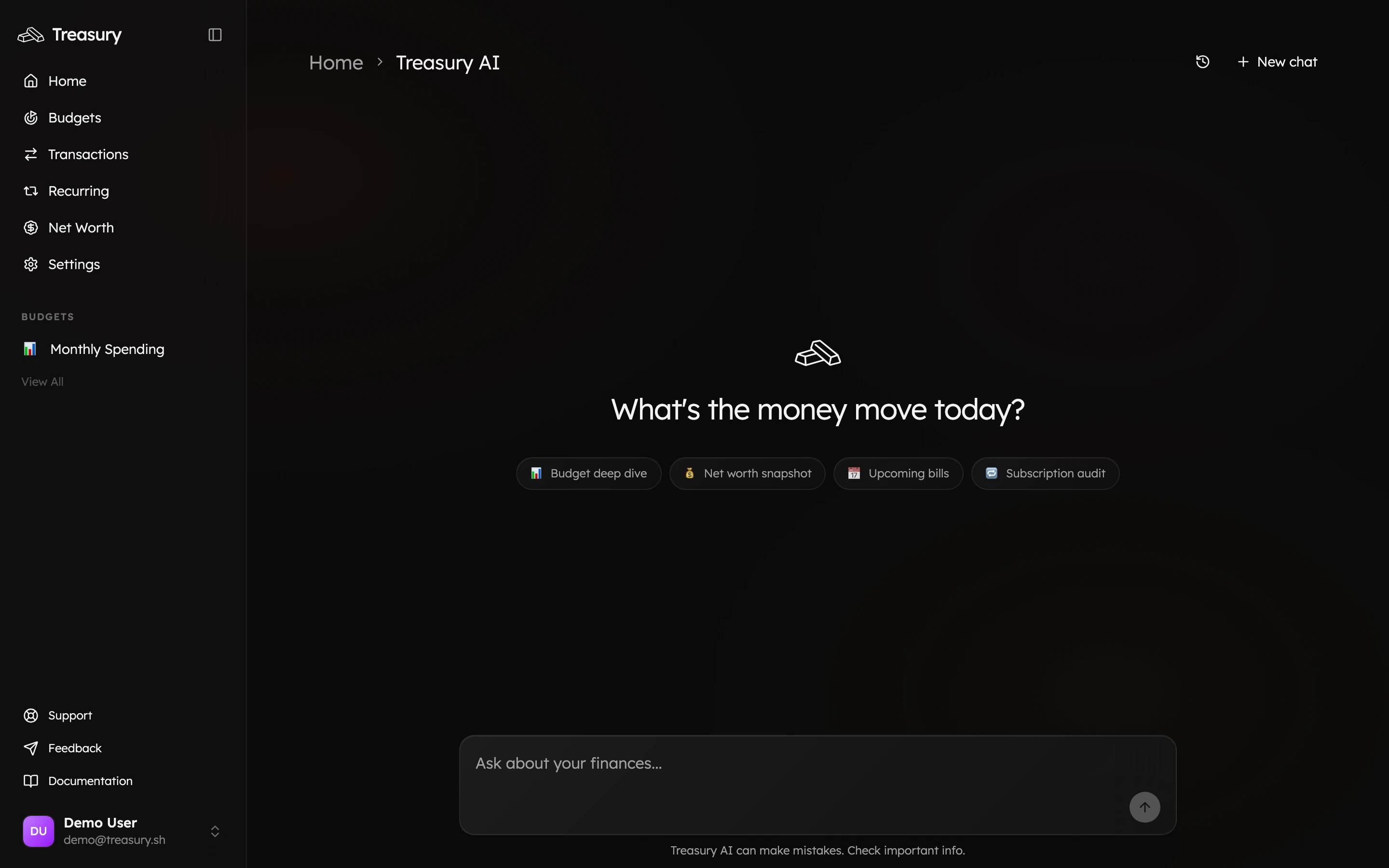
Treasury AI is your built-in money coach. Open it from the navigation bar (or the Ask about your finances… box on your home dashboard) to ask questions about your spending, budgets, accounts, and net worth — in plain English — and get answers grounded in your actual data.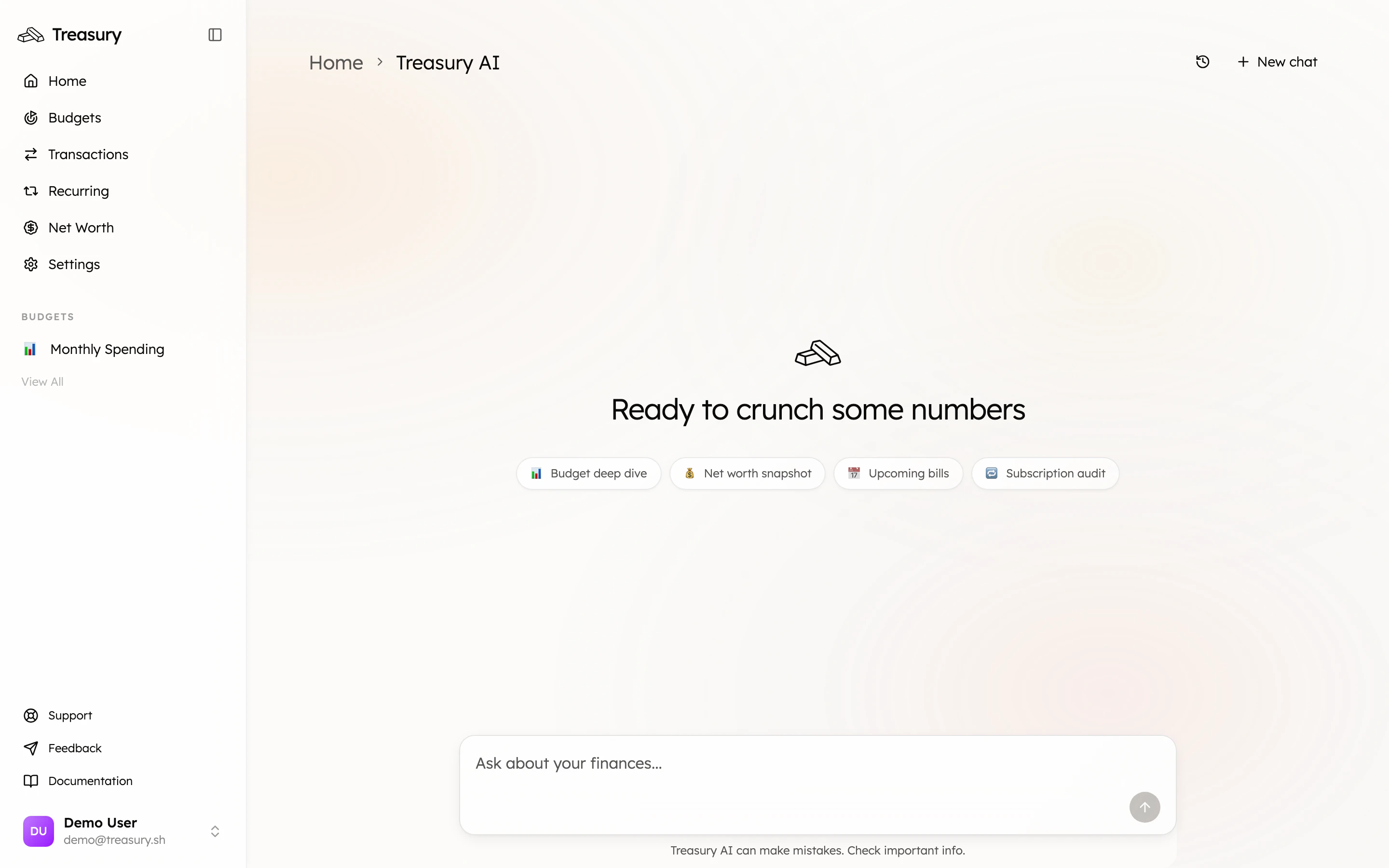
What can it do?
Treasury AI understands your finances and can answer questions, surface insights, and pull up the exact numbers behind them. Ask things like:- “How much did I spend on food last month?”
- “Show me all my active subscriptions and flag any worth cancelling.”
- “What’s my net worth and how has it changed this year?”
- “Which bills are coming up in the next week?”
Answers you can act on
Treasury AI doesn’t only reply in text — it pulls relevant data into rich, interactive cards right inside the conversation. Ask about your subscriptions, for example, and it returns a card listing each one with its amount and a running monthly total, so you can act on the answer without leaving the chat.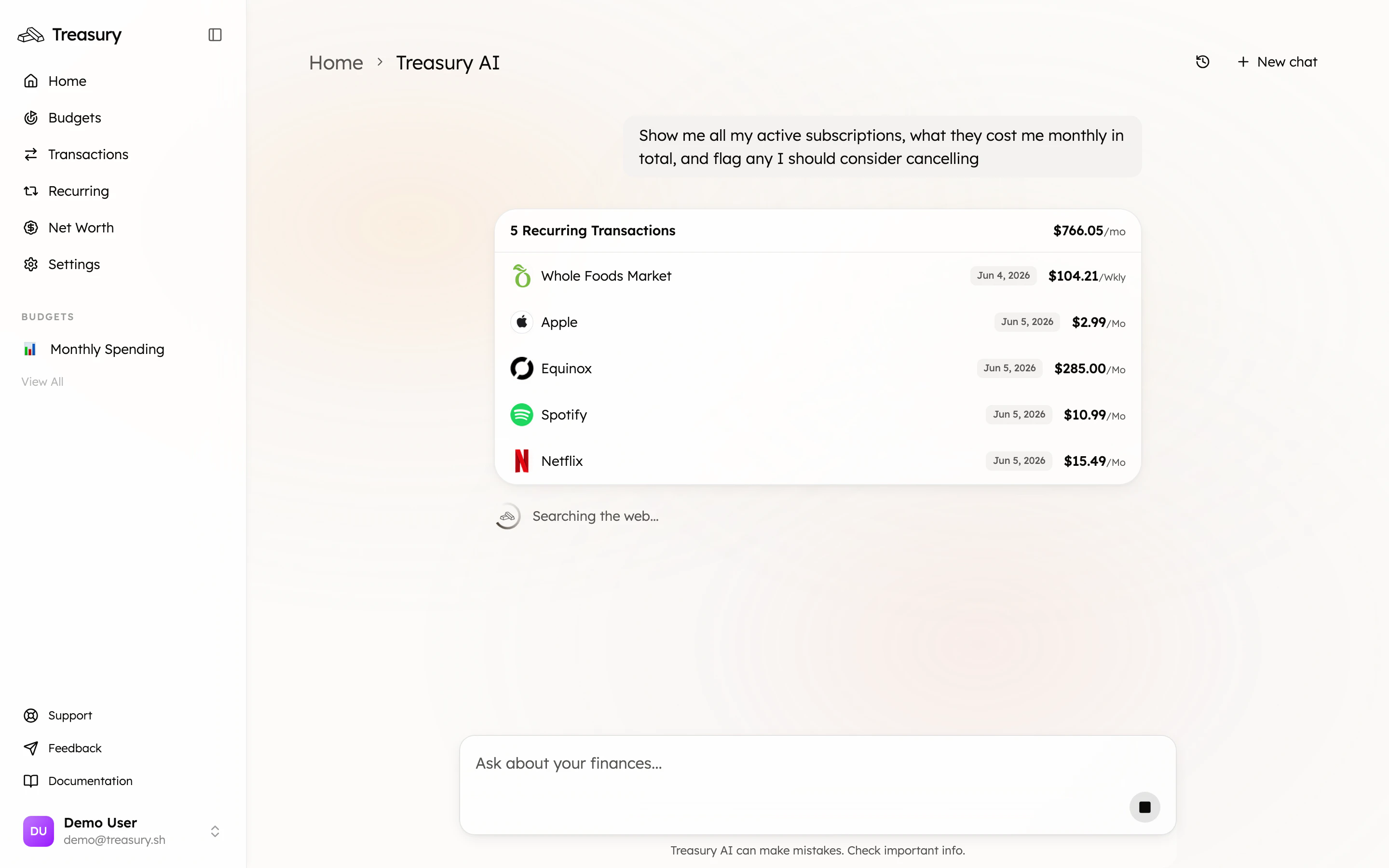
Conversations & history
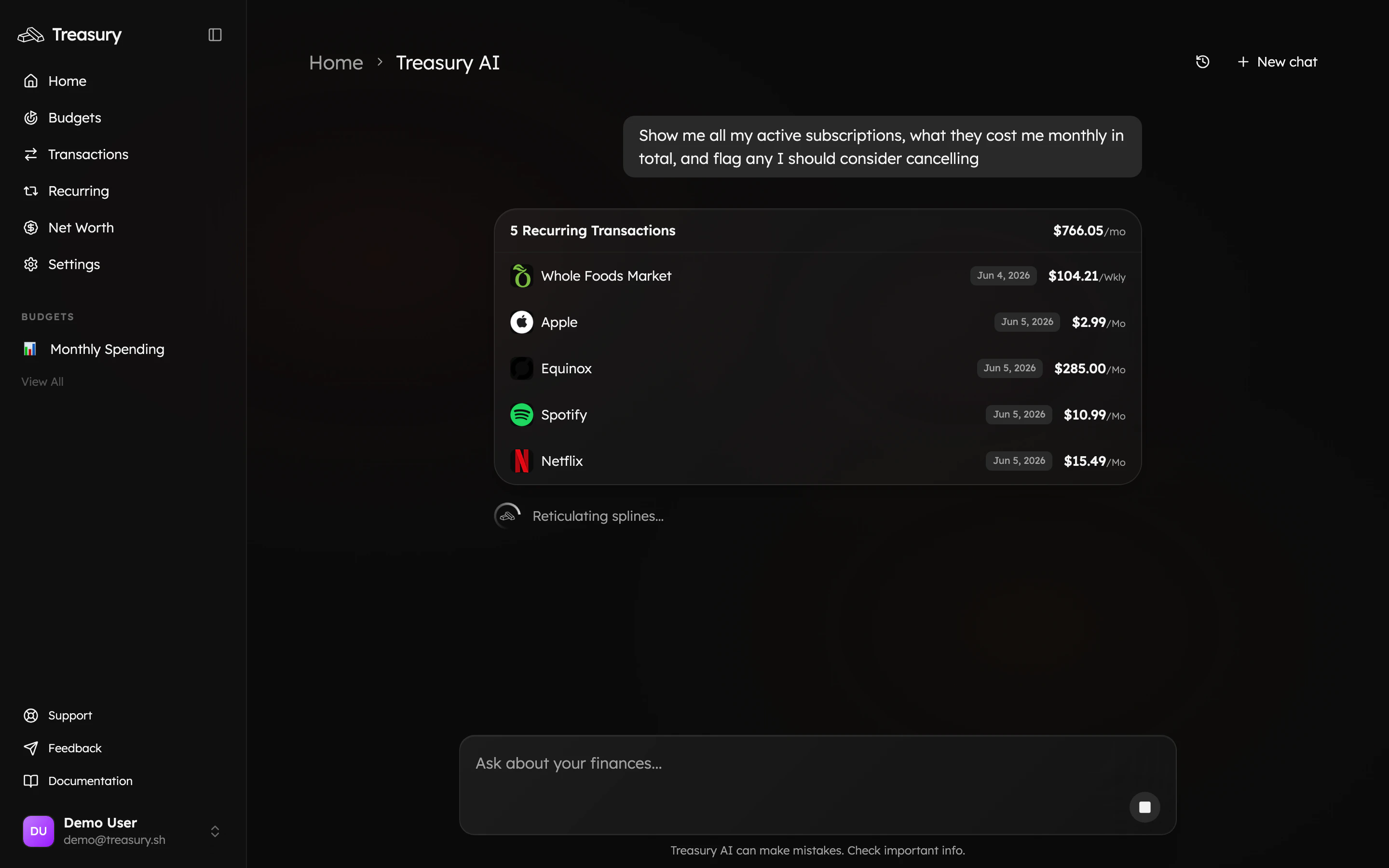
Each chat is saved. Start a fresh thread with New chat (top right), and revisit earlier conversations from the history icon next to it. This makes it easy to pick up a previous line of questioning or keep separate threads for different topics.Memory
Treasury AI can remember context about you and your finances across conversations — your goals, preferences, and the things you tell it to keep in mind — so its advice gets more tailored over time. You can review and manage what it remembers in Settings → Memory.Treasury AI can make mistakes — it even says so under the chat box. Treat its answers as a fast,
well-informed starting point and double-check anything important before acting on it.
FAQ
What kinds of questions can I ask?
What kinds of questions can I ask?
Anything about your money — spending, budgets, accounts, bills, net worth, subscriptions. Be
specific for the best answers, and follow up in plain English to go deeper.
Does Treasury AI remember things between chats?
Does Treasury AI remember things between chats?
Yes. It keeps context within a conversation, and Memory lets it remember details about you
and your goals across conversations. Manage what it remembers in Settings → Memory.
Can it move my money or change my accounts?
Can it move my money or change my accounts?
No. Treasury AI reads your data to answer questions and surface insights — it never moves money,
pays bills, or makes changes on your behalf. You stay in control.
Is it ever wrong?
Is it ever wrong?
It can be — it even says so under the chat box. Treat its answers as a fast, well-informed
starting point and double-check anything important before acting on it.
Related
Transactions
The activity Treasury AI reasons over.
Budgets
Ask the advisor how your budgets are tracking.
Net Worth
Get a plain-English snapshot of your whole picture.
Recurring Transactions
Run a subscription audit in one question.