> ## Documentation Index
> Fetch the complete documentation index at: https://docs.treasury.sh/llms.txt
> Use this file to discover all available pages before exploring further.
# See your true net worth
> One honest number for everything you own and owe — including the assets your bank connections cannot see.
Most apps show you account balances. Net worth is the number that actually tells you whether you're getting ahead: everything you **own** minus everything you **owe**, tracked over time. The catch is that a lot of what you own — your home, your car, cash — doesn't live in a bank Treasury can connect to. This guide gets you to a *complete*, honest number.
**What you'll achieve:** a net worth that reflects your whole financial life, trending over time.
## 1. Connect what you can
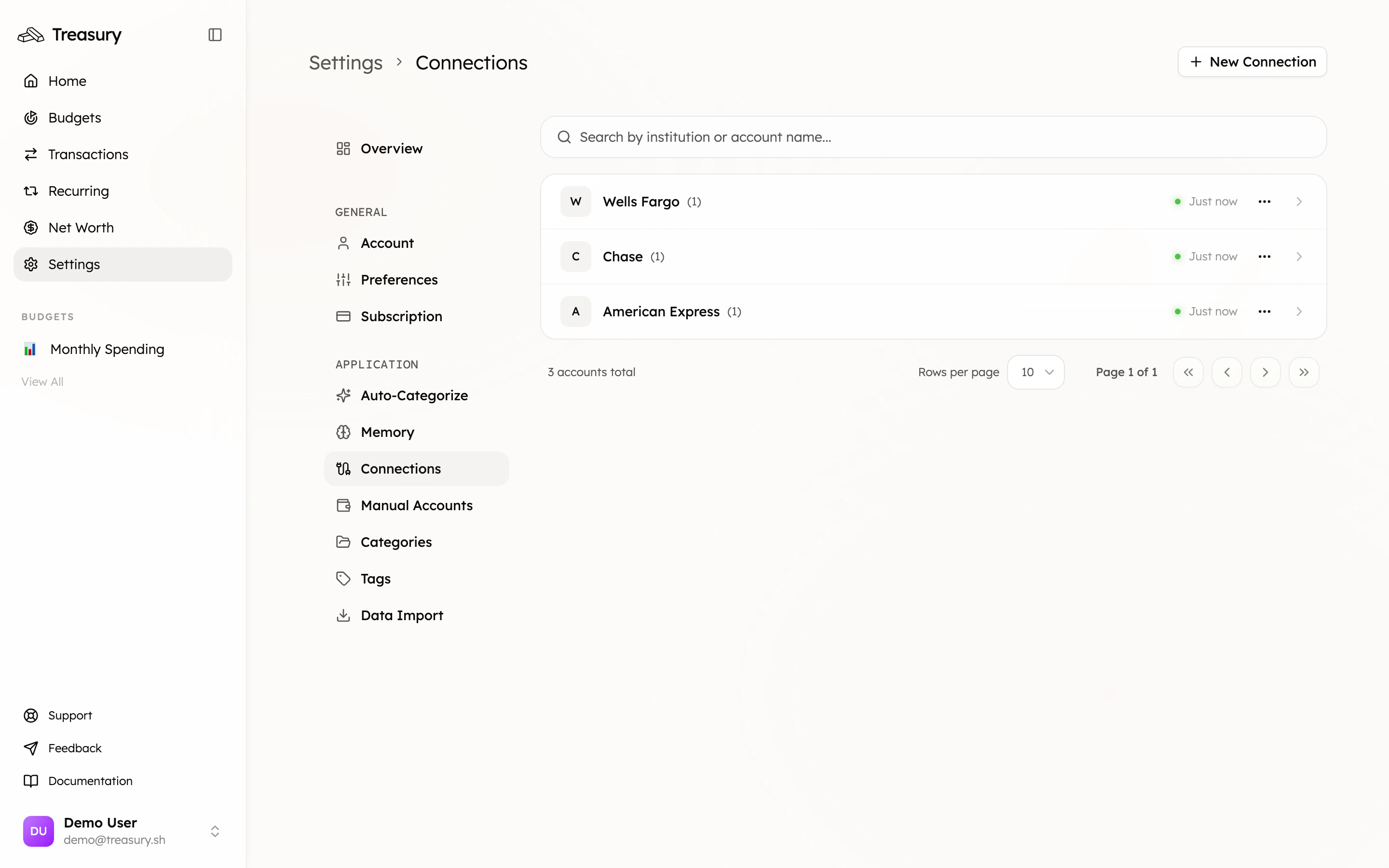
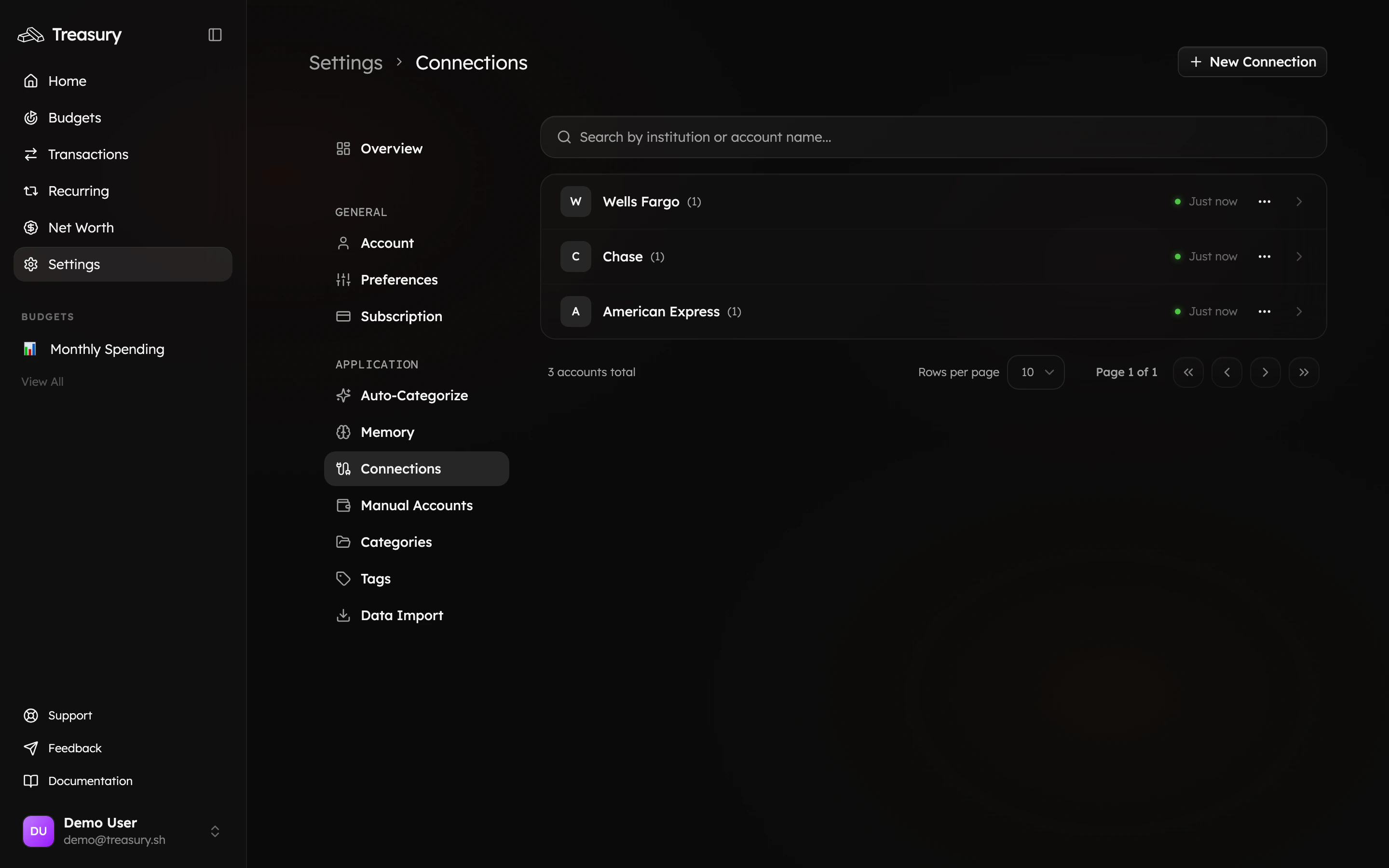
Start by linking your banks, cards, loans, and investment accounts in [**Connections**](/core/connections). These sync automatically, so their balances stay current without any effort.
 ## 2. Add what you can't
This is the step most people skip — and it's the difference between a balance and a *net worth*. Add the big assets that don't connect as [**manual accounts**](/core/manual-accounts): your home's estimated value, your car, cash, valuables, or an account at an unsupported institution.
## 2. Add what you can't
This is the step most people skip — and it's the difference between a balance and a *net worth*. Add the big assets that don't connect as [**manual accounts**](/core/manual-accounts): your home's estimated value, your car, cash, valuables, or an account at an unsupported institution.
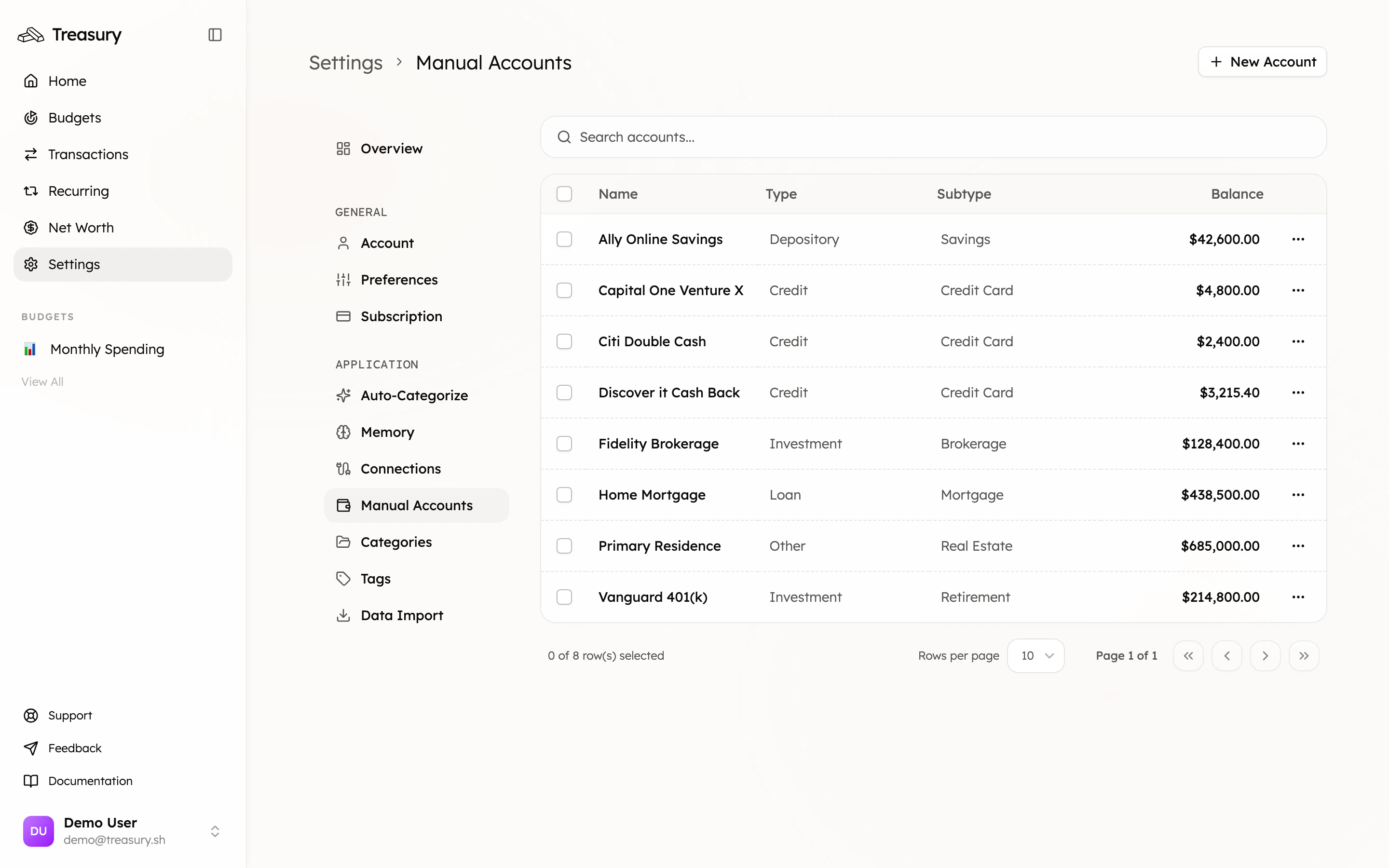
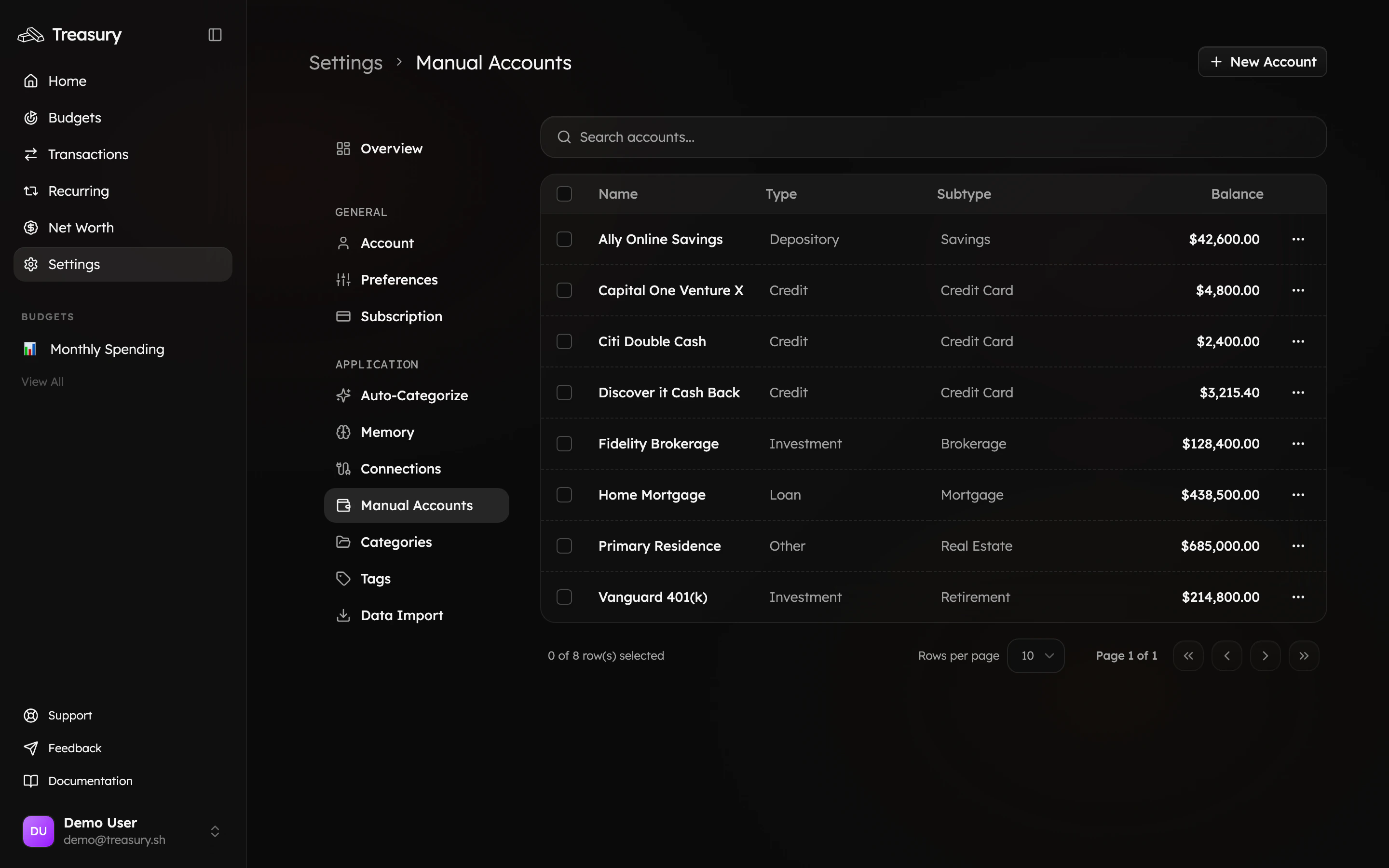 Use type **Other** for things like a home or car (a positive balance counts as an asset) and **Loan** for the mortgage or auto loan against them. Now both sides of the ledger are real.
## 3. Read your number
Open [**Net Worth**](https://app.treasury.sh/networth). You'll see assets, liabilities, and the bottom-line number — plus a trend you can view over any period.
Use type **Other** for things like a home or car (a positive balance counts as an asset) and **Loan** for the mortgage or auto loan against them. Now both sides of the ledger are real.
## 3. Read your number
Open [**Net Worth**](https://app.treasury.sh/networth). You'll see assets, liabilities, and the bottom-line number — plus a trend you can view over any period.
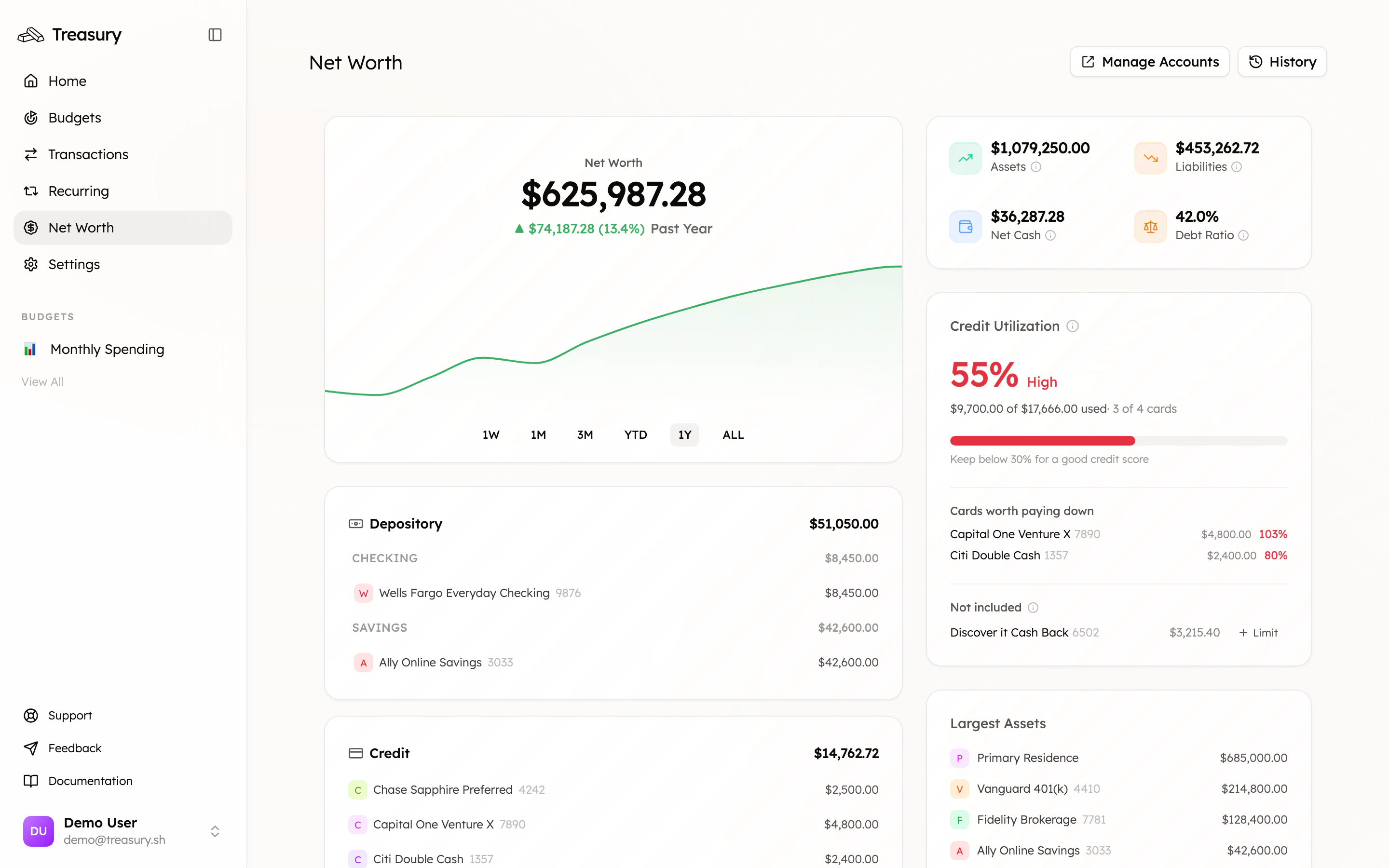
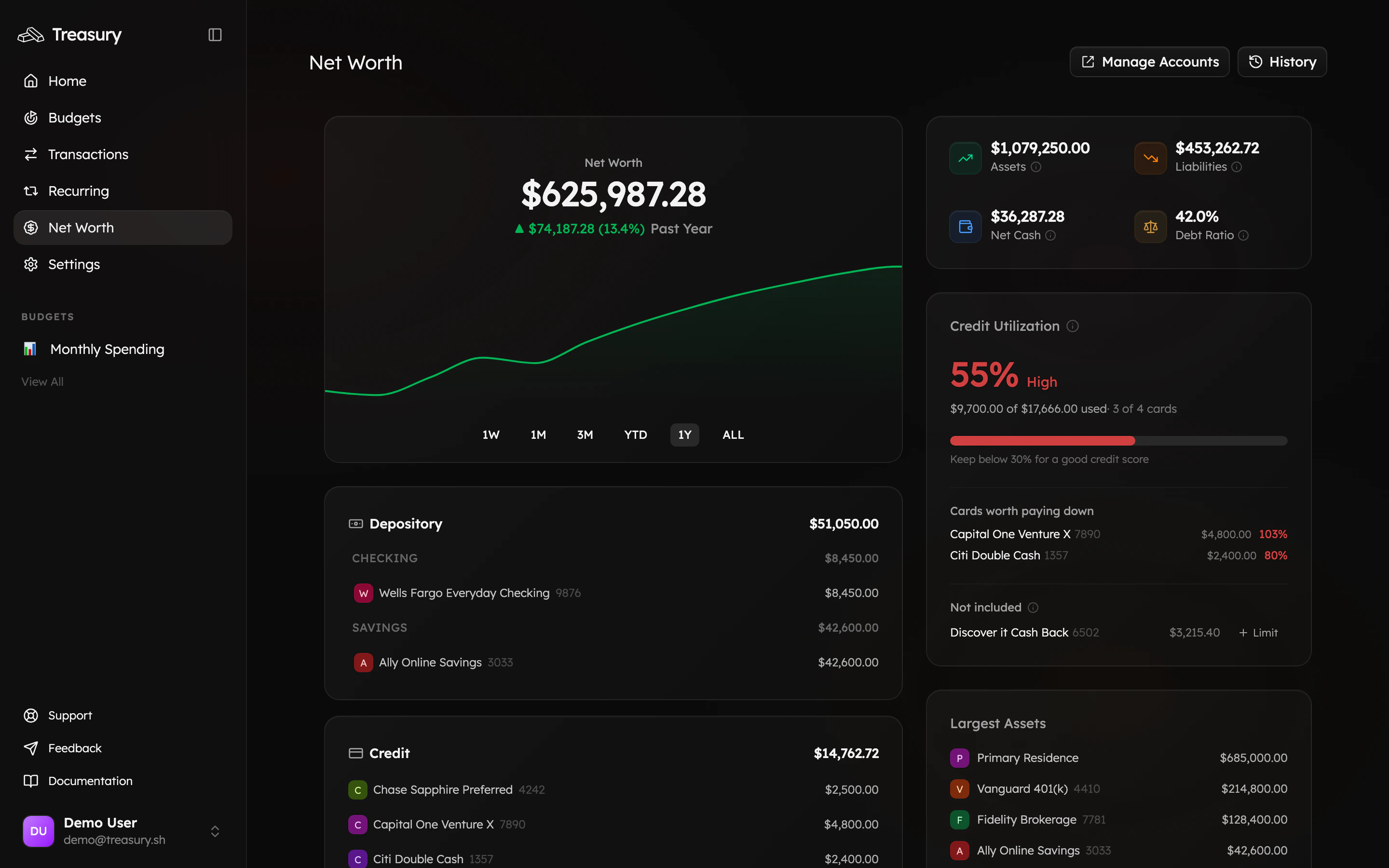 Switch to the **1Y** or **ALL** view. A single day means nothing; the multi-month direction is the real story. Up and to the right is the goal.
## 4. Keep it honest
* **Update manual values** every month or two (home estimate, car value) so the number stays accurate.
* **Reconnect promptly** when a bank drops — a frozen balance skews the total.
* **Mind utilization.** The credit-utilization card flags cards worth paying down, which lifts net worth *and* your credit score.
## What good looks like
A net worth that includes your home and car, not just your checking account — and a line that climbs over the year. That's the number to watch.
## Take it further
The full feature reference.
Add and update what doesn't sync.
Free up cash to grow the number.
"How has my net worth changed this year?"
Switch to the **1Y** or **ALL** view. A single day means nothing; the multi-month direction is the real story. Up and to the right is the goal.
## 4. Keep it honest
* **Update manual values** every month or two (home estimate, car value) so the number stays accurate.
* **Reconnect promptly** when a bank drops — a frozen balance skews the total.
* **Mind utilization.** The credit-utilization card flags cards worth paying down, which lifts net worth *and* your credit score.
## What good looks like
A net worth that includes your home and car, not just your checking account — and a line that climbs over the year. That's the number to watch.
## Take it further
The full feature reference.
Add and update what doesn't sync.
Free up cash to grow the number.
"How has my net worth changed this year?"