> ## Documentation Index
> Fetch the complete documentation index at: https://docs.treasury.sh/llms.txt
> Use this file to discover all available pages before exploring further.
# Never miss a bill
> Let Treasury detect your recurring payments and show you what is due, so a charge never catches you off guard.
Late fees, surprise renewals, and "wait, that came out already?" all come from the same place: not knowing what's due and when. Treasury detects your recurring payments automatically and lays out the month ahead — so you're never caught off guard.
**What you'll achieve:** a clear view of every upcoming bill and income deposit, with nothing slipping through.
## 1. Let Treasury find your recurring payments
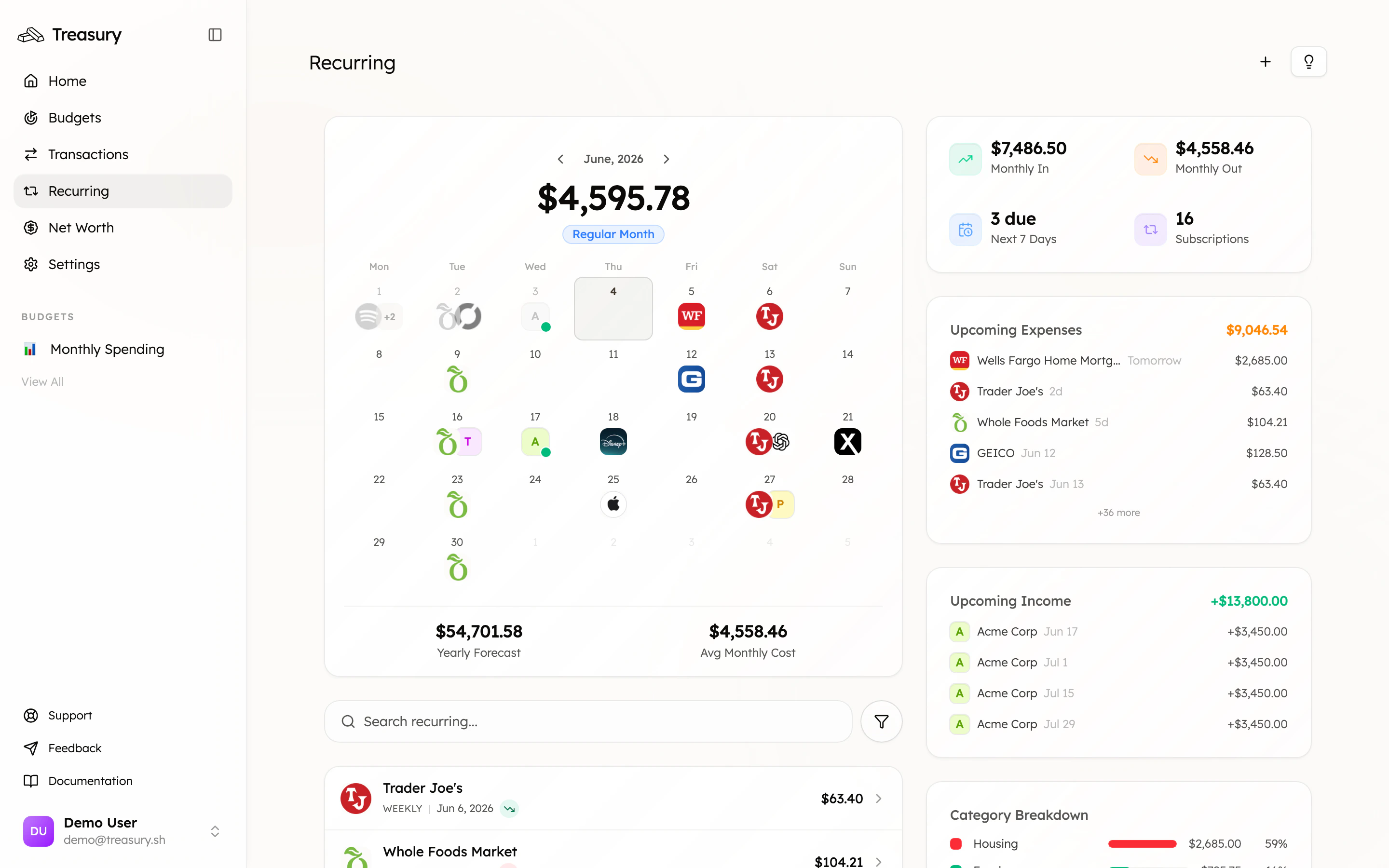
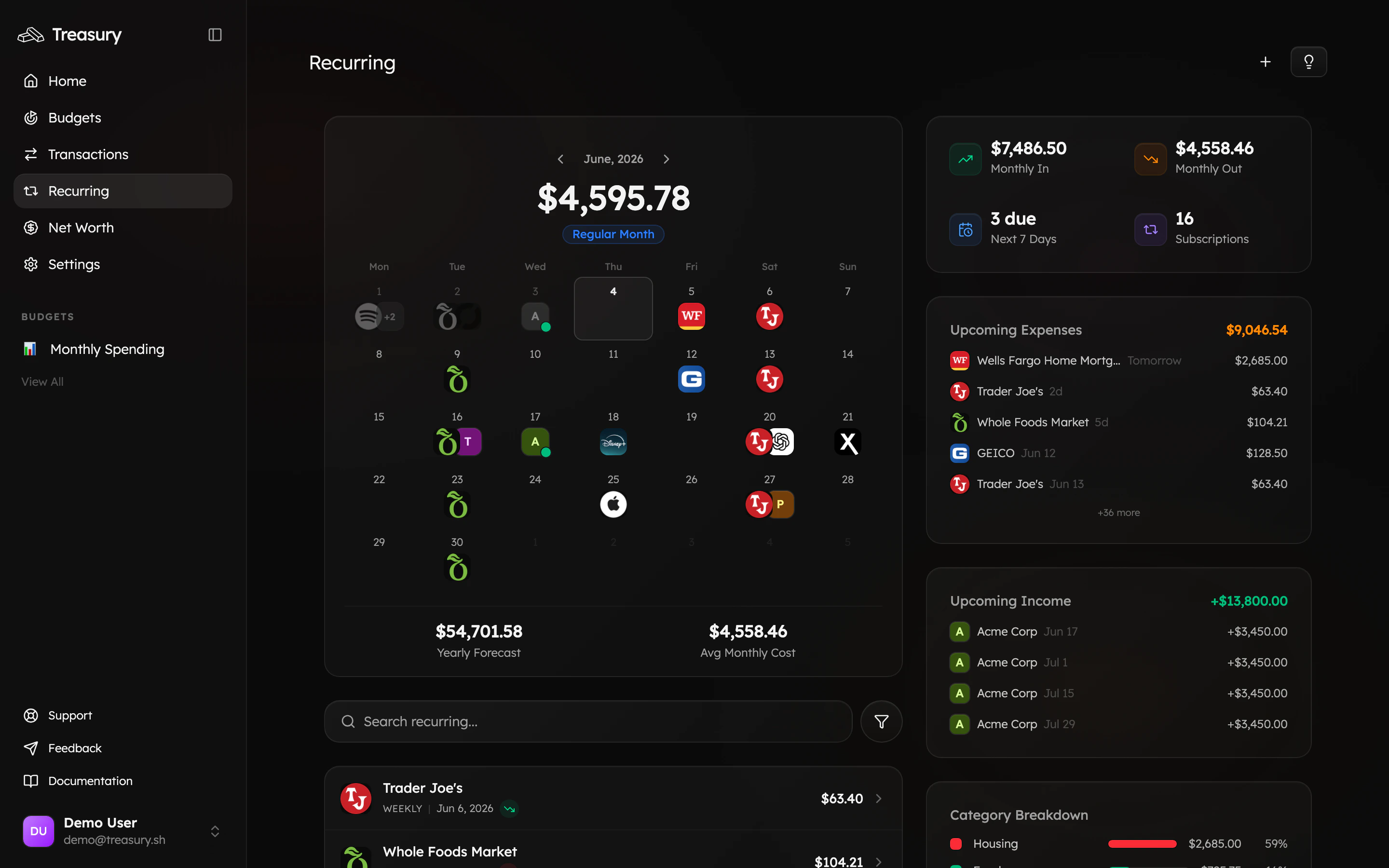
Connect your accounts in [**Connections**](/core/connections) and Treasury detects the patterns — rent, utilities, subscriptions, insurance, payroll — on its own. See them all on the [**Recurring**](https://app.treasury.sh/recurring) page: a calendar of what's coming, your monthly in and out, and what's due next.
 ## 2. Confirm what's real
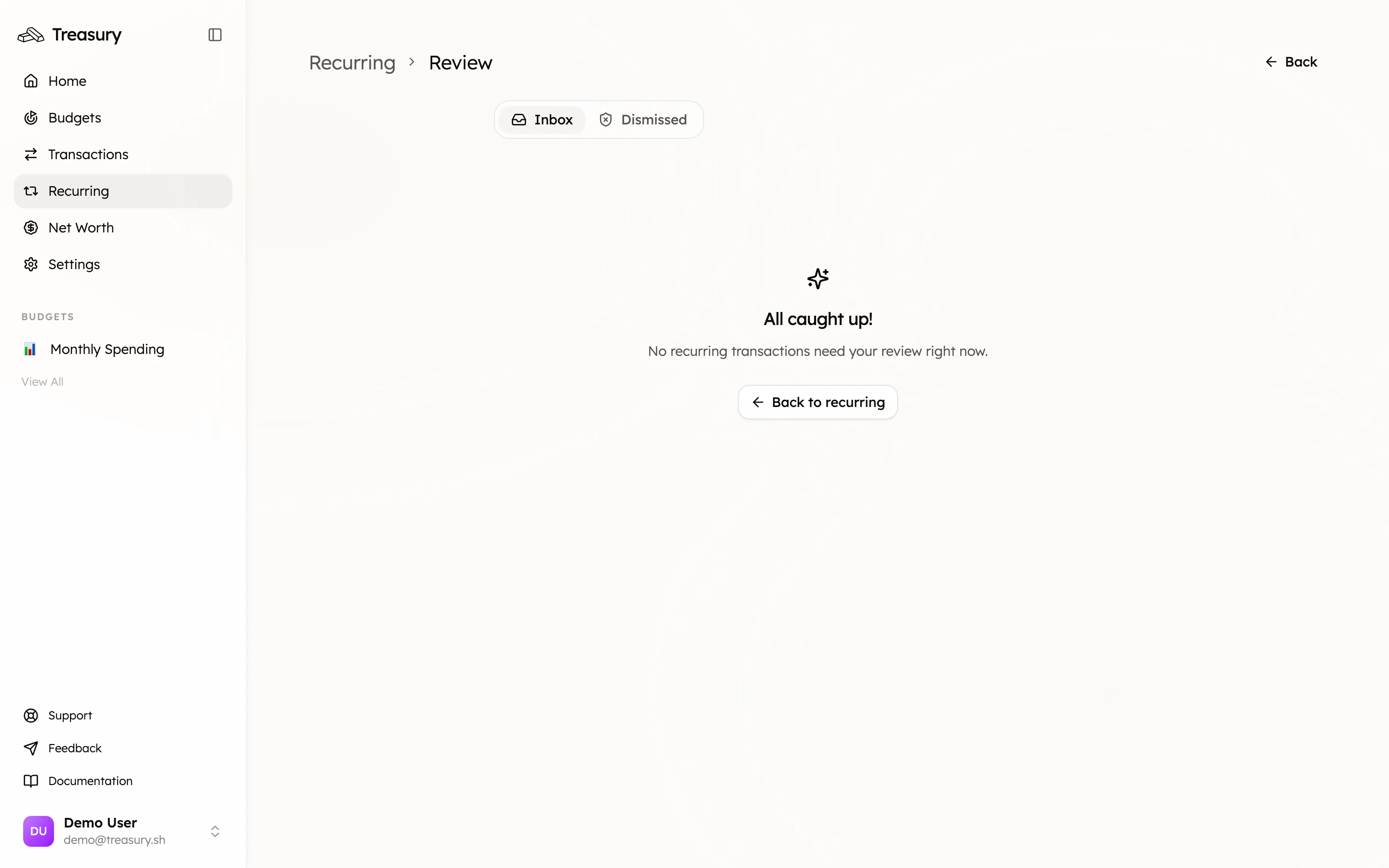
New detections land in the [**review inbox**](/core/recurring-transactions#review-detected-payments). Confirm the genuine ones so they count toward your forecast, and dismiss anything that was a one-off mistaken for a subscription. A quick pass keeps your "upcoming" list accurate.
## 2. Confirm what's real
New detections land in the [**review inbox**](/core/recurring-transactions#review-detected-payments). Confirm the genuine ones so they count toward your forecast, and dismiss anything that was a one-off mistaken for a subscription. A quick pass keeps your "upcoming" list accurate.
 ## 3. Read the month ahead
The **Upcoming Expenses** and **Upcoming Income** panels show exactly what's hitting your accounts and when. Glance at it at the start of each week and you'll always know what's coming.
Pair this with a [budget](/core/budgets) that includes your fixed bills. When your recurring costs are budgeted, the money left over is what you can actually spend — no nasty surprises.
## 4. Handle changes
* **Paused for a while?** (a seasonal membership) [Pause or block](/core/recurring-transactions) it so it stays tracked without distorting your forecast.
* **Amount changed?** [Edit the recurring transaction](/core/recurring-transactions) so the prediction stays accurate.
* **Stopped for good?** Once the charge stops appearing, Treasury drops it automatically.
## What good looks like
A recurring calendar you trust, a weekly glance at what's due, and zero surprise charges. Bills become something you see coming, not something that happens to you.
## Take it further
Manage, edit, pause, and block recurring items.
Trim the recurring charges you don't need.
Budget around your fixed costs.
"What bills are due this week?"
## 3. Read the month ahead
The **Upcoming Expenses** and **Upcoming Income** panels show exactly what's hitting your accounts and when. Glance at it at the start of each week and you'll always know what's coming.
Pair this with a [budget](/core/budgets) that includes your fixed bills. When your recurring costs are budgeted, the money left over is what you can actually spend — no nasty surprises.
## 4. Handle changes
* **Paused for a while?** (a seasonal membership) [Pause or block](/core/recurring-transactions) it so it stays tracked without distorting your forecast.
* **Amount changed?** [Edit the recurring transaction](/core/recurring-transactions) so the prediction stays accurate.
* **Stopped for good?** Once the charge stops appearing, Treasury drops it automatically.
## What good looks like
A recurring calendar you trust, a weekly glance at what's due, and zero surprise charges. Bills become something you see coming, not something that happens to you.
## Take it further
Manage, edit, pause, and block recurring items.
Trim the recurring charges you don't need.
Budget around your fixed costs.
"What bills are due this week?"