> ## Documentation Index
> Fetch the complete documentation index at: https://docs.treasury.sh/llms.txt
> Use this file to discover all available pages before exploring further.
# Get every transaction categorized
> Clean, categorized data is what makes budgets, reports, and AI answers trustworthy. Here is how to get there fast.
Every insight in Treasury — your budgets, your spending breakdowns, the AI's answers — is only as good as the categories behind your transactions. The good news: getting to a fully categorized state takes minutes, not hours, and staying there takes seconds a week.
**What you'll achieve:** a transaction list with no "Uncategorized" stragglers, and a routine that keeps it that way.
## 1. Let auto-categorization do the bulk
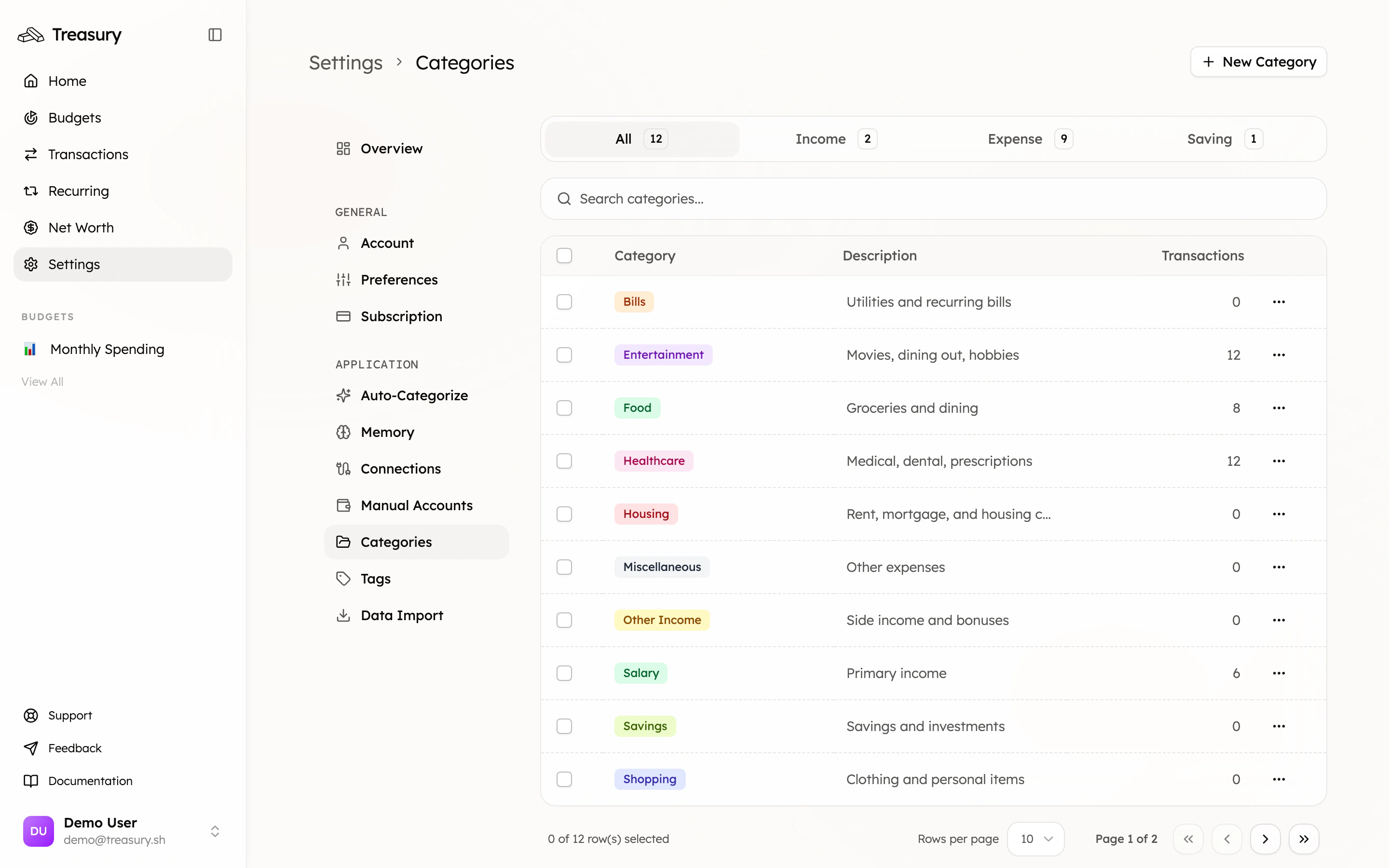
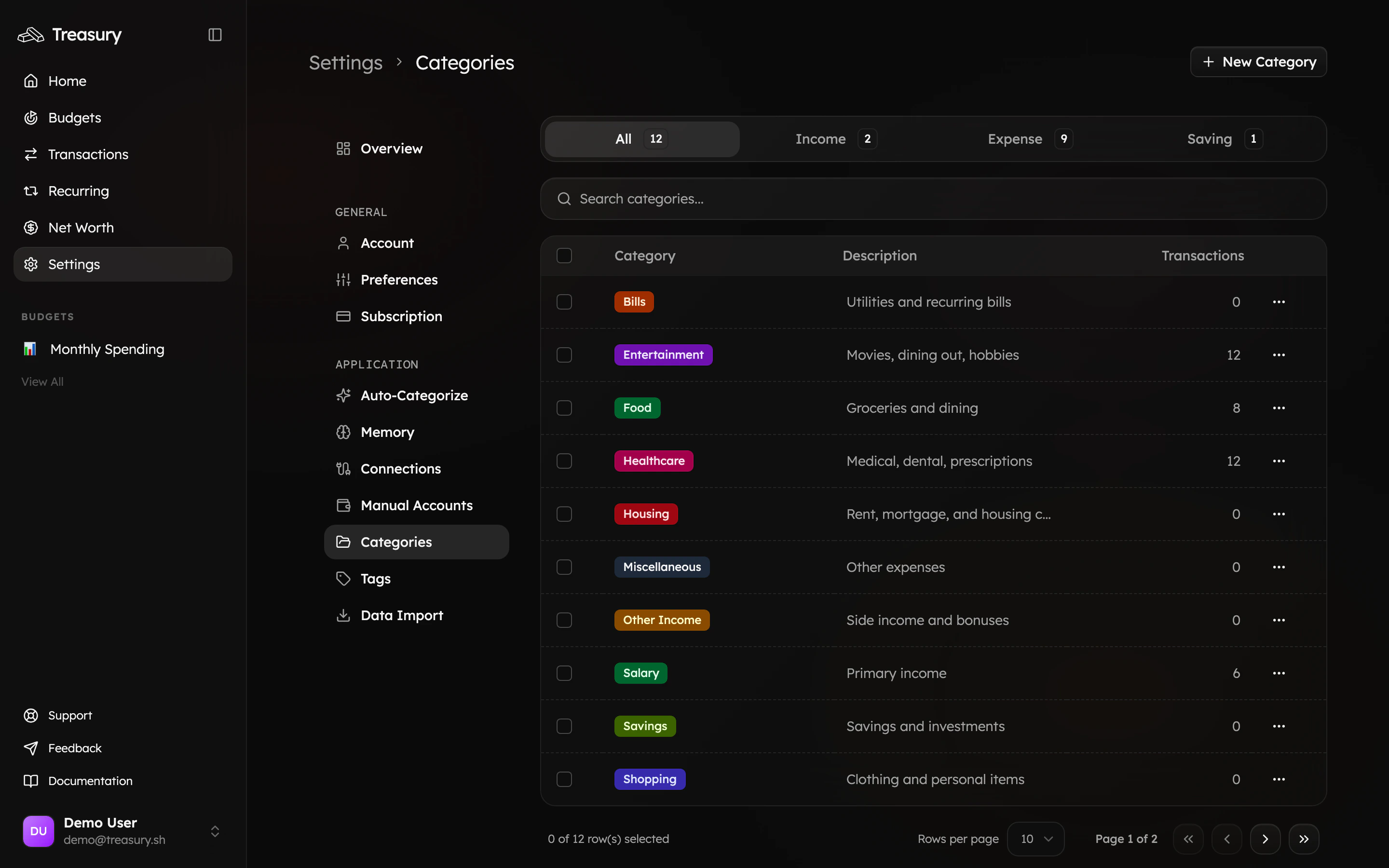
Most transactions are categorized for you as they sync. Set up your [**categories**](/core/categories) first so Treasury has the right buckets to sort into — use the **Default** preset during onboarding for a well-rounded starting set you can tweak.
 ## 2. Clear the rest with Turbo Review
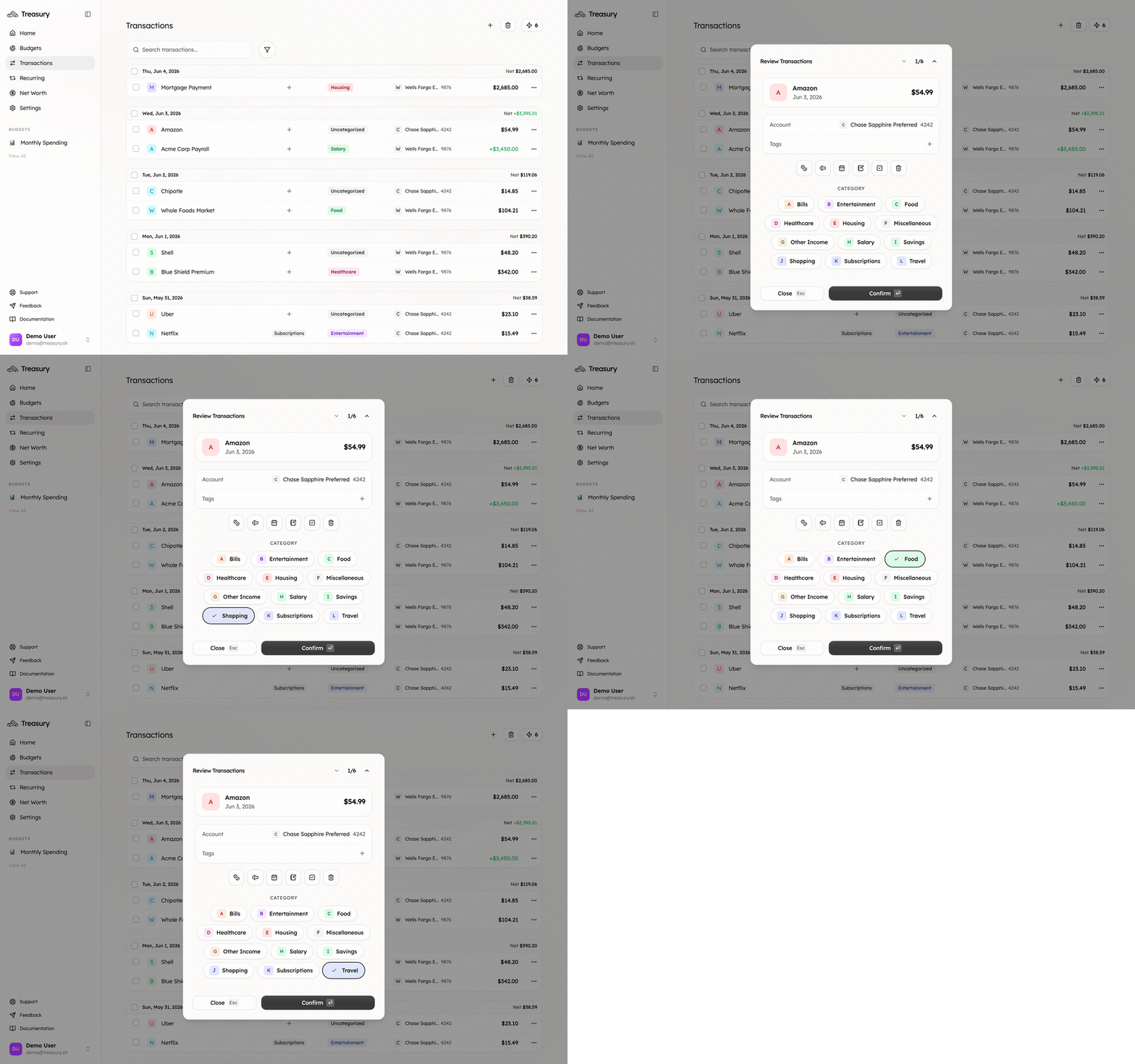
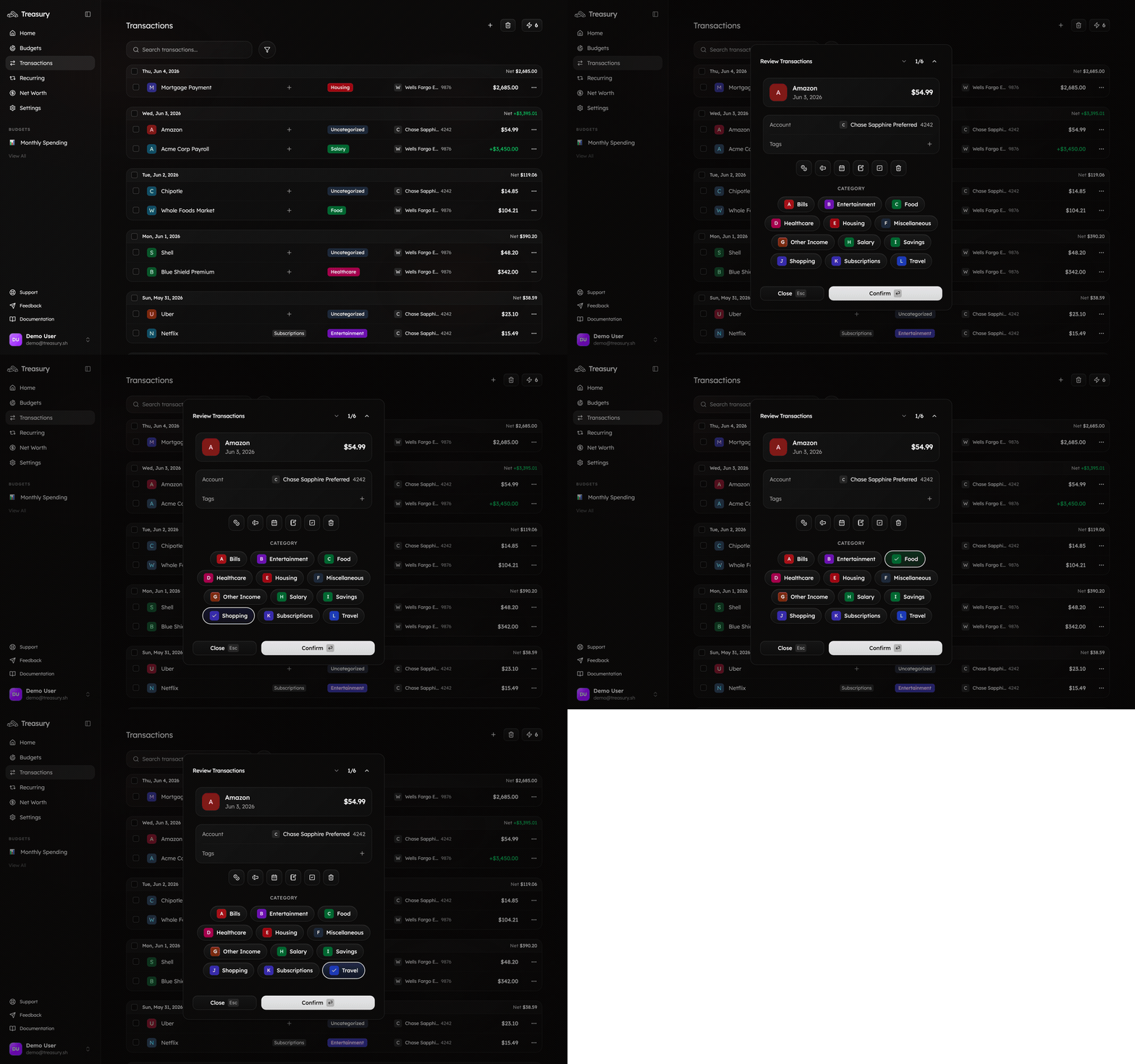
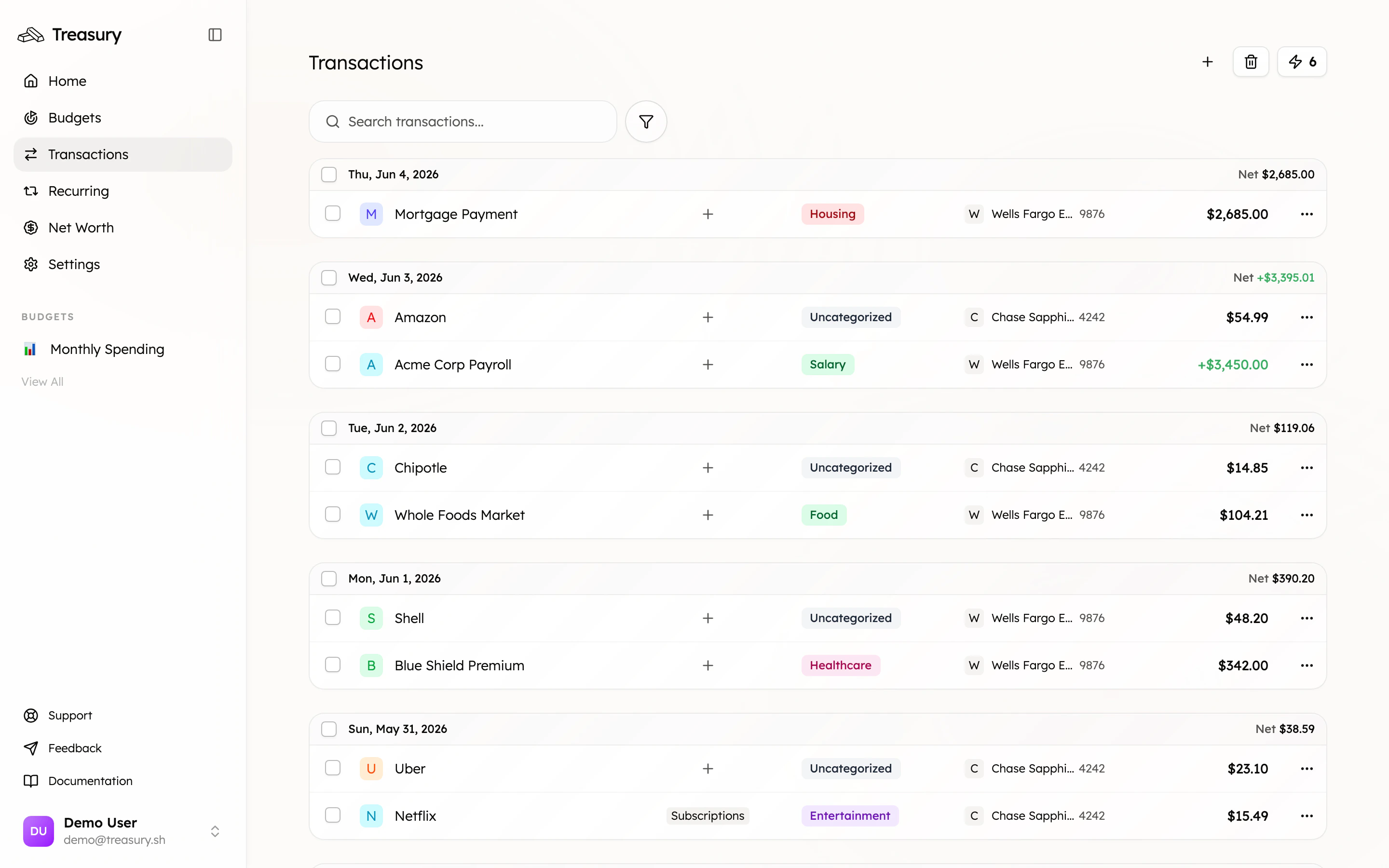
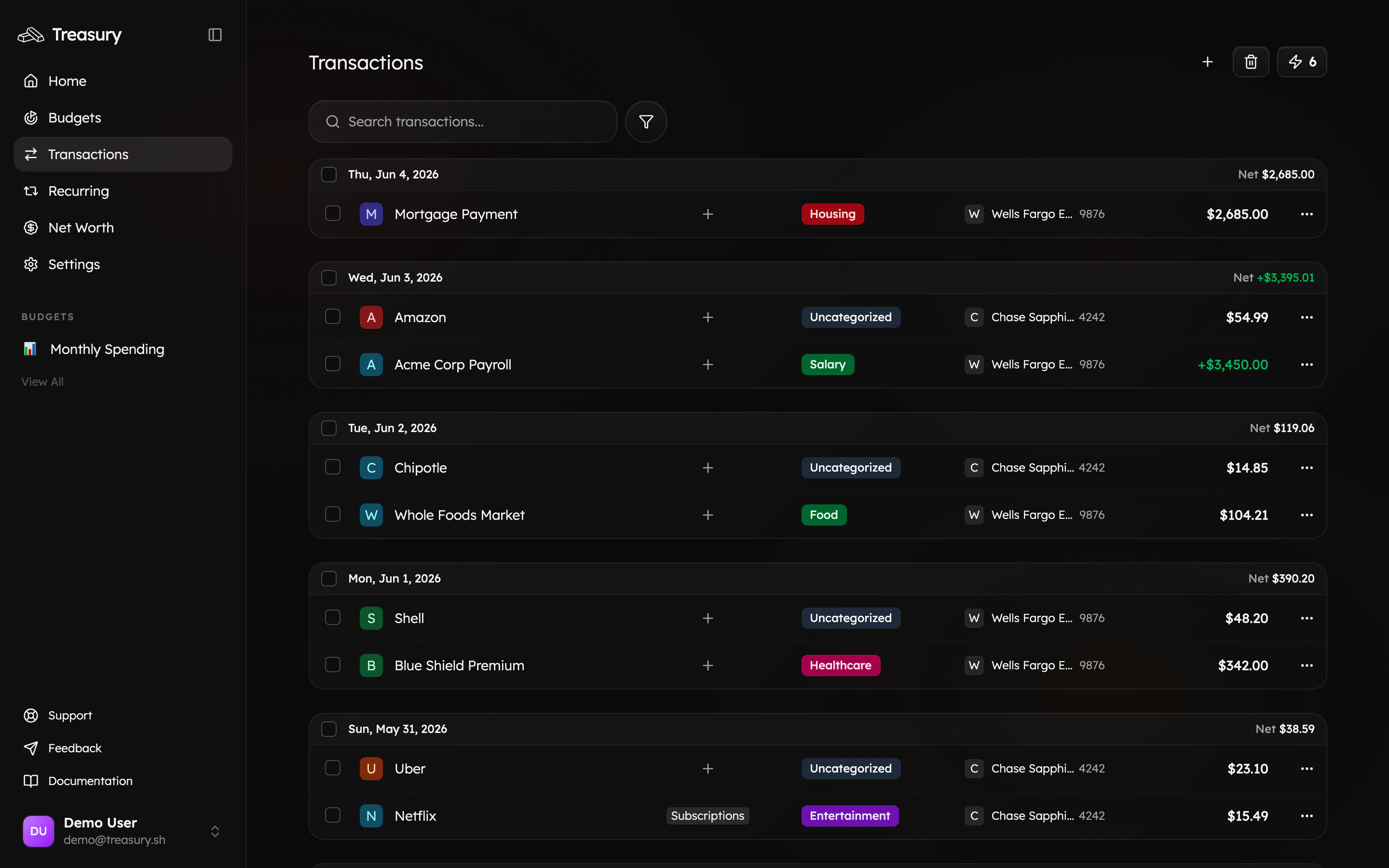
Whatever auto-categorization wasn't sure about lands in [**Turbo Review**](/core/turbo-review) — opened from the **⚡** icon on the [Transactions](https://app.treasury.sh/transactions) page. It shows one transaction at a time with every category a tap away, and jumps to the next the instant you pick. A backlog disappears in a minute.
## 2. Clear the rest with Turbo Review
Whatever auto-categorization wasn't sure about lands in [**Turbo Review**](/core/turbo-review) — opened from the **⚡** icon on the [Transactions](https://app.treasury.sh/transactions) page. It shows one transaction at a time with every category a tap away, and jumps to the next the instant you pick. A backlog disappears in a minute.
 ## 3. Fix one-offs inline
For the occasional stray on the main list, just click its **category label** and pick the right one — no need to open anything. While you're there you can [rename a cryptic merchant](/core/transactions) so it's clear next time.
## 3. Fix one-offs inline
For the occasional stray on the main list, just click its **category label** and pick the right one — no need to open anything. While you're there you can [rename a cryptic merchant](/core/transactions) so it's clear next time.
 ## 4. Keep it clean
* **Exclude the noise.** Reimbursements, internal transfers, and one-off anomalies can distort your budgets — [exclude them](/core/transactions) so totals reflect real spending.
* **Use tags for context.** [Tags](/core/tags) cut across categories for trips and projects, without changing how something is categorized.
* **Make it a habit.** A 30-second Turbo Review once a week keeps you at zero.
## What good looks like
No "Uncategorized" pills on your transactions, budgets that add up, and an AI that can answer "how much did I spend on X?" accurately — because every transaction is in the right bucket.
## Take it further
The fastest way to categorize.
Clean categories make accurate budgets.
Put clean data to work.
Accurate answers need accurate categories.
## 4. Keep it clean
* **Exclude the noise.** Reimbursements, internal transfers, and one-off anomalies can distort your budgets — [exclude them](/core/transactions) so totals reflect real spending.
* **Use tags for context.** [Tags](/core/tags) cut across categories for trips and projects, without changing how something is categorized.
* **Make it a habit.** A 30-second Turbo Review once a week keeps you at zero.
## What good looks like
No "Uncategorized" pills on your transactions, budgets that add up, and an AI that can answer "how much did I spend on X?" accurately — because every transaction is in the right bucket.
## Take it further
The fastest way to categorize.
Clean categories make accurate budgets.
Put clean data to work.
Accurate answers need accurate categories.