> ## Documentation Index
> Fetch the complete documentation index at: https://docs.treasury.sh/llms.txt
> Use this file to discover all available pages before exploring further.
# Quickstart
> Set up Treasury in under an hour — connect your accounts, organize your spending, and see your whole financial picture.
You can be fully set up in **under an hour** — often much less. This is the fastest path from signup to a complete, organized picture.
**By the end you'll have:** accounts connected, transactions categorized, a budget running, your net worth visible, and the AI ready to answer questions.
## 1. Create an account
Sign in to [Treasury](https://app.treasury.sh/signup) with a **Passkey**, **Google**, or **Apple** — no password to remember.
1. Enter your first name, last name, and email to create your account.
2. You'll get a confirmation email with a link to verify your address.
3. Once verified, set up your passkey using your device's built-in authentication (Face ID, Touch ID, or a security key).
4. You'll be taken to your subscription settings.
* Choose **Continue with Google** or **Continue with Apple** and pick the account you'd like to use.
* Once authorized, you'll be taken to your subscription settings.
## 2. Choose a plan
Pick a **Monthly** or **Yearly** subscription to get started. You can change it anytime in [Billing → Manage Subscription](https://app.treasury.sh/settings/subscription).
## 3. Connect your accounts · a few minutes
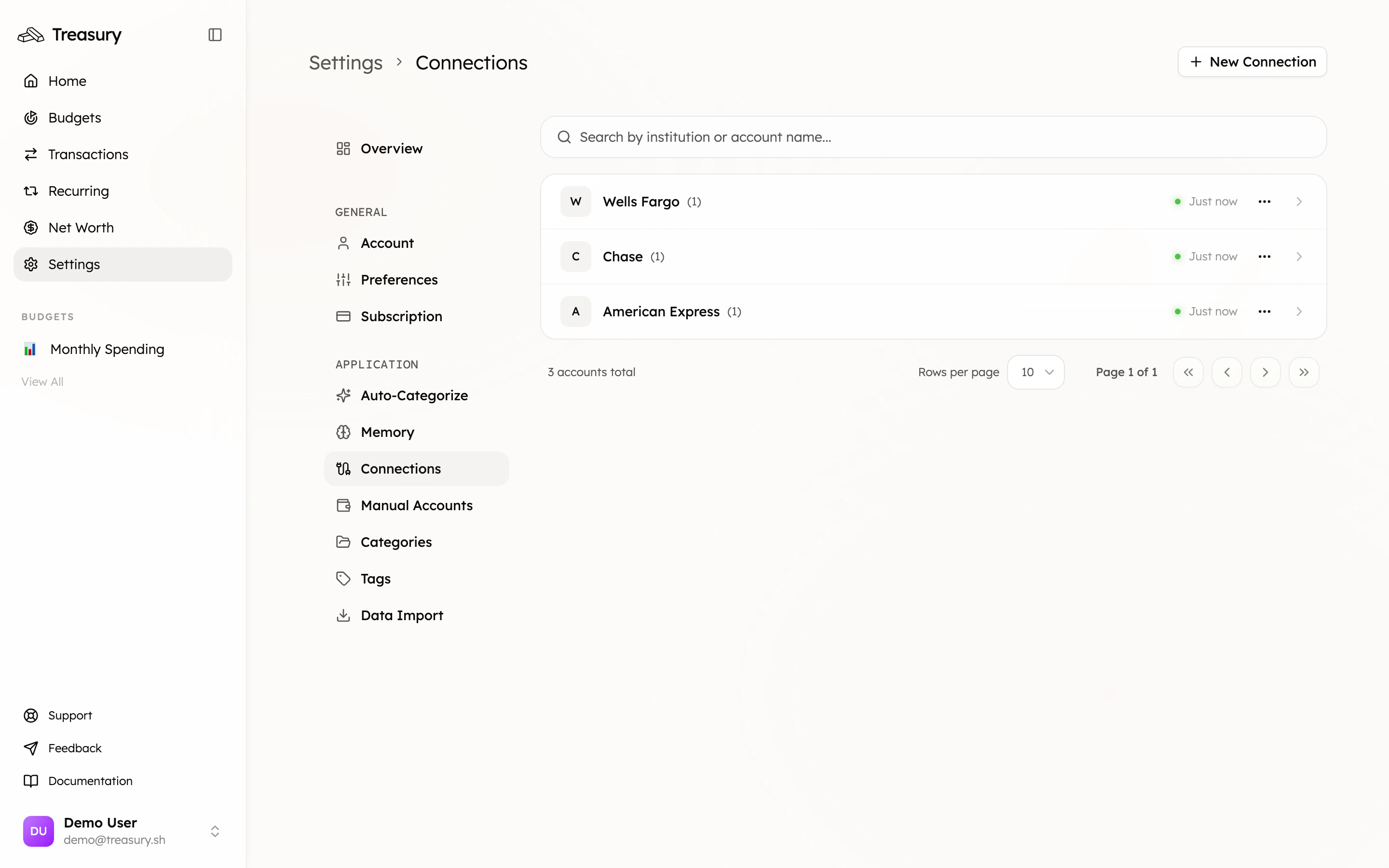
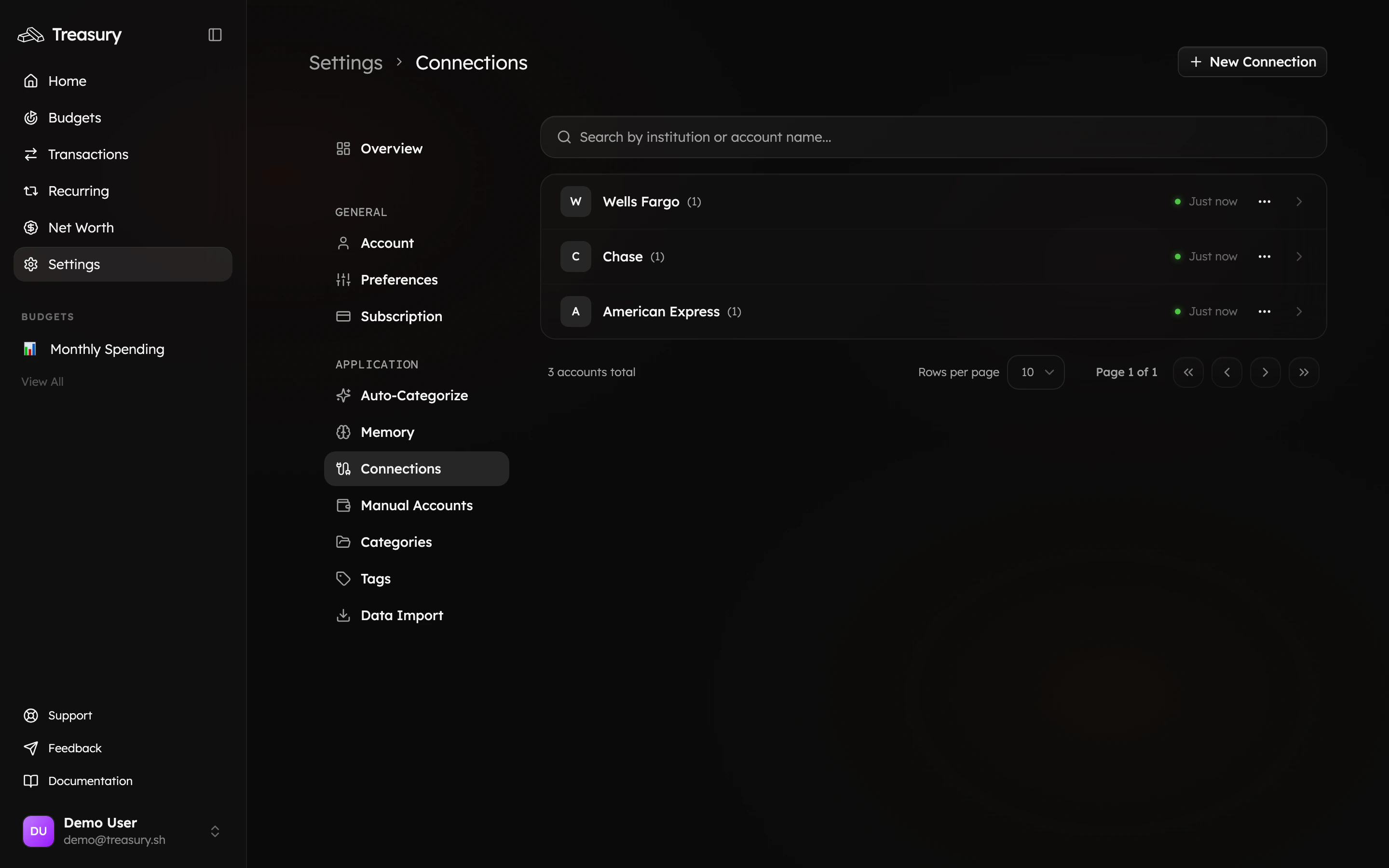
Head to [Settings → Connections](https://app.treasury.sh/settings/connections) and click **Connect account** to link your banks and cards through **Plaid**. Balances and recent transactions import automatically.
 Coming from another app? [Import your transactions and history](/core/data-import) instead of starting from zero.
## 4. Set up your categories · a minute
Add the [categories](/core/categories) that match how you think about money (the **Default** preset is a one-tap head start). Want to track a trip or project across categories? Add a [tag](/core/tags).
## 5. Clear your transactions · a few minutes
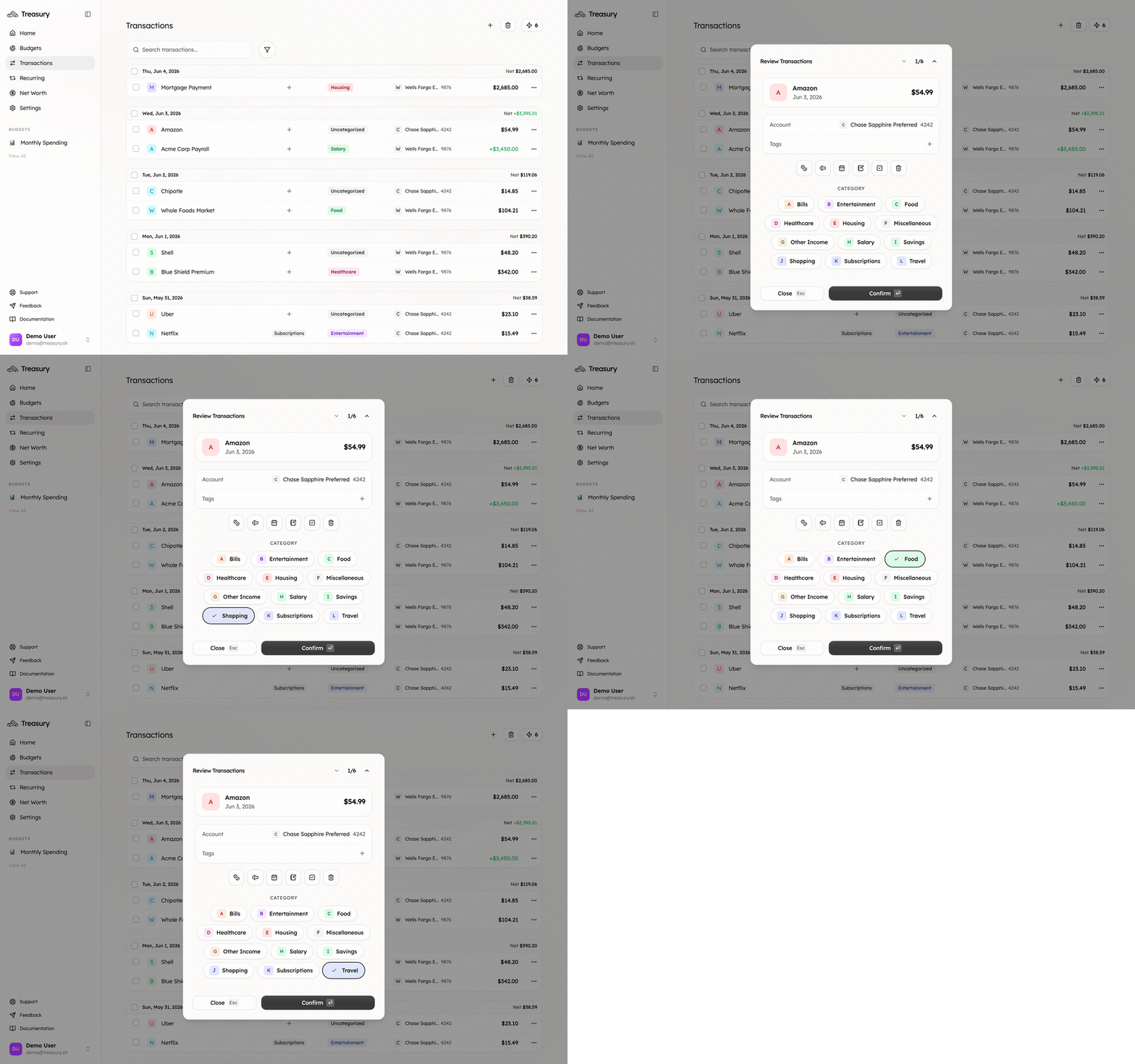
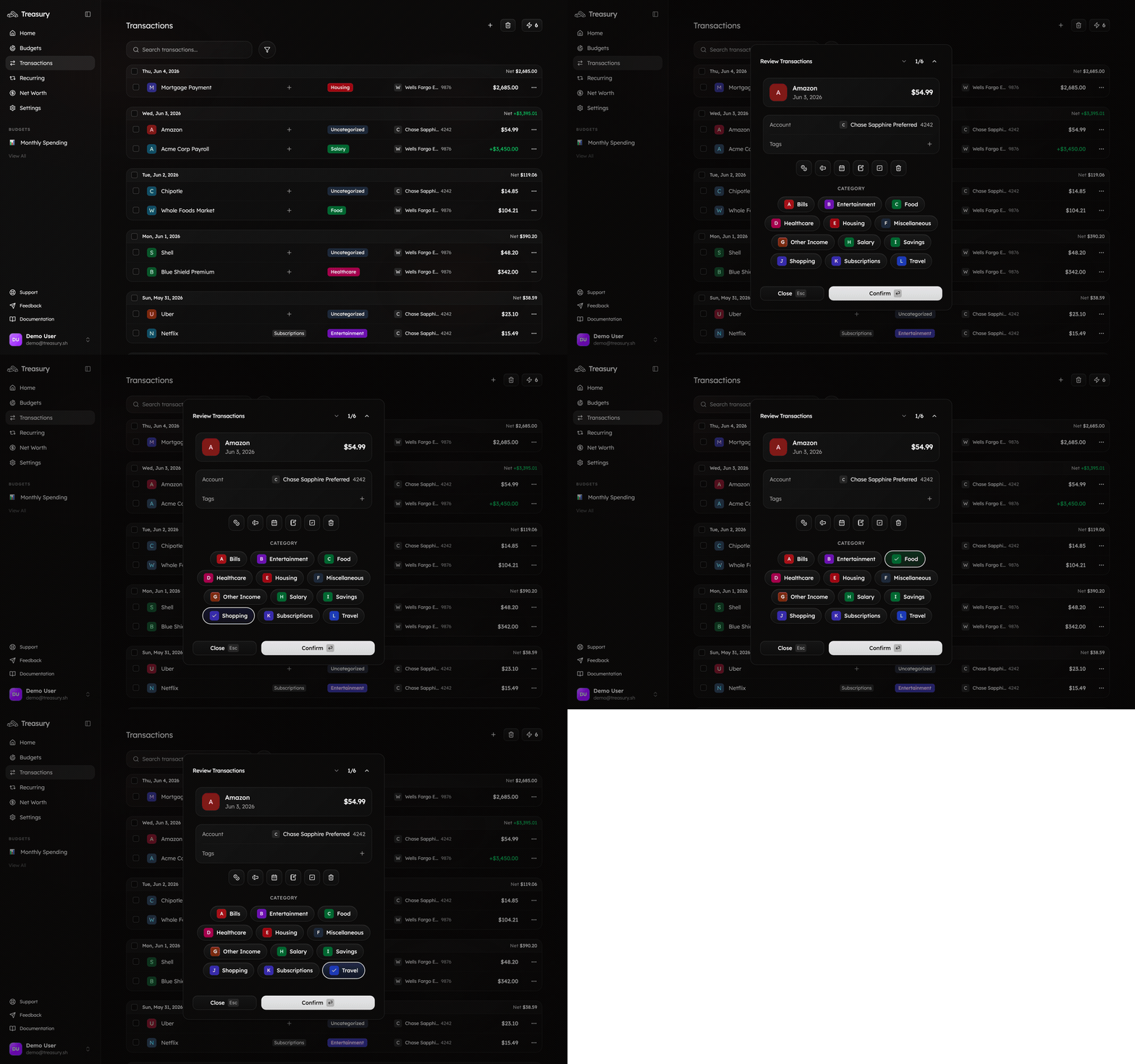
Open [Transactions](https://app.treasury.sh/transactions) to see your activity. Most of it is categorized automatically; clear anything left over in seconds with [**Turbo Review**](/core/turbo-review) — one transaction, one tap, on to the next.
Coming from another app? [Import your transactions and history](/core/data-import) instead of starting from zero.
## 4. Set up your categories · a minute
Add the [categories](/core/categories) that match how you think about money (the **Default** preset is a one-tap head start). Want to track a trip or project across categories? Add a [tag](/core/tags).
## 5. Clear your transactions · a few minutes
Open [Transactions](https://app.treasury.sh/transactions) to see your activity. Most of it is categorized automatically; clear anything left over in seconds with [**Turbo Review**](/core/turbo-review) — one transaction, one tap, on to the next.
 ## 6. Create a budget · 2 minutes
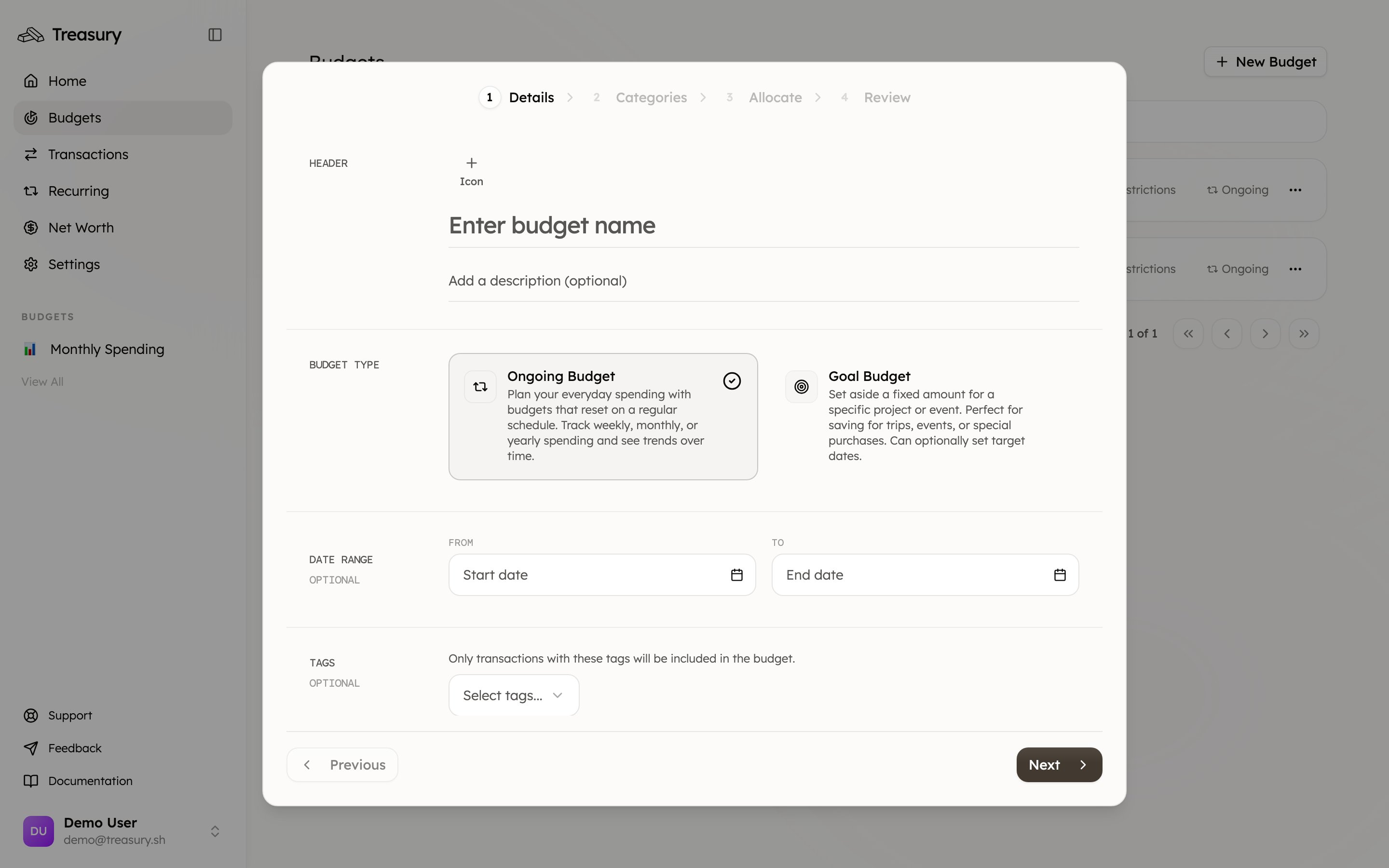
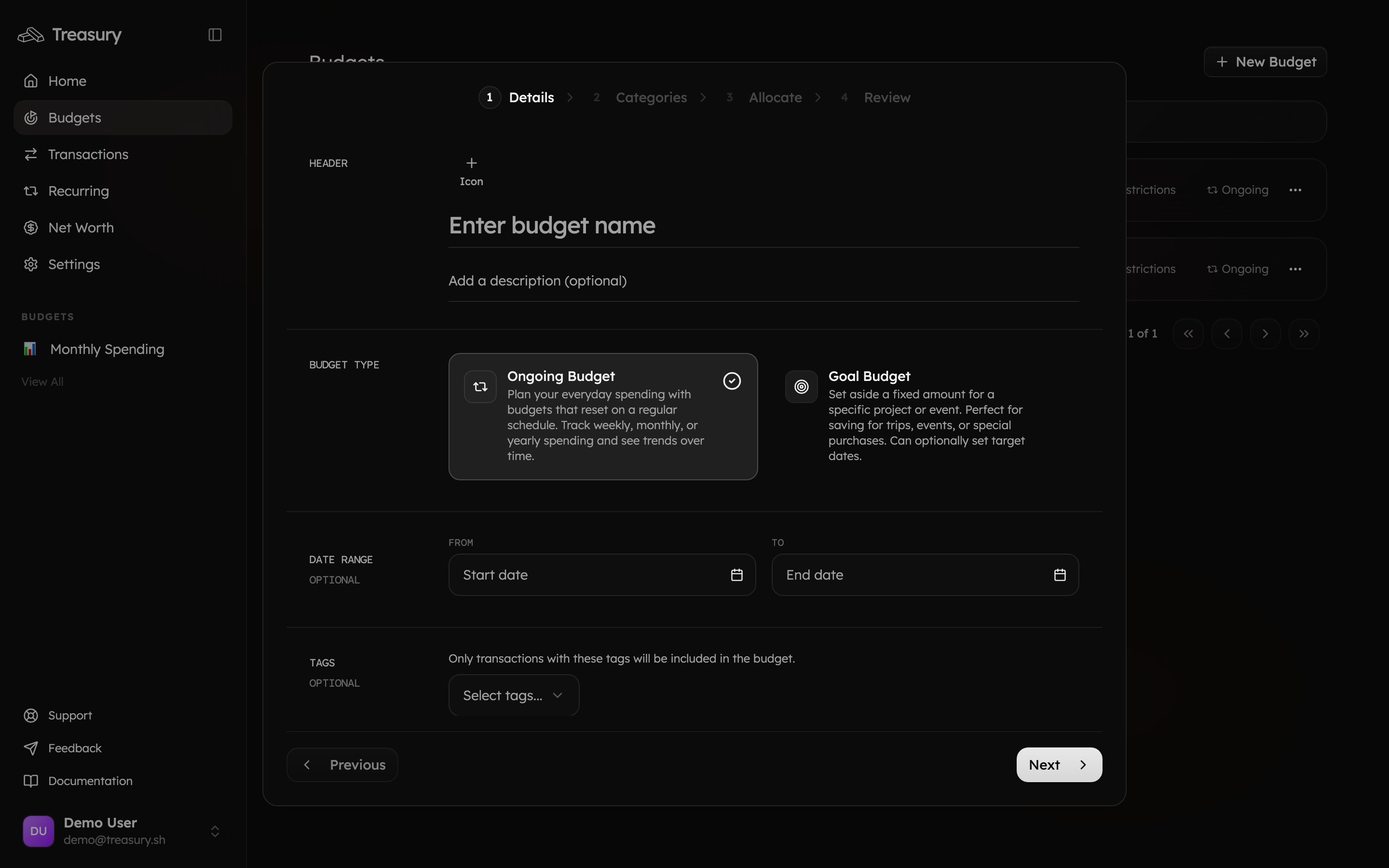
Go to [Budgets](https://app.treasury.sh/budgets) and click **New Budget**. Keep it simple to start: one "Monthly Spending" budget covering your main expense categories. It tracks itself as transactions sync.
## 6. Create a budget · 2 minutes
Go to [Budgets](https://app.treasury.sh/budgets) and click **New Budget**. Keep it simple to start: one "Monthly Spending" budget covering your main expense categories. It tracks itself as transactions sync.
 ## 7. See your whole picture · instant
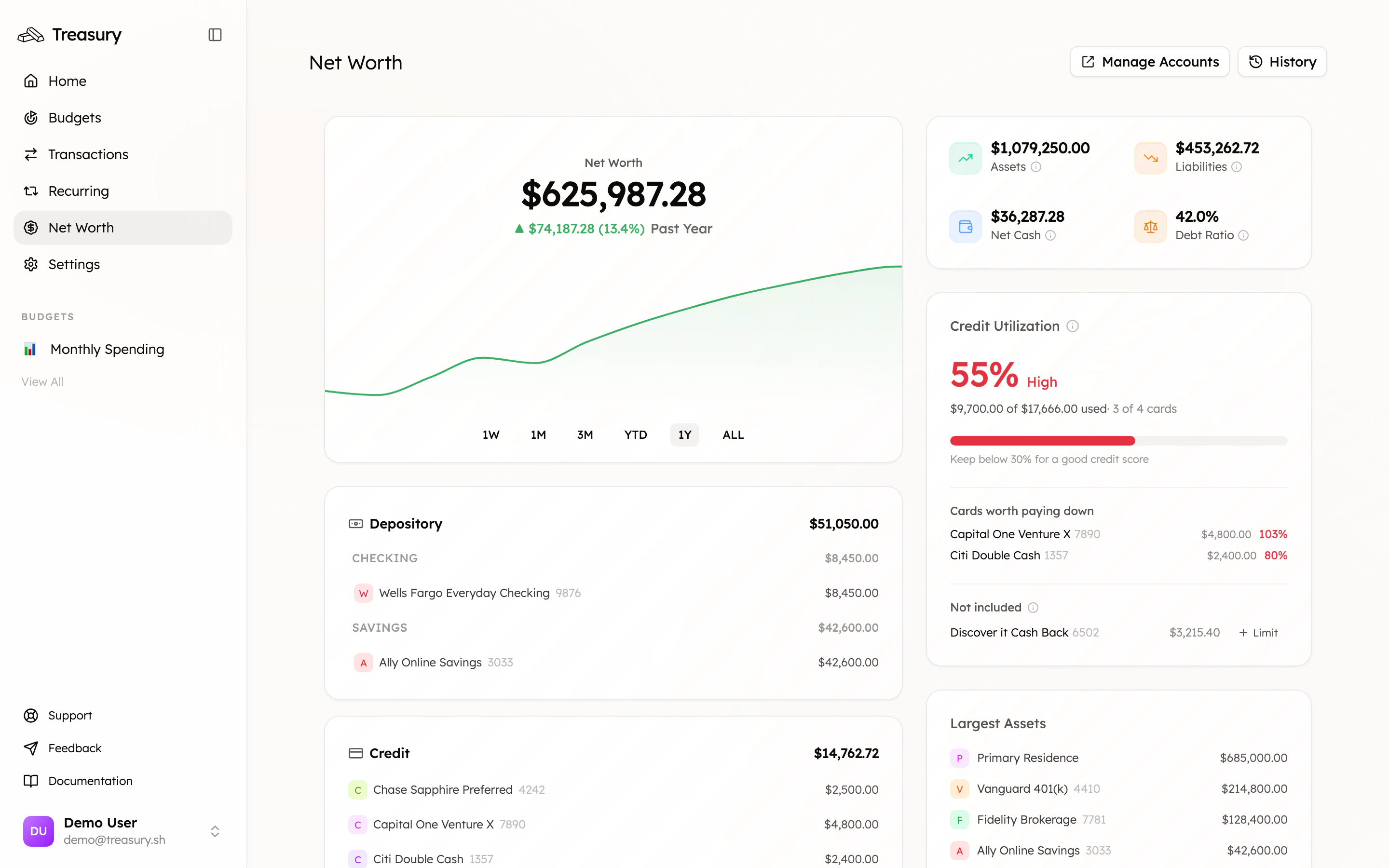
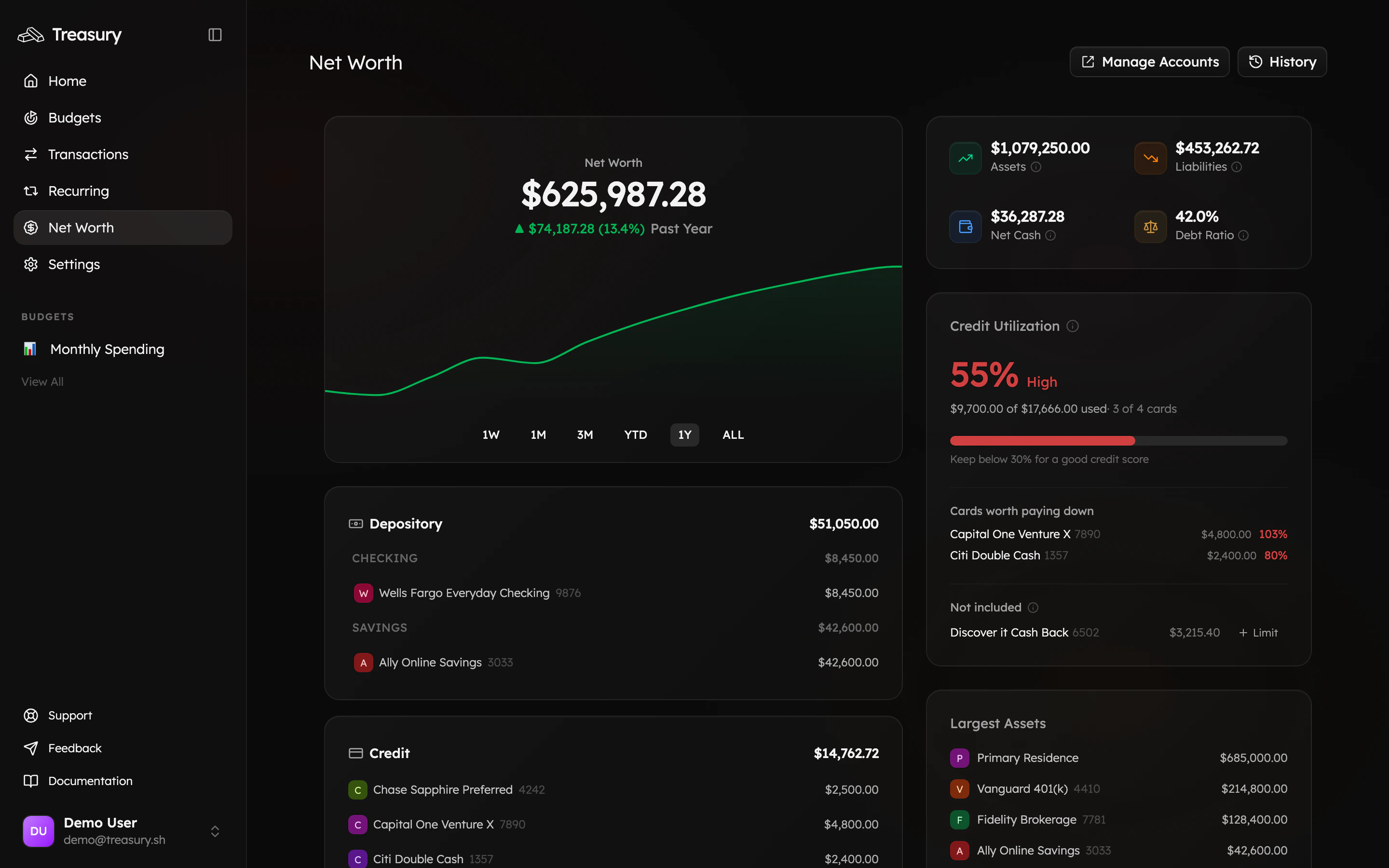
Open [Net Worth](https://app.treasury.sh/networth) for the one number that matters most. Add anything that doesn't sync — a home, a car, cash — as a [manual account](/core/manual-accounts) so the number is complete.
## 7. See your whole picture · instant
Open [Net Worth](https://app.treasury.sh/networth) for the one number that matters most. Add anything that doesn't sync — a home, a car, cash — as a [manual account](/core/manual-accounts) so the number is complete.
 ## 8. Ask the AI · seconds
You're set up — now let [Treasury AI](https://app.treasury.sh/ai) do the heavy lifting. Ask it anything: *"How much did I spend on food last month?"*, *"What bills are due this week?"*, *"Which subscriptions should I cancel?"*
## Next steps
That's it — from here, daily use is a 30-second glance and the occasional question. Dig deeper with these:
Surface every recurring charge and cut the waste.
Add the assets your bank can't see.
Stay ahead of what's due.
Your money questions, answered from your real data.
## 8. Ask the AI · seconds
You're set up — now let [Treasury AI](https://app.treasury.sh/ai) do the heavy lifting. Ask it anything: *"How much did I spend on food last month?"*, *"What bills are due this week?"*, *"Which subscriptions should I cancel?"*
## Next steps
That's it — from here, daily use is a 30-second glance and the occasional question. Dig deeper with these:
Surface every recurring charge and cut the waste.
Add the assets your bank can't see.
Stay ahead of what's due.
Your money questions, answered from your real data.