> ## Documentation Index
> Fetch the complete documentation index at: https://docs.treasury.sh/llms.txt
> Use this file to discover all available pages before exploring further.
# Net Worth
> See your complete financial picture — assets, liabilities, and how your net worth changes over time.
## Overview
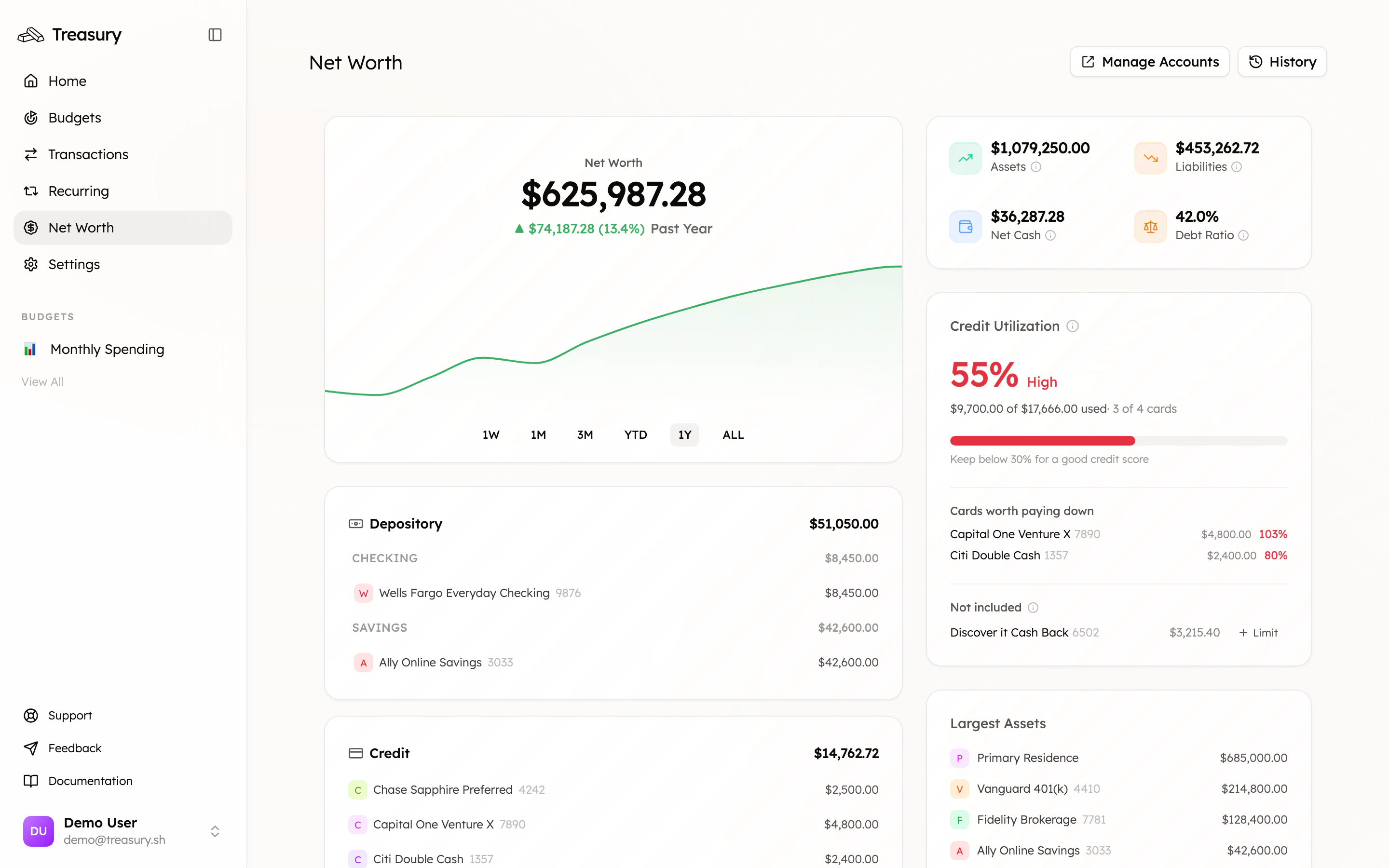
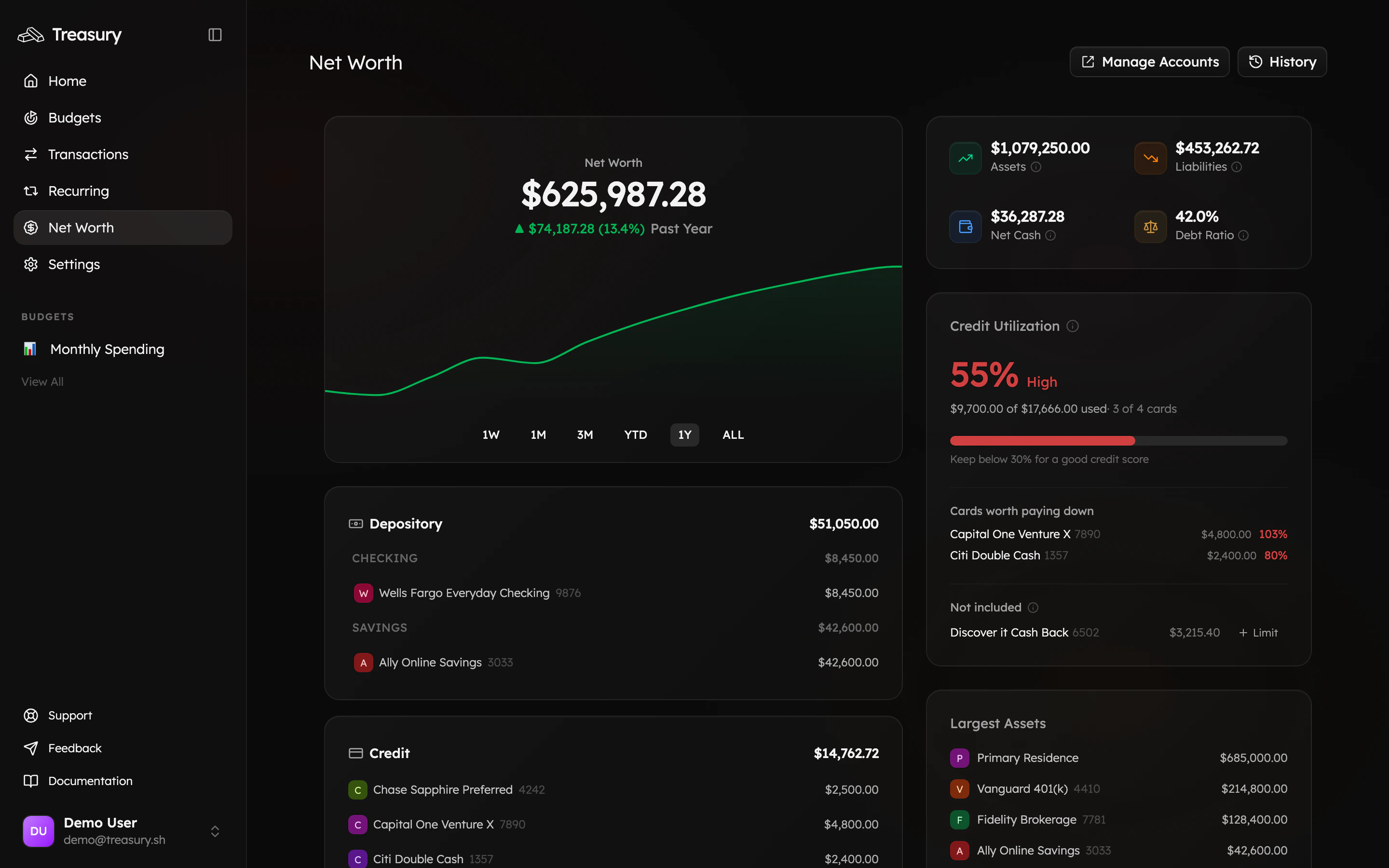
Your [net worth](https://app.treasury.sh/networth) is on the navigation bar. It pulls every account you've connected or added into one number — what you own minus what you owe — and tracks how it changes over time. It's the single best measure of whether you're moving in the right direction.
 ## What you can do here
* See your **net worth** and how it's trending over any period (1W to all-time).
* Break down your **assets** vs **liabilities** at a glance.
* Spot high **credit utilization** and the cards worth paying down first.
* Review every account, grouped by type, with **largest assets** surfaced.
* Add what doesn't sync — a home, a car, cash — so the number is *complete*.
## Track your net worth over time
The headline number sits above a trend chart you can view over **1W**, **1M**, **3M**, **YTD**, **1Y**, or **ALL**. Switch periods to see the short-term wiggles or the long-term climb — the year-over-year view is the one that tells you whether you're really making progress.
Don't react to the daily number. Markets and balances bounce around day to day; what matters is the direction of the **1Y** or **ALL** line. Up and to the right over months is the goal.
## Understand assets vs liabilities
Treasury sorts every account into assets or liabilities based on its type, then nets them together:
| Account type | Counts as | Examples |
| :--------------------------- | :-------- | :-------------------------------- |
| **Depository** | Asset | Checking, savings, cash |
| **Investment** | Asset | Brokerage, 401(k), IRA, crypto |
| **Other** (positive balance) | Asset | Home, car, valuables |
| **Credit** | Liability | Credit cards |
| **Loan** | Liability | Mortgage, student loan, auto loan |
Accounts are listed grouped by type, and the **Largest Assets** card highlights what's doing the heavy lifting.
## Credit utilization
The **Credit Utilization** card shows how much of your available credit you're using across your cards — a major factor in your credit score — and flags the cards **worth paying down** first.
Charge cards and cards without a preset limit can't have a meaningful utilization percentage, so they appear under **Not included**. If a card is missing its limit, use **+ Limit** to set one so it's counted correctly.
## Keep your picture complete
Your net worth is only as honest as the accounts behind it. Two ways accounts get here:
* **Connected accounts** — banks and cards linked through [Connections](/core/connections); balances sync automatically.
* **Manual accounts** — anything that doesn't connect (a home, a car, cash, an unsupported institution) added via [Manual Accounts](/core/manual-accounts).
Use **Manage Accounts** (top right) to add, reconnect, or remove accounts, and **History** to see every recorded snapshot.
## On the go
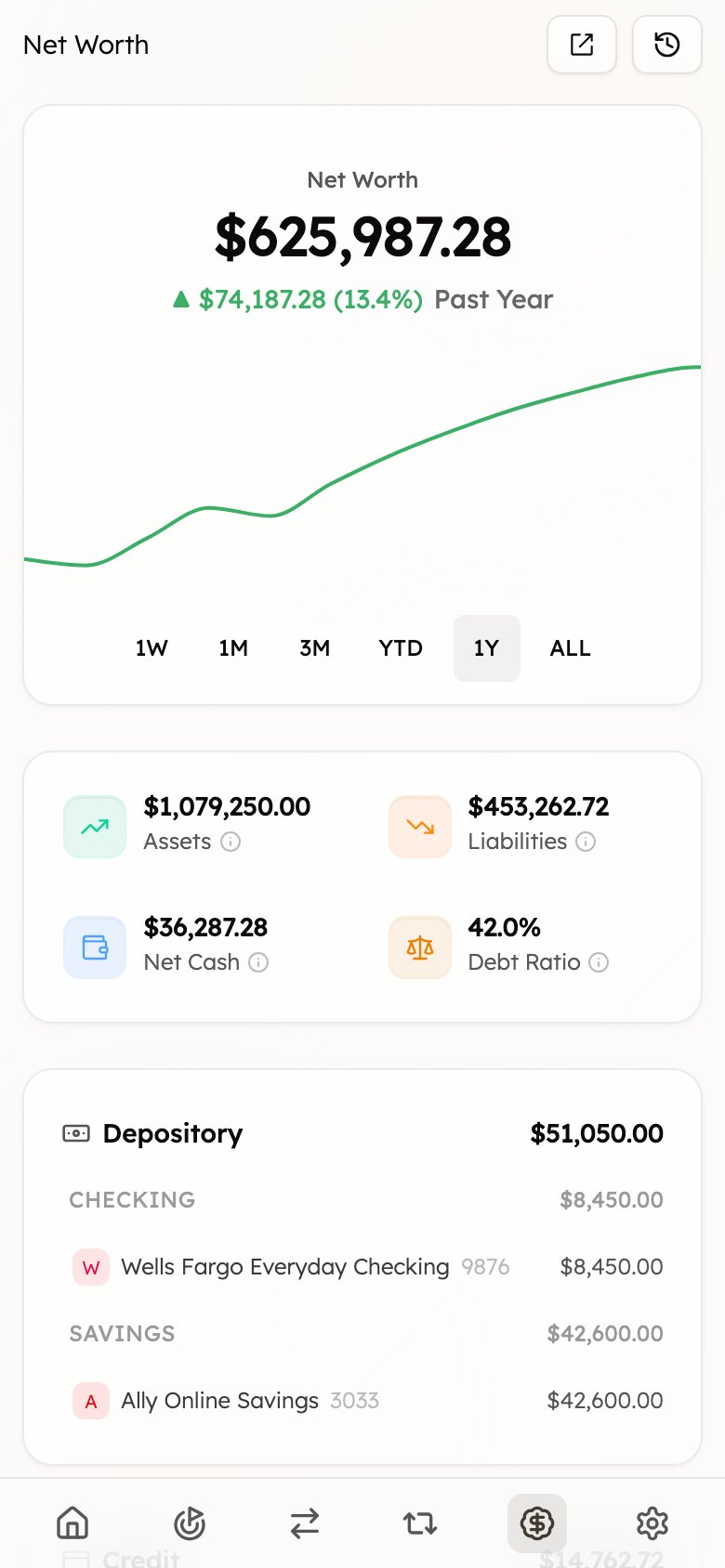
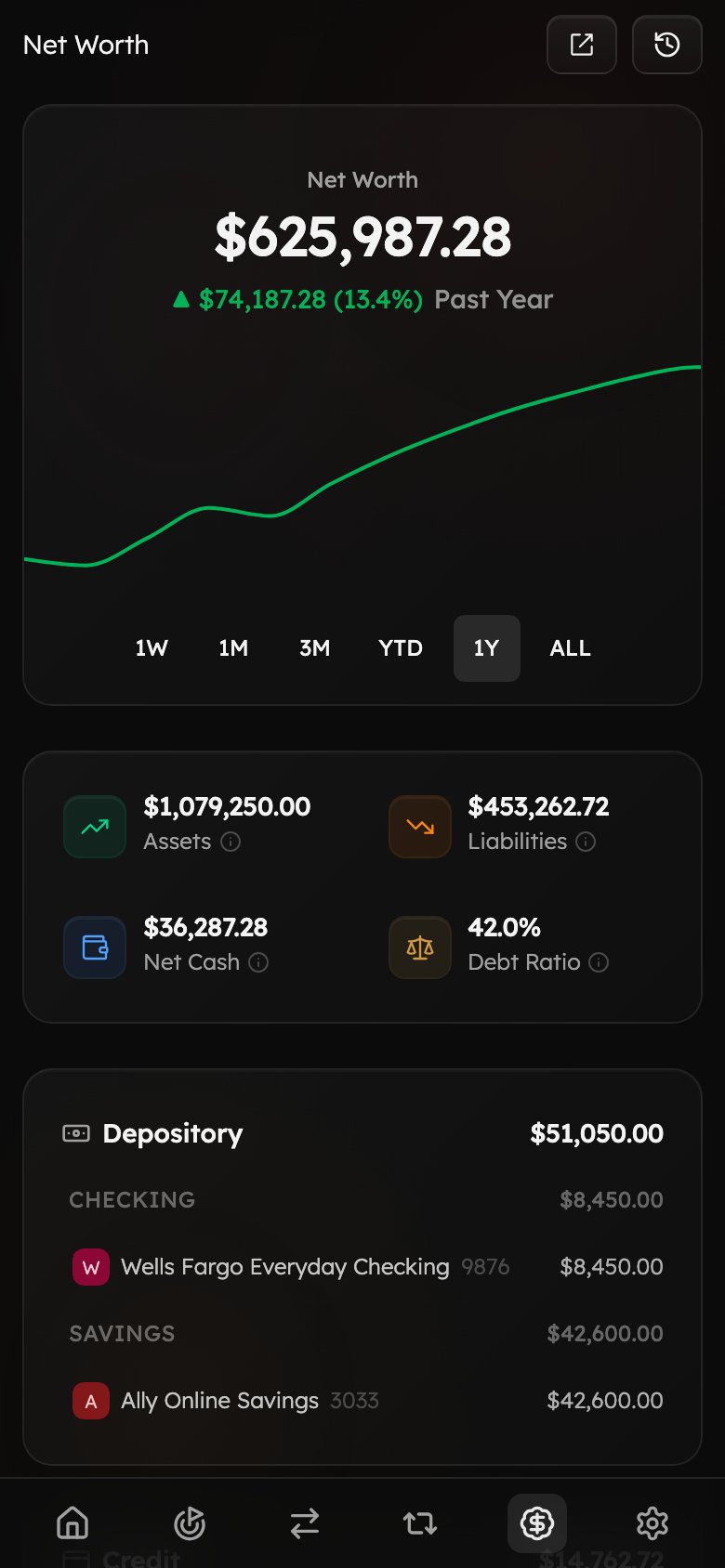
Your full picture — trend chart, headline number, and account groups — travels with you on mobile.
## What you can do here
* See your **net worth** and how it's trending over any period (1W to all-time).
* Break down your **assets** vs **liabilities** at a glance.
* Spot high **credit utilization** and the cards worth paying down first.
* Review every account, grouped by type, with **largest assets** surfaced.
* Add what doesn't sync — a home, a car, cash — so the number is *complete*.
## Track your net worth over time
The headline number sits above a trend chart you can view over **1W**, **1M**, **3M**, **YTD**, **1Y**, or **ALL**. Switch periods to see the short-term wiggles or the long-term climb — the year-over-year view is the one that tells you whether you're really making progress.
Don't react to the daily number. Markets and balances bounce around day to day; what matters is the direction of the **1Y** or **ALL** line. Up and to the right over months is the goal.
## Understand assets vs liabilities
Treasury sorts every account into assets or liabilities based on its type, then nets them together:
| Account type | Counts as | Examples |
| :--------------------------- | :-------- | :-------------------------------- |
| **Depository** | Asset | Checking, savings, cash |
| **Investment** | Asset | Brokerage, 401(k), IRA, crypto |
| **Other** (positive balance) | Asset | Home, car, valuables |
| **Credit** | Liability | Credit cards |
| **Loan** | Liability | Mortgage, student loan, auto loan |
Accounts are listed grouped by type, and the **Largest Assets** card highlights what's doing the heavy lifting.
## Credit utilization
The **Credit Utilization** card shows how much of your available credit you're using across your cards — a major factor in your credit score — and flags the cards **worth paying down** first.
Charge cards and cards without a preset limit can't have a meaningful utilization percentage, so they appear under **Not included**. If a card is missing its limit, use **+ Limit** to set one so it's counted correctly.
## Keep your picture complete
Your net worth is only as honest as the accounts behind it. Two ways accounts get here:
* **Connected accounts** — banks and cards linked through [Connections](/core/connections); balances sync automatically.
* **Manual accounts** — anything that doesn't connect (a home, a car, cash, an unsupported institution) added via [Manual Accounts](/core/manual-accounts).
Use **Manage Accounts** (top right) to add, reconnect, or remove accounts, and **History** to see every recorded snapshot.
## On the go
Your full picture — trend chart, headline number, and account groups — travels with you on mobile.
 ## Tips & best practices
* **Add your big assets.** A home or paid-off car is often someone's largest asset — add it as a [manual account](/core/manual-accounts) so your net worth reflects reality, not just your bank balances.
* **Watch utilization, not just balances.** Keeping credit utilization low protects your score; the utilization card tells you exactly which card to pay down first.
* **Reconnect promptly.** A disconnected bank freezes its balance and skews your total — reconnect from **Manage Accounts** when prompted.
* **Check monthly, not daily.** Make the 1Y view a once-a-month ritual.
## FAQ
Your bank balance is one account. Net worth combines *all* of them — every cash, investment, and asset account, minus every credit card and loan — into a single number.
Not necessarily. It moves when investment balances change with the market, when a credit-card balance goes up, or when an account hasn't synced recently. Look at the trend over months rather than a single day, and check that all accounts are connected and up to date.
Add them as [manual accounts](/core/manual-accounts) with type **Other** and their estimated value. They'll count toward your assets, and you can update the value any time.
History builds as Treasury records snapshots over time, so a brand-new account starts with little history. Give it a few days and your trend line will fill in.
## Related
Link banks and cards so balances sync automatically.
Add cash, property, or accounts Treasury can't connect to.
See the activity behind your account balances.
Plan spending alongside your overall financial picture.
## Tips & best practices
* **Add your big assets.** A home or paid-off car is often someone's largest asset — add it as a [manual account](/core/manual-accounts) so your net worth reflects reality, not just your bank balances.
* **Watch utilization, not just balances.** Keeping credit utilization low protects your score; the utilization card tells you exactly which card to pay down first.
* **Reconnect promptly.** A disconnected bank freezes its balance and skews your total — reconnect from **Manage Accounts** when prompted.
* **Check monthly, not daily.** Make the 1Y view a once-a-month ritual.
## FAQ
Your bank balance is one account. Net worth combines *all* of them — every cash, investment, and asset account, minus every credit card and loan — into a single number.
Not necessarily. It moves when investment balances change with the market, when a credit-card balance goes up, or when an account hasn't synced recently. Look at the trend over months rather than a single day, and check that all accounts are connected and up to date.
Add them as [manual accounts](/core/manual-accounts) with type **Other** and their estimated value. They'll count toward your assets, and you can update the value any time.
History builds as Treasury records snapshots over time, so a brand-new account starts with little history. Give it a few days and your trend line will fill in.
## Related
Link banks and cards so balances sync automatically.
Add cash, property, or accounts Treasury can't connect to.
See the activity behind your account balances.
Plan spending alongside your overall financial picture.