> ## Documentation Index
> Fetch the complete documentation index at: https://docs.treasury.sh/llms.txt
> Use this file to discover all available pages before exploring further.
# Connections
> Securely link your banks and cards so transactions and balances sync into Treasury automatically.
## Overview
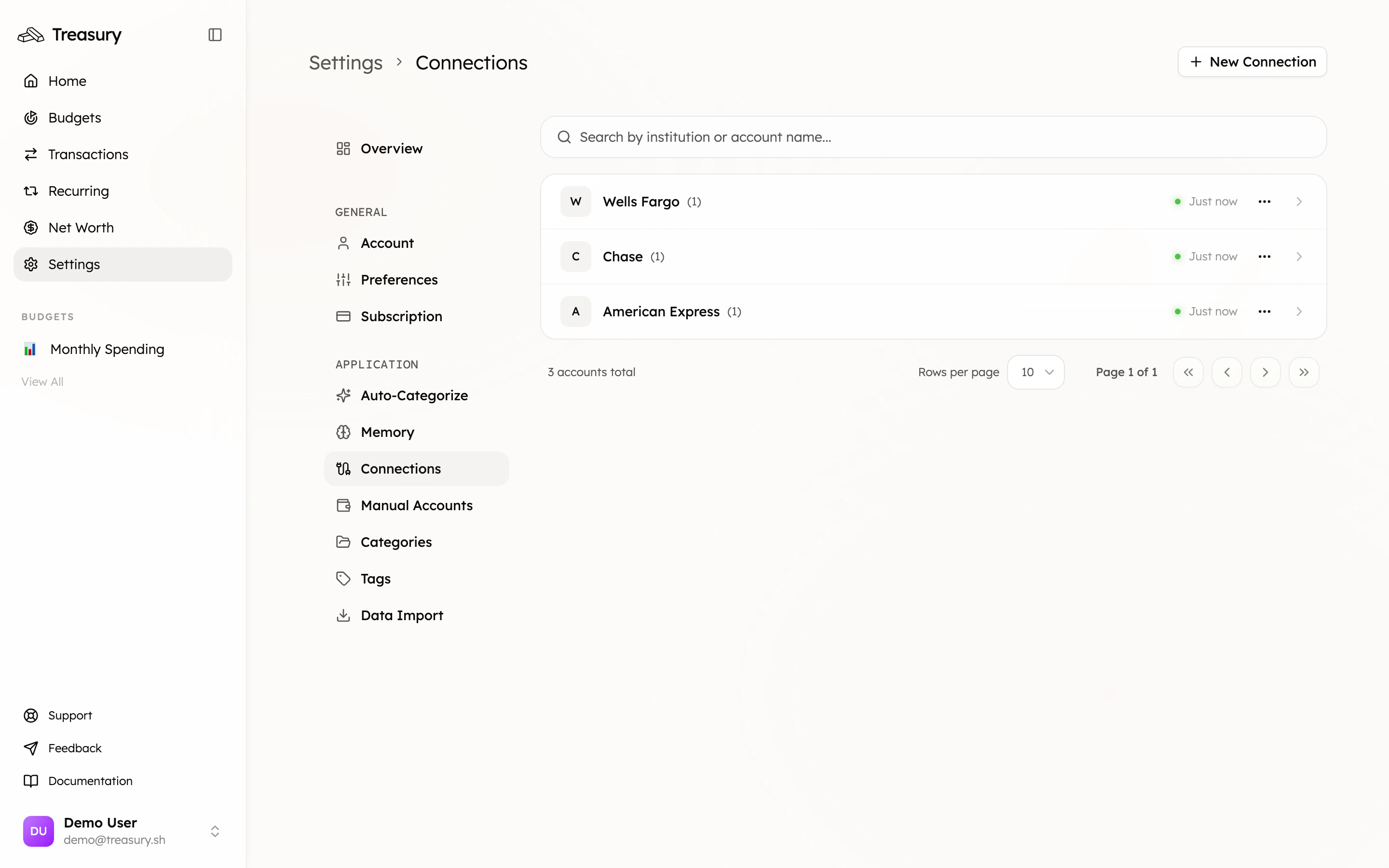
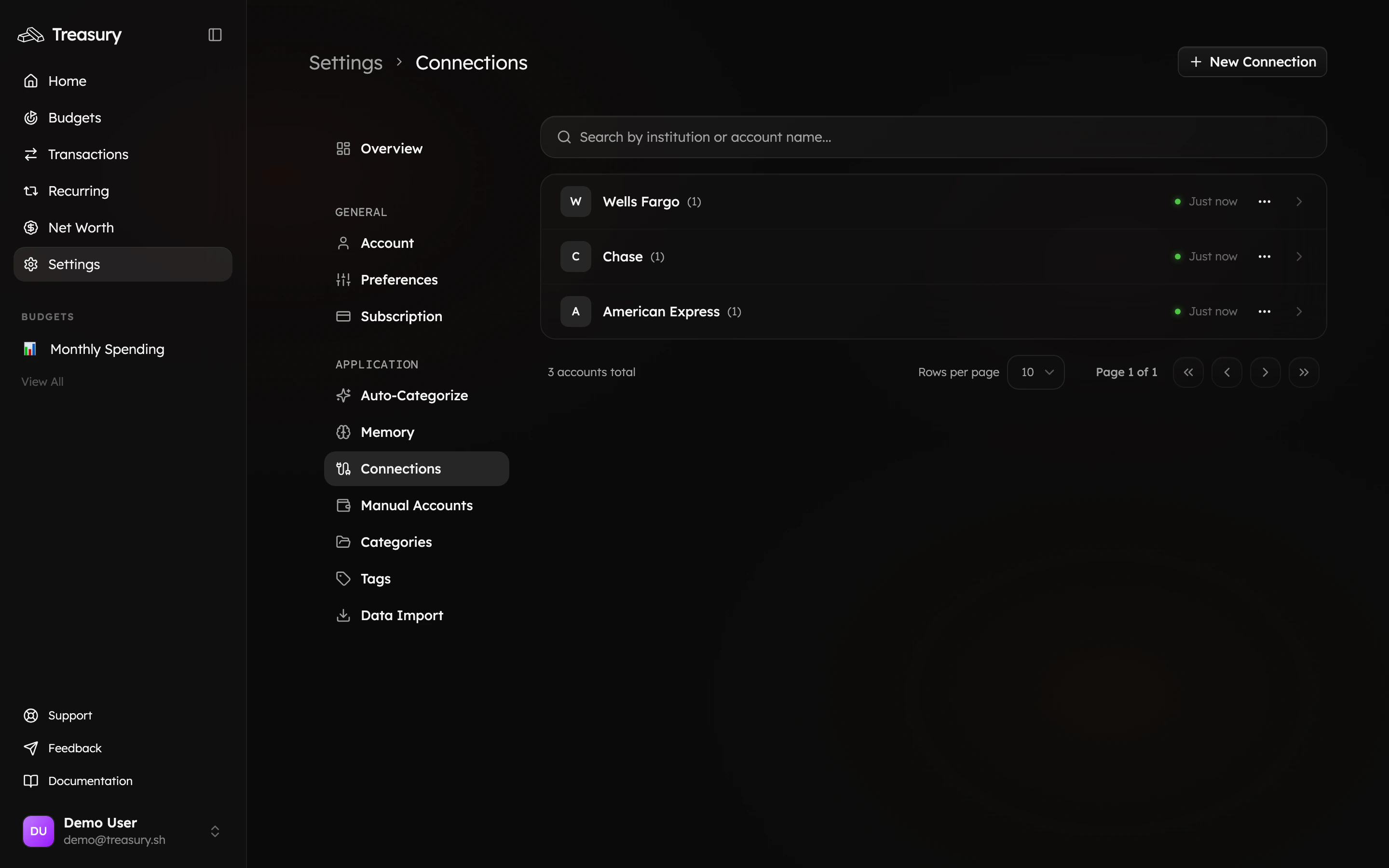
Your connections are found in [Settings > Connections](https://app.treasury.sh/settings/connections). This is where you can link your bank accounts and other financial institutions to Treasury using Plaid — the foundation that makes everything else (transactions, budgets, net worth) update on its own.
 ## What you can do here
* **Connect** banks, credit cards, loans, and investment accounts through Plaid.
* **Sync** balances and transactions to keep everything current.
* **Reconnect** an account when a bank's login or security changes.
* **Disconnect** an institution — keeping its history or removing it.
* **Rename** and **exclude** individual accounts.
## What are Connections?
Connections allow Treasury to securely sync your financial data from your **bank**, **credit card**, and **investment** accounts — all in one place.
They’re powered by **Plaid**, an industry-standard platform trusted by major financial apps and supporting over **12,000 financial institutions** across the country.
When you connect an account, Treasury automatically imports your balances and transactions, giving you a complete view of your finances. You can connect checking, savings, credit cards, loans, and even investment accounts like 401(k)s or brokerage accounts.
Treasury keeps your data up to date by syncing connections regularly, so your budgets, reports, and net worth always reflect the latest information.
## Add a Connection
To add a new connection, navigate to [**Settings > Connections**](https://app.treasury.sh/settings/connections) and click **New Connection**.
A window will appear where you can choose your **country** and select how far back you want Treasury to import your transactions — from **1 week** up to **16 weeks** (default is 8 weeks). Once you’ve set your preferences, click **Continue**.
You’ll then be redirected to **Plaid**, the secure service Treasury uses to connect with your financial institutions.
Follow Plaid’s prompts to log in to your bank or account provider, select which accounts to share (such as checking, savings, credit cards, or investments), and confirm the connection.
After completing the setup, Treasury will automatically sync your selected accounts and begin importing your recent transactions.
## Manage Connections
Once your accounts are connected, you can manage them anytime from [**Settings > Connections**](https://app.treasury.sh/settings/connections).
Click the **⋯ (three dots)** next to any institution to sync, reconnect, disconnect, edit, or exclude accounts.
### Syncing Connections
To refresh your data, click **⋯ → Sync** next to the financial institution.\
This will update your balances and transactions with the latest data from your bank. Syncing ensures your dashboards, budgets, and net worth remain accurate and up to date.
### Reconnecting Connections
Sometimes a connection between Treasury and your bank may break — for example, if you’ve changed your login credentials or your bank updates its security settings.
When this happens, click **⋯ → Reconnect** and follow the **Plaid** prompts to log back into your account.
Once reconnected, Treasury will resume syncing your data automatically.
### Disconnecting Connections
To remove a connection, click **⋯ → Disconnect**.\
You’ll then choose how Treasury should handle your existing data:
* **Convert to manual accounts (Recommended):** Keeps all your transaction history and converts the accounts to manual tracking. You can continue adding transactions manually.
* **Delete all data:** Permanently removes all related accounts, transactions, and recurring payments. This action cannot be undone.
After making your selection, click **Select an option** to confirm.
### Editing Account Names
To rename an account, expand the financial institution, click **⋯ → Edit**, update the account name, and click **Save Changes**.
Renaming helps you personalize your dashboard (e.g., “Joint Checking” instead of “Everyday Checking 5790”).
### Excluding Accounts
If you want to hide an account from your **Net Worth** calculations without deleting it, click **⋯ → Exclude**.
Excluded accounts won’t appear in your total net worth but will still retain their transaction history.
Choose your import window thoughtfully when connecting. A longer window (up to 16 weeks) gives Treasury more history to detect recurring payments and build accurate budgets from day one.
## FAQ
Yes. Connections are powered by **Plaid**, the same secure service used by major financial apps. Treasury receives read-only data — it can see transactions and balances, but can never move your money.
Plaid supports thousands of institutions, but not every one. If you can't find yours, you can track it with a [manual account](/core/manual-accounts) instead and update the balance yourself.
Treasury syncs connections regularly so your data stays current. You can also force a refresh any time with **⋯ → Sync** next to the institution.
Banks occasionally break the link after a password change or security update. Use **⋯ → Reconnect** and follow the Plaid prompts to restore syncing.
## Related
Track cash, property, or institutions Plaid can't reach.
See the activity that syncs in from your connections.
Connected balances roll up into your net worth automatically.
Treasury detects subscriptions from your synced activity.
## What you can do here
* **Connect** banks, credit cards, loans, and investment accounts through Plaid.
* **Sync** balances and transactions to keep everything current.
* **Reconnect** an account when a bank's login or security changes.
* **Disconnect** an institution — keeping its history or removing it.
* **Rename** and **exclude** individual accounts.
## What are Connections?
Connections allow Treasury to securely sync your financial data from your **bank**, **credit card**, and **investment** accounts — all in one place.
They’re powered by **Plaid**, an industry-standard platform trusted by major financial apps and supporting over **12,000 financial institutions** across the country.
When you connect an account, Treasury automatically imports your balances and transactions, giving you a complete view of your finances. You can connect checking, savings, credit cards, loans, and even investment accounts like 401(k)s or brokerage accounts.
Treasury keeps your data up to date by syncing connections regularly, so your budgets, reports, and net worth always reflect the latest information.
## Add a Connection
To add a new connection, navigate to [**Settings > Connections**](https://app.treasury.sh/settings/connections) and click **New Connection**.
A window will appear where you can choose your **country** and select how far back you want Treasury to import your transactions — from **1 week** up to **16 weeks** (default is 8 weeks). Once you’ve set your preferences, click **Continue**.
You’ll then be redirected to **Plaid**, the secure service Treasury uses to connect with your financial institutions.
Follow Plaid’s prompts to log in to your bank or account provider, select which accounts to share (such as checking, savings, credit cards, or investments), and confirm the connection.
After completing the setup, Treasury will automatically sync your selected accounts and begin importing your recent transactions.
## Manage Connections
Once your accounts are connected, you can manage them anytime from [**Settings > Connections**](https://app.treasury.sh/settings/connections).
Click the **⋯ (three dots)** next to any institution to sync, reconnect, disconnect, edit, or exclude accounts.
### Syncing Connections
To refresh your data, click **⋯ → Sync** next to the financial institution.\
This will update your balances and transactions with the latest data from your bank. Syncing ensures your dashboards, budgets, and net worth remain accurate and up to date.
### Reconnecting Connections
Sometimes a connection between Treasury and your bank may break — for example, if you’ve changed your login credentials or your bank updates its security settings.
When this happens, click **⋯ → Reconnect** and follow the **Plaid** prompts to log back into your account.
Once reconnected, Treasury will resume syncing your data automatically.
### Disconnecting Connections
To remove a connection, click **⋯ → Disconnect**.\
You’ll then choose how Treasury should handle your existing data:
* **Convert to manual accounts (Recommended):** Keeps all your transaction history and converts the accounts to manual tracking. You can continue adding transactions manually.
* **Delete all data:** Permanently removes all related accounts, transactions, and recurring payments. This action cannot be undone.
After making your selection, click **Select an option** to confirm.
### Editing Account Names
To rename an account, expand the financial institution, click **⋯ → Edit**, update the account name, and click **Save Changes**.
Renaming helps you personalize your dashboard (e.g., “Joint Checking” instead of “Everyday Checking 5790”).
### Excluding Accounts
If you want to hide an account from your **Net Worth** calculations without deleting it, click **⋯ → Exclude**.
Excluded accounts won’t appear in your total net worth but will still retain their transaction history.
Choose your import window thoughtfully when connecting. A longer window (up to 16 weeks) gives Treasury more history to detect recurring payments and build accurate budgets from day one.
## FAQ
Yes. Connections are powered by **Plaid**, the same secure service used by major financial apps. Treasury receives read-only data — it can see transactions and balances, but can never move your money.
Plaid supports thousands of institutions, but not every one. If you can't find yours, you can track it with a [manual account](/core/manual-accounts) instead and update the balance yourself.
Treasury syncs connections regularly so your data stays current. You can also force a refresh any time with **⋯ → Sync** next to the institution.
Banks occasionally break the link after a password change or security update. Use **⋯ → Reconnect** and follow the Plaid prompts to restore syncing.
## Related
Track cash, property, or institutions Plaid can't reach.
See the activity that syncs in from your connections.
Connected balances roll up into your net worth automatically.
Treasury detects subscriptions from your synced activity.