> ## Documentation Index
> Fetch the complete documentation index at: https://docs.treasury.sh/llms.txt
> Use this file to discover all available pages before exploring further.
# Profile
## Manage Profile
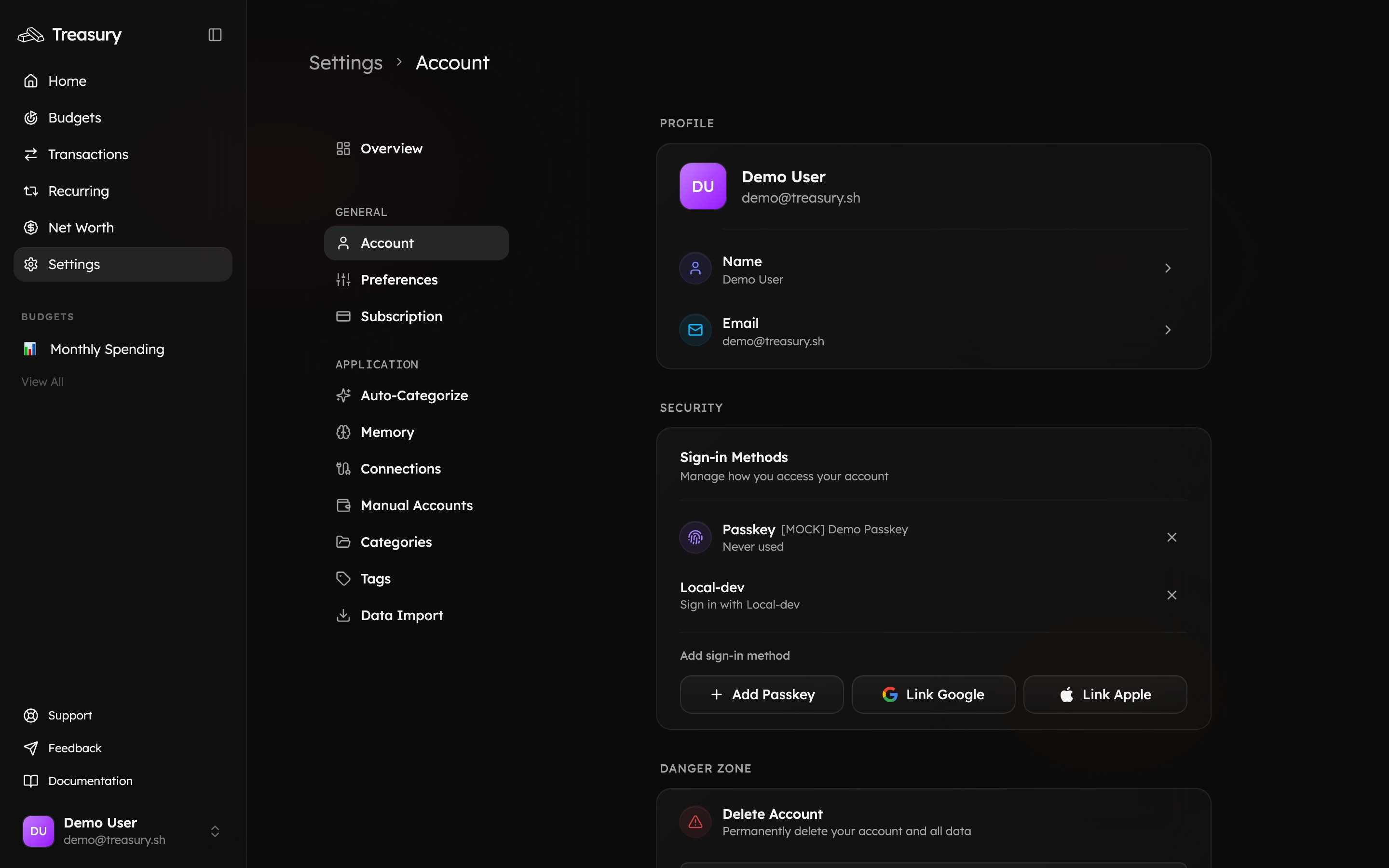
To manage your profile information, navigate to [**Settings → Account**](https://app.treasury.sh/settings/account).
Here, you can update your **name**, **email address**, and **profile picture**.
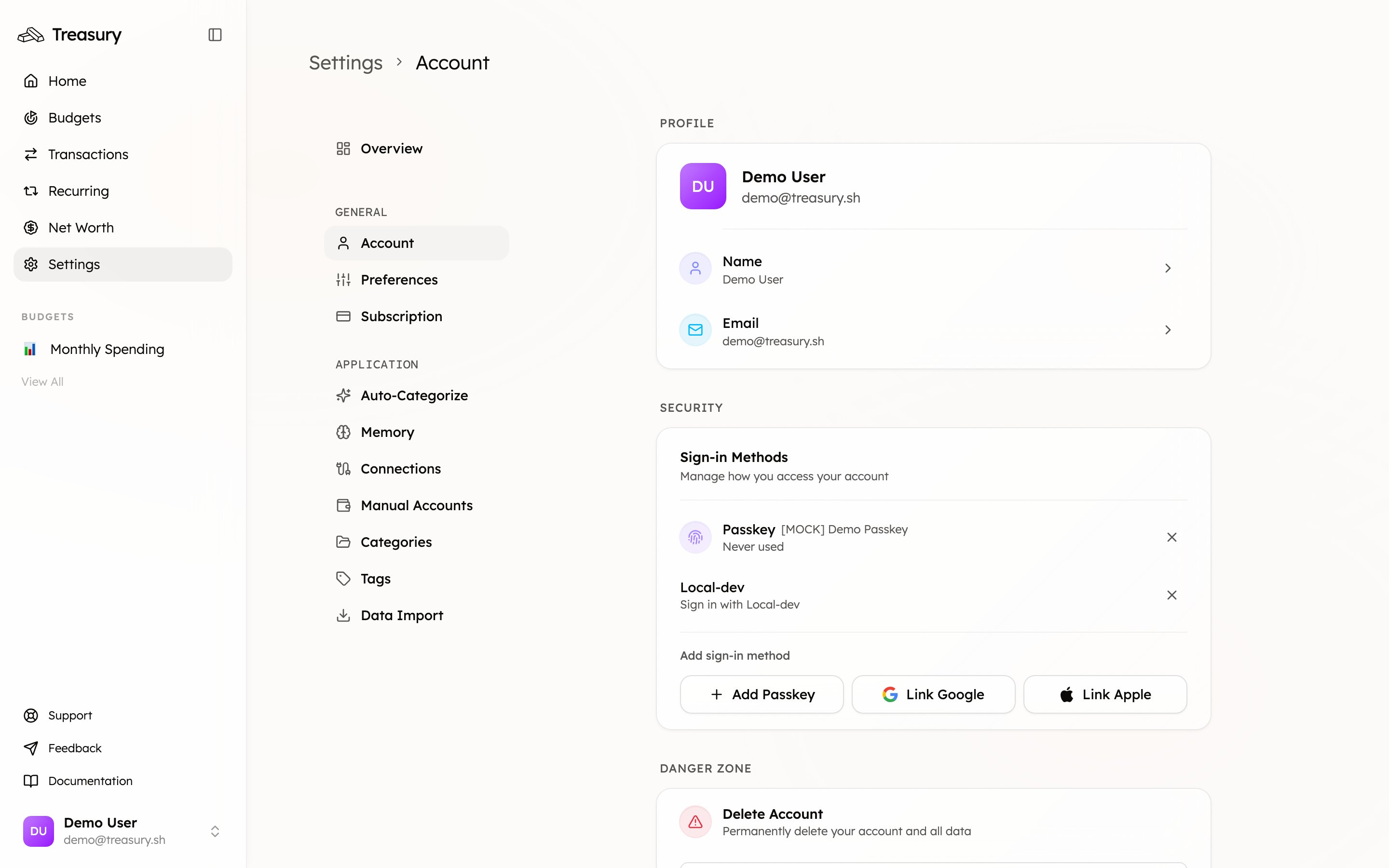
 ### Update Your Name
1. In the **Profile Information** section, locate your **name fields** and click the **edit** icon.
2. Click inside the text boxes to edit your **first** or **last** name.
3. Once you've made your changes, click **Save** to confirm — or **Cancel** to discard them.
Your updated name will appear across your Treasury account, including dashboards and reports.
### Update Your Email
1. In the **Profile Information** section, click the **edit icon** next to your current email address.
2. A **Change Email Address** window will appear.
3. Enter your **new email address** in the text box.
4. Click **Send Verification Link**.
You’ll receive an email at your new address containing a link to confirm the change.
Your current email remains active until you verify the new one. Once verified, you’ll be logged
out and prompted to sign in again for security.
### How Email Changes Work
When updating your email:
* Treasury sends a **verification link** to the new address.
* You must click that link to confirm the change.
* Until verified, your existing email continues to work normally.
* After verification, you’ll be logged out automatically to complete the update securely.
## Related
Manage passkeys and connected sign-in methods.
View and manage your subscription.
### Update Your Name
1. In the **Profile Information** section, locate your **name fields** and click the **edit** icon.
2. Click inside the text boxes to edit your **first** or **last** name.
3. Once you've made your changes, click **Save** to confirm — or **Cancel** to discard them.
Your updated name will appear across your Treasury account, including dashboards and reports.
### Update Your Email
1. In the **Profile Information** section, click the **edit icon** next to your current email address.
2. A **Change Email Address** window will appear.
3. Enter your **new email address** in the text box.
4. Click **Send Verification Link**.
You’ll receive an email at your new address containing a link to confirm the change.
Your current email remains active until you verify the new one. Once verified, you’ll be logged
out and prompted to sign in again for security.
### How Email Changes Work
When updating your email:
* Treasury sends a **verification link** to the new address.
* You must click that link to confirm the change.
* Until verified, your existing email continues to work normally.
* After verification, you’ll be logged out automatically to complete the update securely.
## Related
Manage passkeys and connected sign-in methods.
View and manage your subscription.